KEEP IN MIND
- Identify the object you must protect or reach.
- Practice movement before combining it with an attack.
- Read timer and ability indicators in the game.
- Check the original host for any saved record.
Defend the planets in Solar Defence
Solar Defence puts the player in charge of protecting planets from incoming threats. The creator documents keyboard and mouse controls as well as touch. Follow an incoming object and the planet it threatens before trying to respond to everything at once; the input option you select will change how you aim.
Make room for close combat
13 Blades is built around a sword rather than a distant gun. Its movement and attacks put the player near opponents, so notice the distance between a target and the next obstacle as well as the direction of an attack. Rage increases as enemies are defeated and, according to the creator, raises damage; the hearts track health separately.
Watch the clock in Those Final Seconds
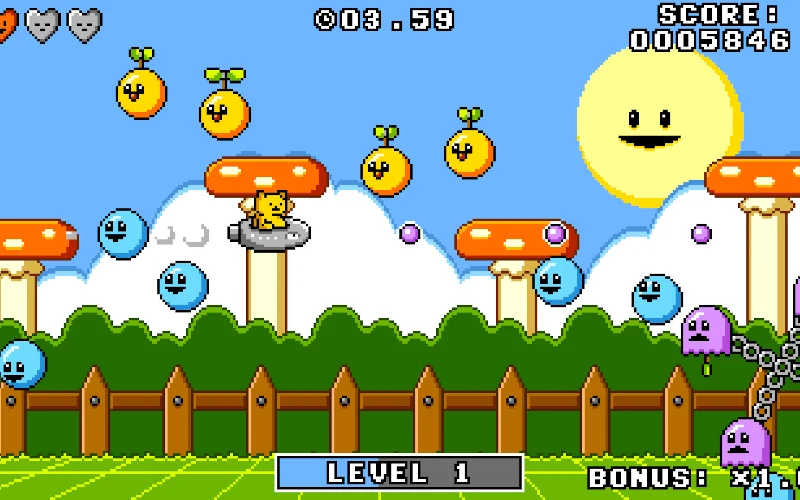
Those Final Seconds gives time a direct role in the attempt. Its creator describes collecting clocks to gain more time. When choosing between an enemy and a clock, look at the route to each and the timer on screen; a longer detour may change what can be reached next.
Read each game’s own hazards
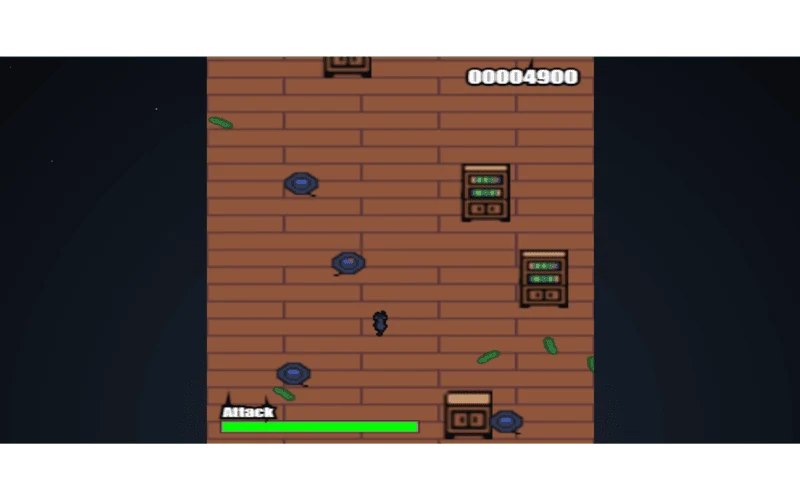
Feline Fury turns cucumbers into a threat and gives its cat a keyboard attack. Space Cowboy has a different premise, with humans and cattle on screen. Avoid carrying an assumed target list from one game to the next: the instructions and on-screen behavior identify what each particular player is meant to confront.
Separate a retry from stored progress
A high score, if a game stores one, is different from a resumable run. These game profiles do not claim that a session can be restored after a browser closes unless the creator documents it. Check the original game menu and keep the same host when testing whether a record remains.
Read the originals.
Source documents checked . This records a documentation check, not the version deployed by an external game host.