
FIELD NOTES
A better next move.
Learn the game, keep your progress and solve the problem that is actually in front of you.
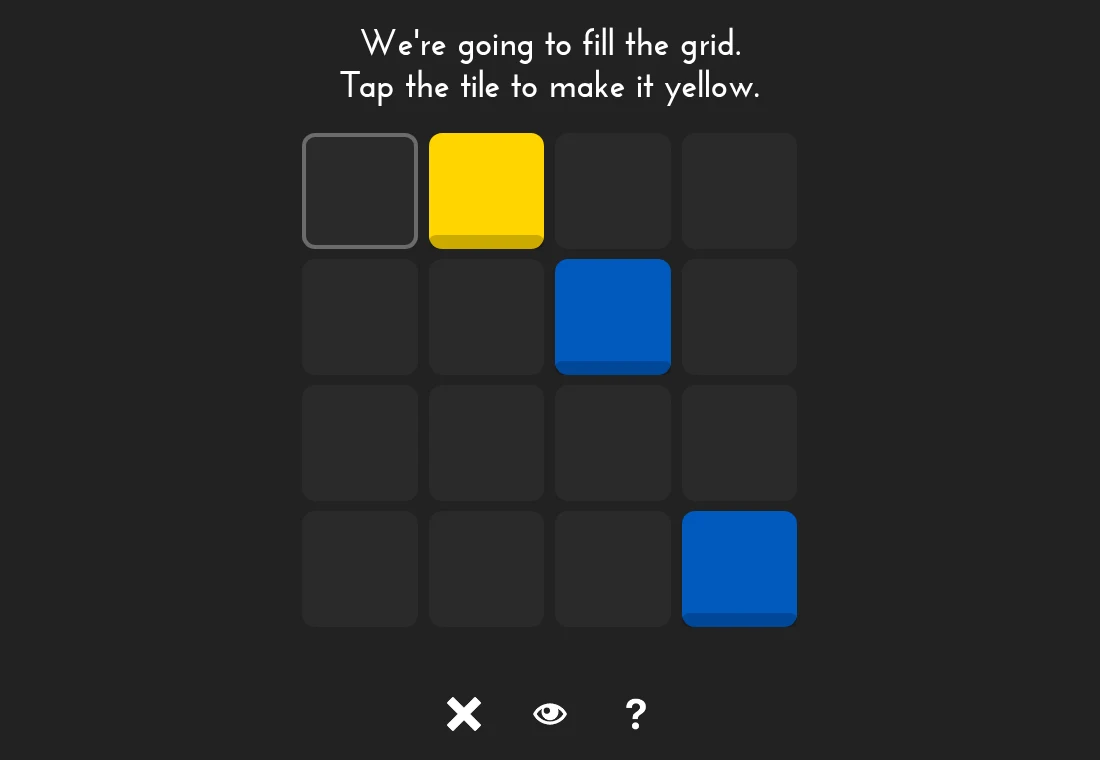
0h h1: solve the next tile without guessing.
Work through pairs, color counts and duplicate lines. Each deduction should have a reason you can point to on the board.
Read the field note
0h n0: count the sight lines, then place the blocker.
A numbered blue tile sees along its row and column. Red tiles stop that view. Work one direction at a time before combining the count.
Read the field note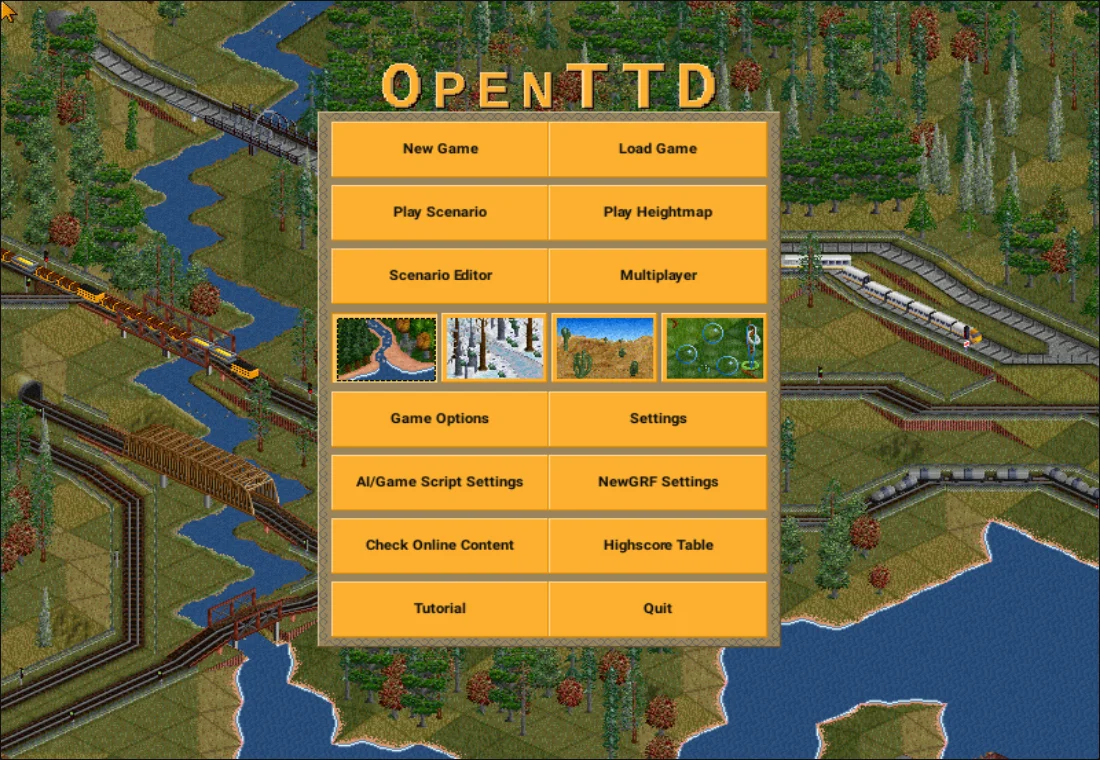
OpenTTD: make one bus route work.
Learn the relationship between stops, a depot, a vehicle and its orders. A small service is easier to diagnose than a half-built transport empire.
Read the field note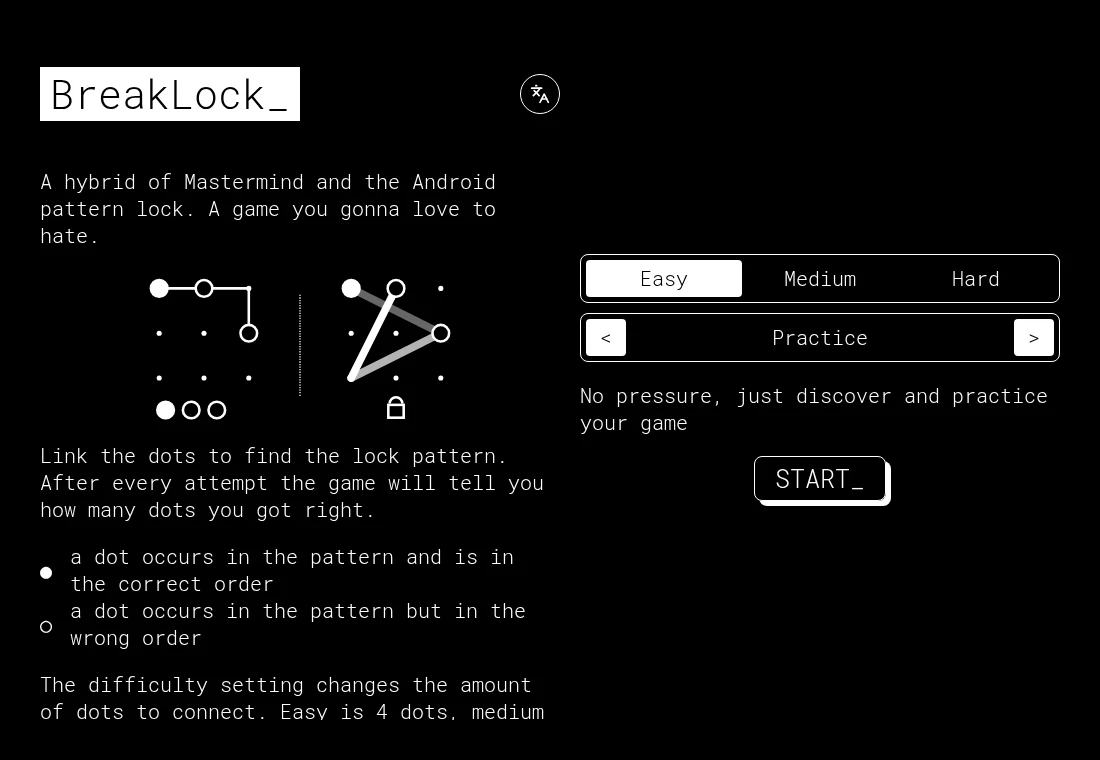
BreakLock: use the feedback from every attempt.
A pattern guess is useful when its feedback changes your next choice. Start with a short practice pattern and keep the meaning of each marker clear.
Read the field note
Classic platform controls: learn the action before the gap.
Old-style movement often combines directional keys with a contextual action. PrinceJS is a useful example because its documentation explains those combinations directly.
Read the field note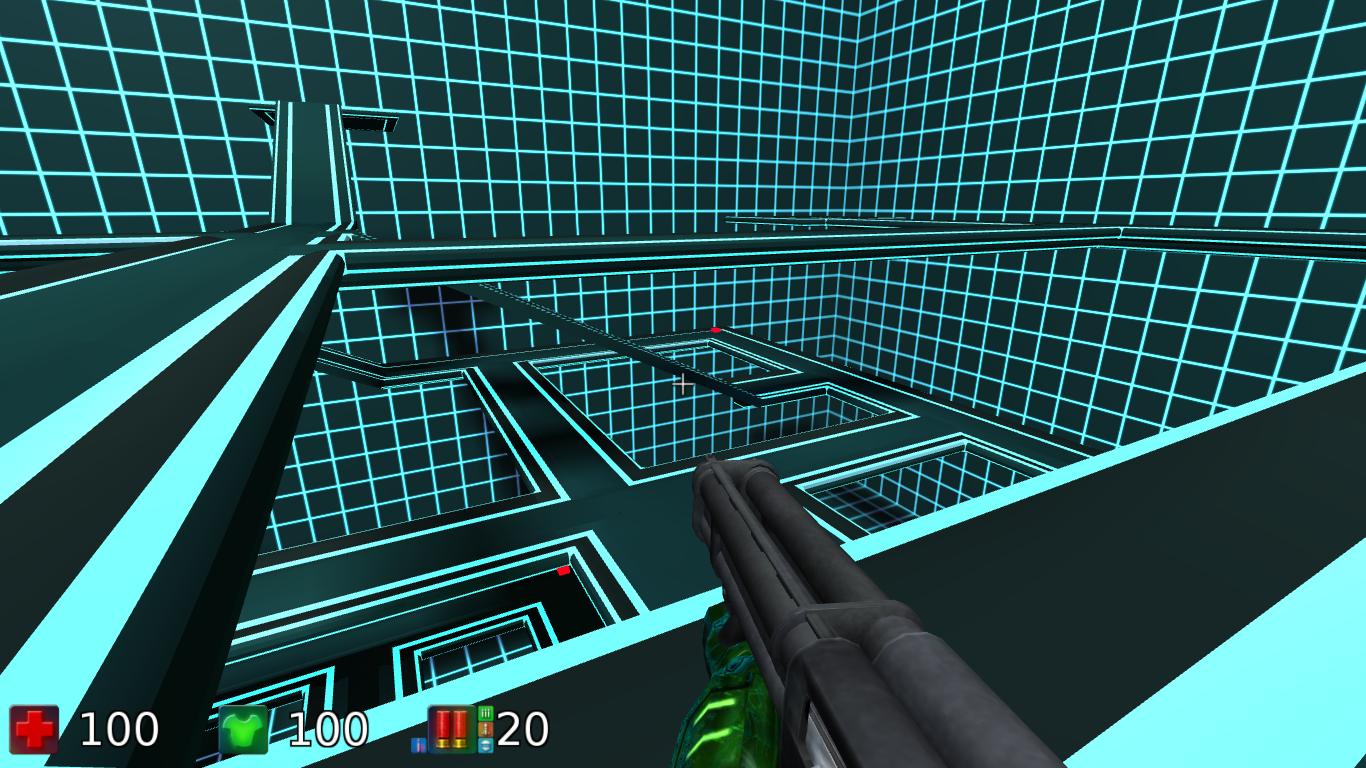
Browser shooters: loading, mouse capture and the first match.
An arena shooter asks the browser to load a world and receive continuous input. Check those pieces before deciding that the whole game is frozen.
Read the field note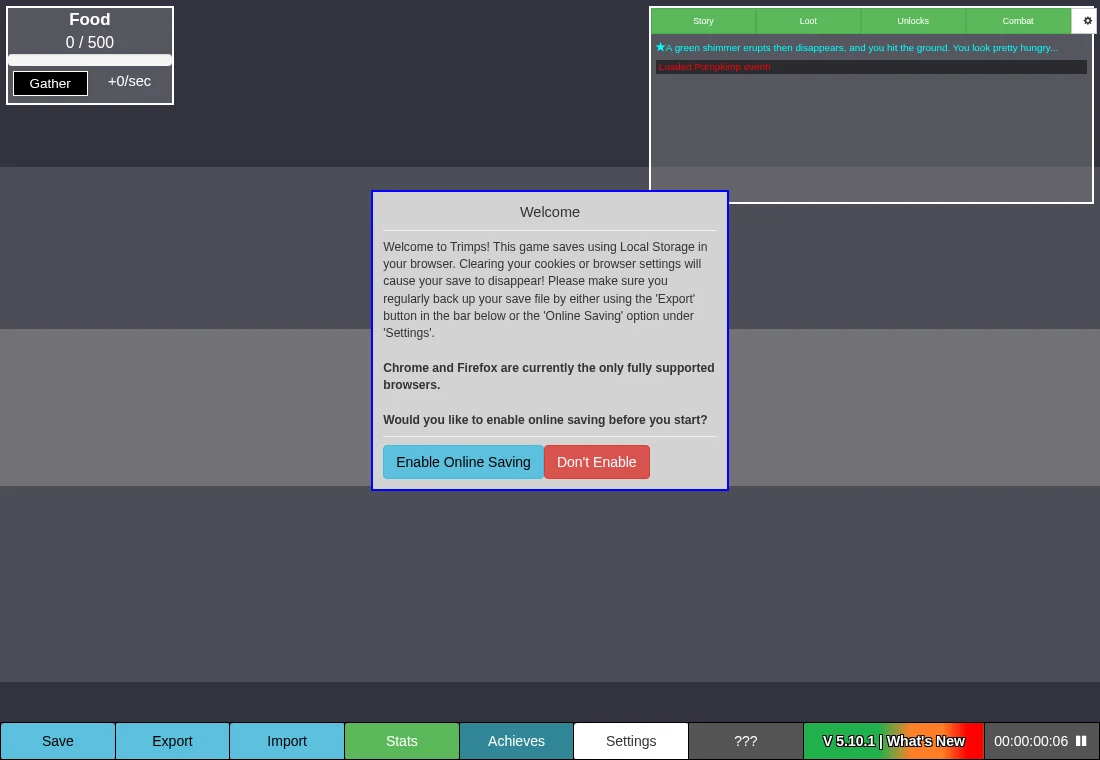
Incremental games: find the bottleneck, then protect the save.
Particle Clicker, Trimps and A Dark Room build different systems around repeated choices. Learn one resource loop before leaving a long-running game unattended.
Read the field note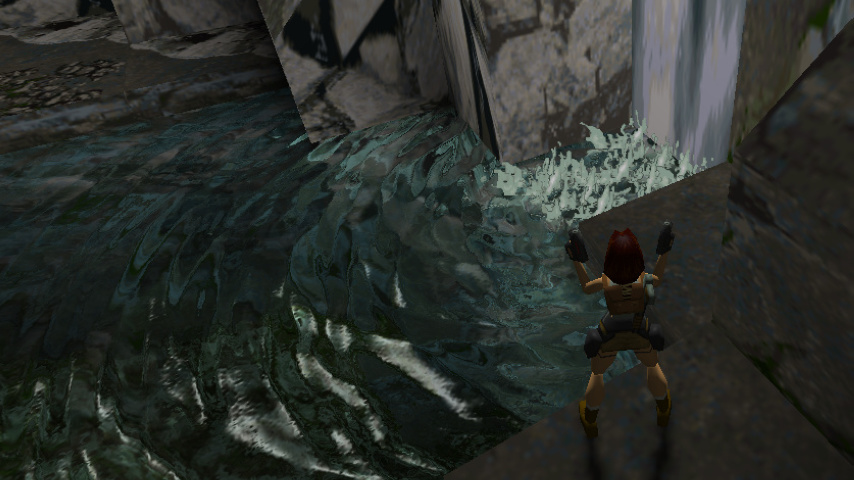
Open engine, original game data: check both licences.
A freely licensed engine can still require separately copyrighted levels, sprites or music. The download and the licence need to describe the same material.
Read the field note
Small controls, different timing: choose a short arcade game.
A repeated tap, a paddle adjustment and a drawn loop ask for different kinds of attention. Match the action to the input you have.
Read the field note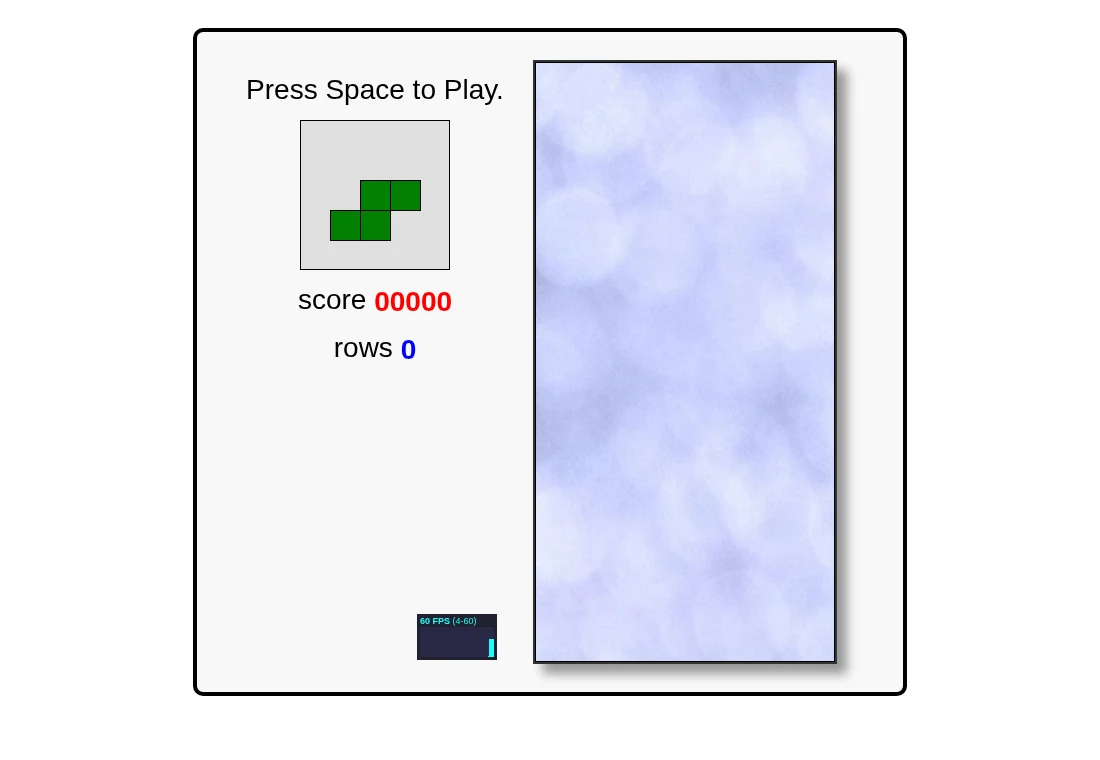
Falling blocks: keep a useful next move available.
2048, Hextris and JavaScript Tetris all punish cramped space, but they move and clear pieces differently. Use that distinction when changing games.
Read the field note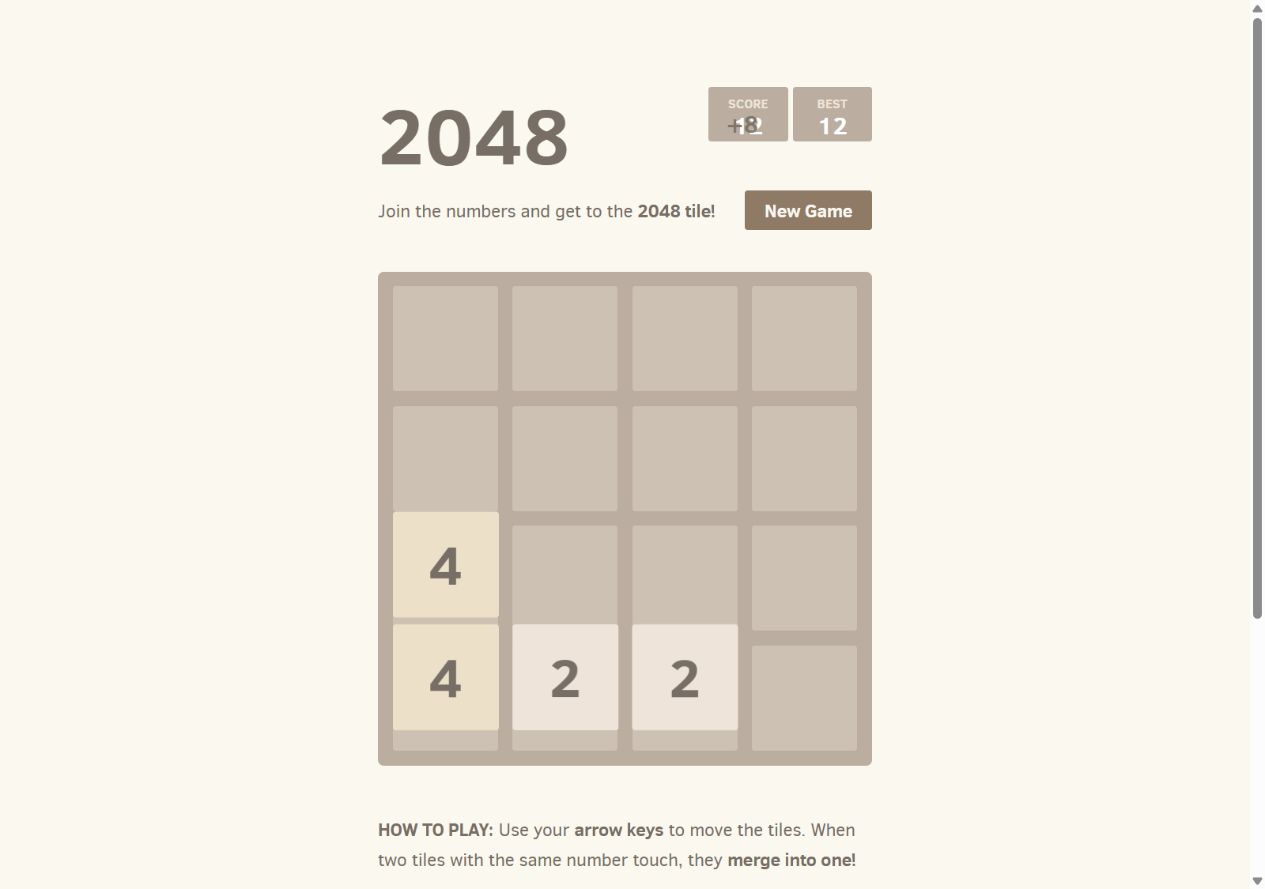
2048: make room for the next move.
Start with the rules of Gabriele Cirulli’s original game, then use a corner and a clear lane as a learning strategy. There is no guaranteed winning pattern.
Read the field note
Hextris: read all six sides.
The central hexagon rotates; the incoming blocks keep falling. Learn the boundary, the match rule and the effect of a clear before trying to extend combos.
Read the field note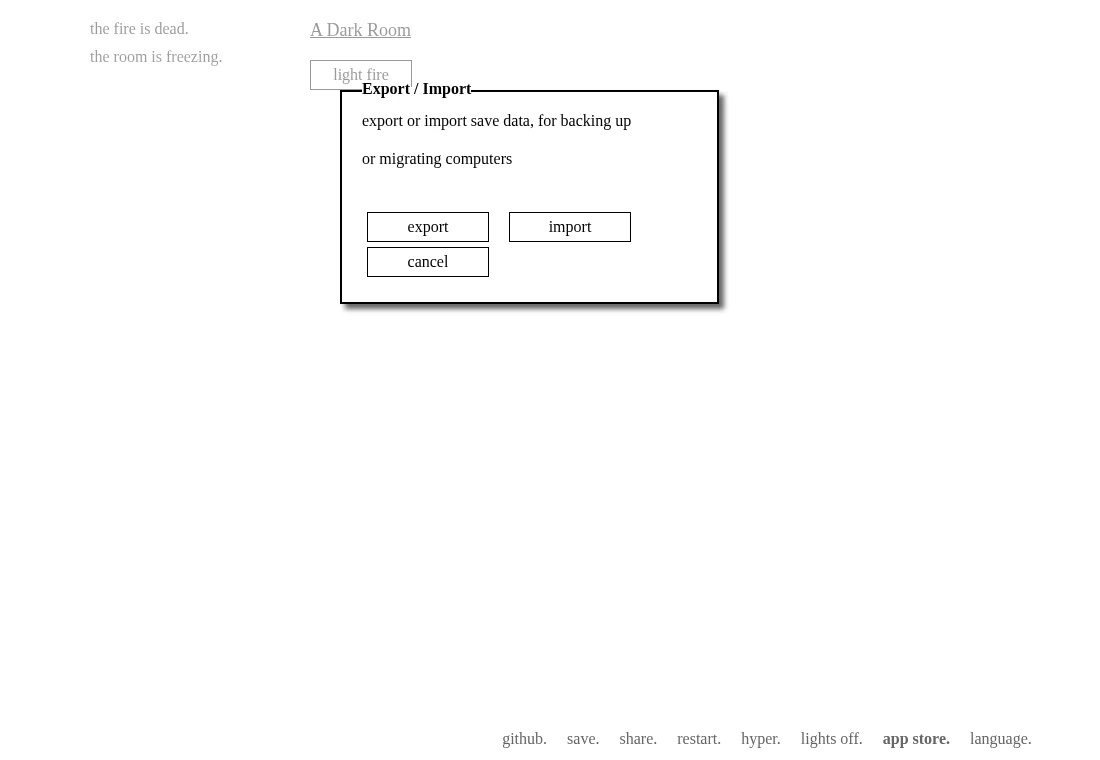
Keep your browser-game progress.
A saved tab, a high score and a game save are different things. Check what the game keeps before you clear a browser or move to another device.
Read the field note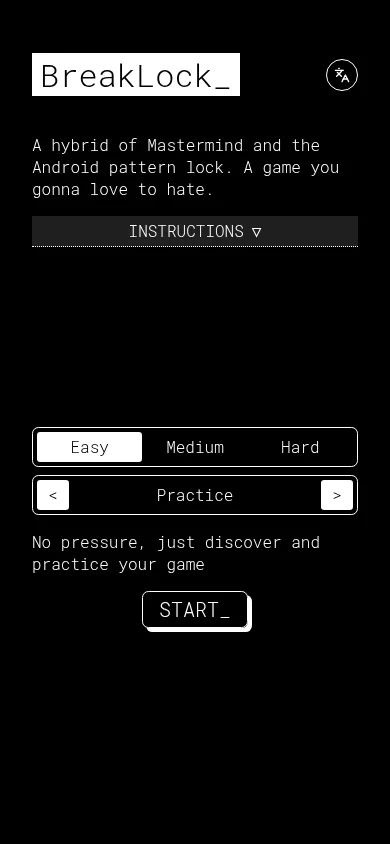
Choose a game for the controls you have.
A page that fits a phone is not proof that its game supports touch. Start with the input the project actually documents, then test one action before settling in.
Read the field note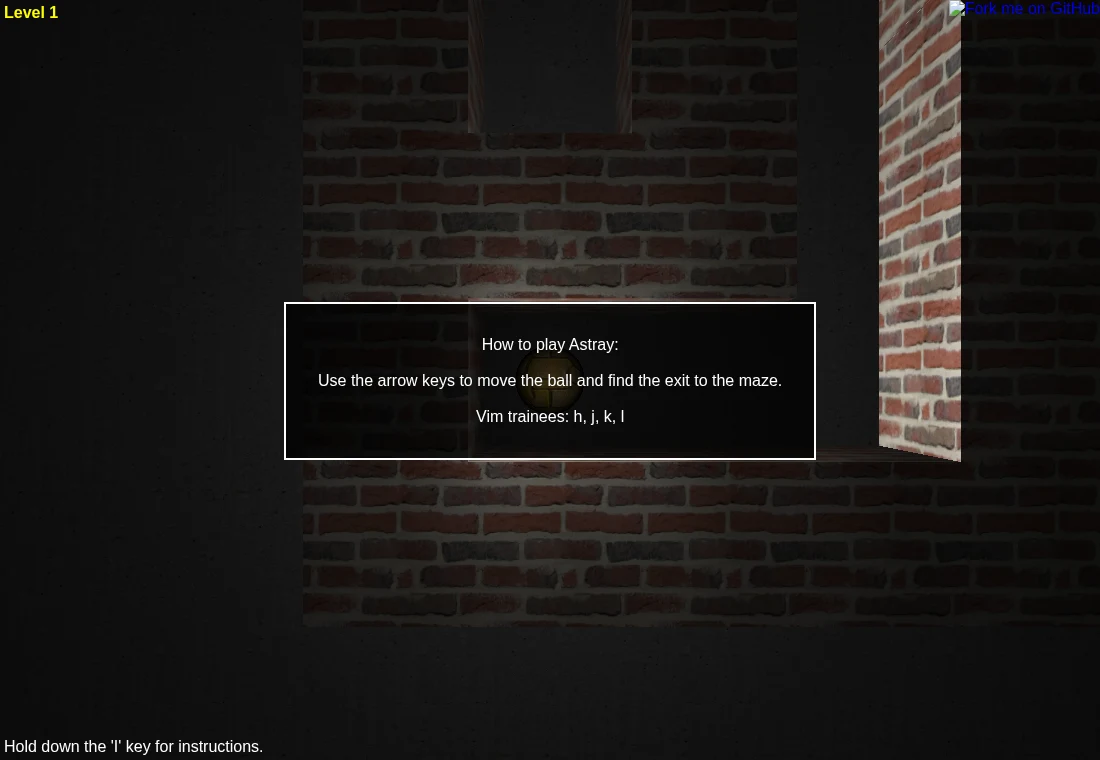
WebGL, WebAssembly and a blank game screen.
A game can finish downloading its page and still fail to start. Knowing what draws the scene and what runs the program gives you a more useful next check.
Read the field note
Browser game not loading? Start here.
Work out which part failed before changing settings. A blank page, a stopped data download and a frozen 3D scene point to different problems.
Read the field note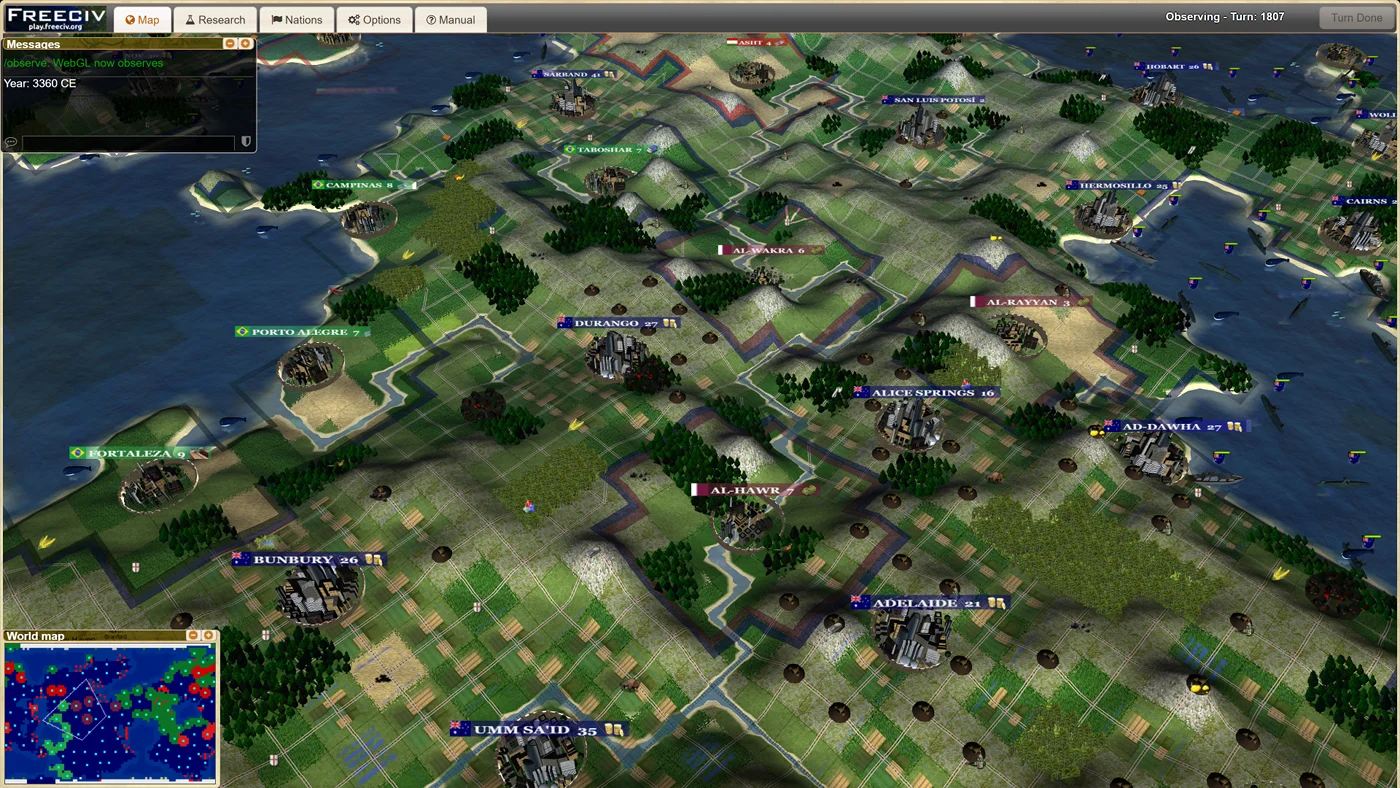
Browser port or web-native game?
They can open in the same browser tab while getting there in very different ways. The distinction helps you understand loading, files, controls and the maintainer’s role.
Read the field note
What is Ported2Browser?
Ported2Browser is a name used by an existing browser-game directory at ported2browser.com. This .sbs site is an independent field guide, with its own selection, source notes and practical starting advice.
Read the field note