KEEP IN MIND
- Stops need usable road access.
- A depot supplies the vehicle.
- The vehicle needs orders for both stops.
- Start it, observe the route, then expand.
Choose a small practice project
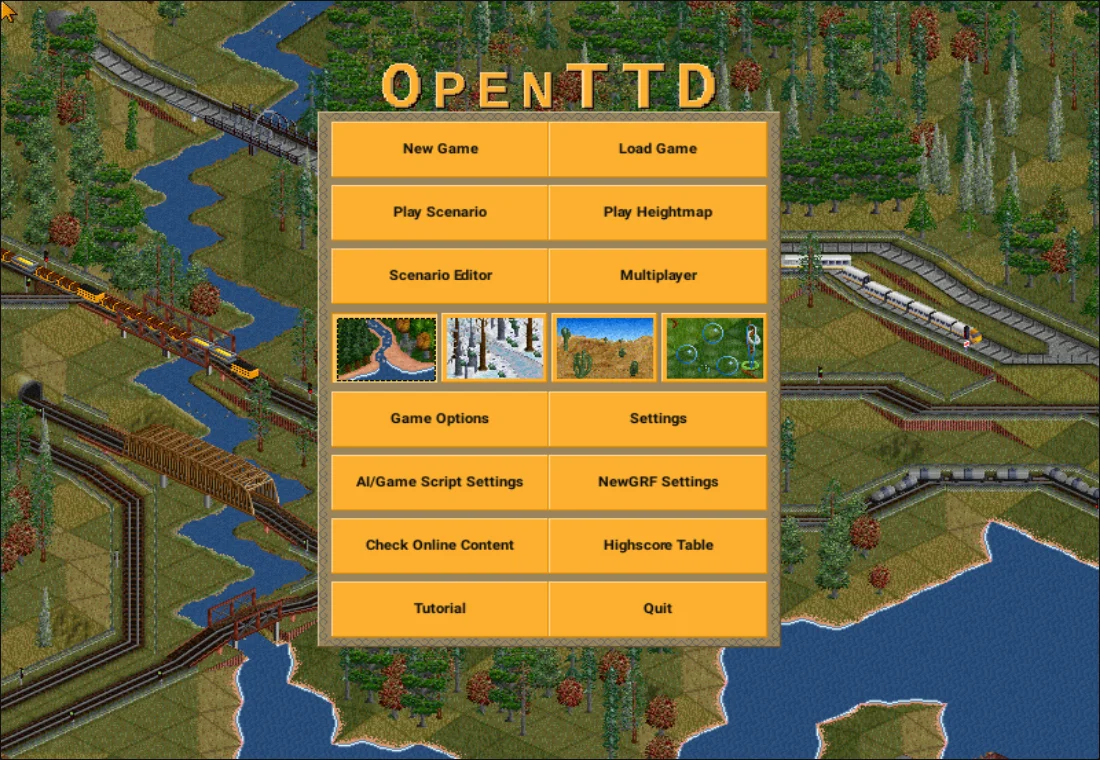
Use the official OpenTTD bus tutorial alongside the linked browser build. Its goal is a passenger service between two stops. Treat this first service as a way to learn construction and vehicle orders, then inspect the result before expanding. The web application has its own interface and version history, so some controls can differ from current desktop screenshots.
Connect the physical pieces
The official tutorial builds two bus stops with road access and a road-vehicle depot. Orientation matters: an entrance must face the usable road. Once those pieces are connected, purchase the bus through the depot. At this stage you have the infrastructure and a vehicle, but the vehicle still needs a service plan.
Add the route to the vehicle
Open the vehicle’s order list and add both stops. The tutorial’s orders repeat after the final item, forming the service. Then start the vehicle from its stopped state. If it stays in the depot or never reaches the second stop, inspect connectivity and its order list separately.
Observe before buying more
As a practical learning check, watch the bus reach both stops and return. Note whether it can actually enter each stop and whether the orders refer to the intended destinations. Duplicate vehicles will inherit the same underlying route problem if the first one is not working. Once the route operates, you have a clearer basis for trying trains.
Save a disposable company first
This is pelya’s browser port, not an assurance of every current desktop feature. Use a small company to test the port’s save and export interface before relying on a long campaign. Keep the exact game address and any exported file. This guide does not store the transport company.