KEEP THIS HANDY
Controls at a glance.
- Pointer
- Select units, cities and interface controls.
- Turn controls
- Use the chosen client’s own turn and unit commands.
Your cities are doing several jobs
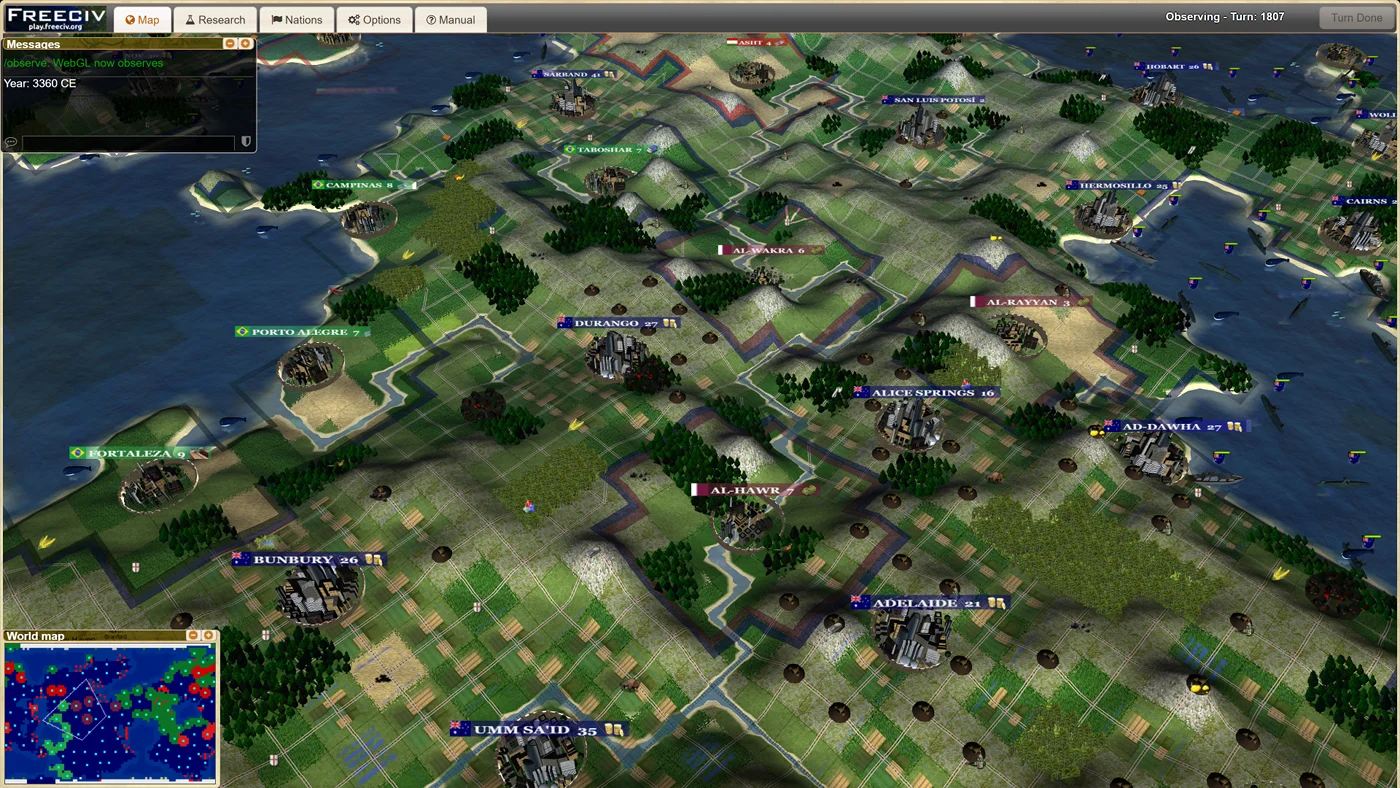
Freeciv combines settlement growth, technology, government and military decisions. Opening a city is a useful first habit: what it produces now affects the options available on later turns. The exact units, costs and victory conditions depend on the server’s ruleset.
Choose a client you can read comfortably
The project provides a 2D HTML5 client and a 3D WebGL client. For learning, choose the view in which city labels and unit selections are easiest to read. A 3D view adds a graphics requirement; it does not make a campaign more complete.
Make a small plan before expanding
As a starting approach, learn how one city grows and how one unit moves, then build outward. This is editorial advice for learning the interface. Use the selected host’s help when you need the exact rules for terrain, diplomacy or research.
What happens to your progress?
Depends on the selected server and account.
Check the save and backup guide ↗A FEW USEFUL ANSWERS
Before the next click.
Is this the desktop Freeciv application?
It is a browser adaptation with its own web client and hosting setup. Read the linked server’s rules and version information before comparing it with a desktop installation.
Can I play with other people?
The upstream project documents multiplayer as well as single player against AI. Availability and joining rules belong to the server you choose.
Does the guide keep my civilization save?
No. This site links to the host. Check its saving and account options before leaving a campaign.
A useful next read.
Choose a game for the controls you have. ↗Follow the source.
Freeciv-web contributors. Licence notice. AGPL / GPL; individual asset terms apply.
Latest collected source change: Merge pull request #881 from cazfi/srvup (opens a new tab) . Repository activity does not identify the hosted game version.
All media and source credits ↗