KEEP THIS HANDY
Controls at a glance.
- Pointer
- Build and inspect through the game toolbar.
- Touch interface
- Described by this port’s maintainer; mobile play has not been verified here.
Build a service before a network
OpenTTD’s official beginner tutorial starts with a bus service, then introduces trains and aircraft. A small route makes it easier to see whether stops, depots and orders work together. The desktop manual is a guide to game concepts; this web port may expose its controls differently.
A train needs more than track
The official railway help separates tracks, stations, depots, signals and vehicle orders. When a train will not move, check those pieces in turn. Adding more track will not fix an order that never sends a vehicle to a station.
Keep this build’s identity in mind
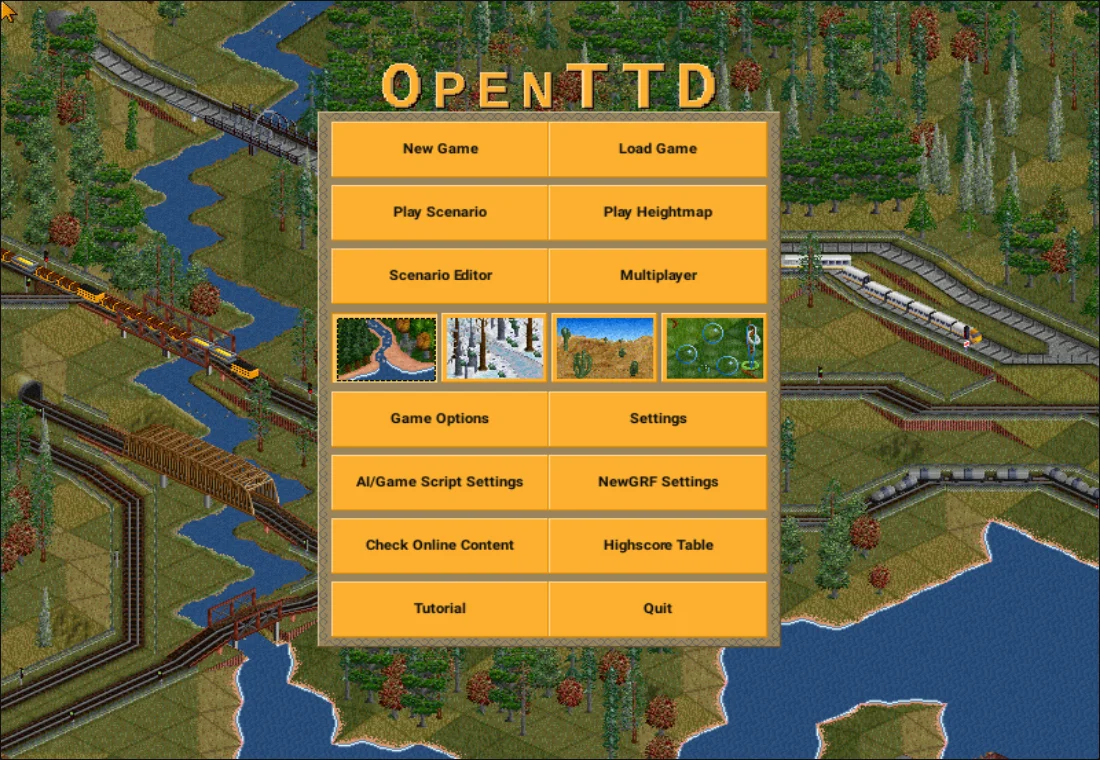
This is pelya’s Emscripten web application with a touch interface. Its build instructions reference branch 12 of the Android repository. Treat newer desktop features and compatibility advice as version-dependent.
What happens to your progress?
Check file export in this particular port before a long game.
Check the save and backup guide ↗A FEW USEFUL ANSWERS
Before the next click.
Is this the latest desktop OpenTTD?
The linked repository describes a specific web build. Its source lineage does not establish that the hosted game tracks current desktop releases.
Is a phone enough?
The port is described as having a touch interface. Its small controls and map view still need checking on your device; a pointer and larger screen are a useful starting point.
Where should a beginner start?
The OpenTTD manual’s bus tutorial is the shortest route into a complete service. Then move to the train tutorial when stops and orders make sense.
A useful next read.
Keep your browser-game progress. ↗Follow the source.
pelya / OpenTTD contributors. Licence notice. GPL browser-build repository; game and base-set licences are separate.
Latest collected source change: Create LICENSE (opens a new tab) . Repository activity does not identify the hosted game version.
All media and source credits ↗