KEEP THIS HANDY
Controls at a glance.
- Cursor keys
- Move through the playfield.
- Escape
- Restart.
- Delete
- Jump to the next level.
Read the board before entering a tunnel
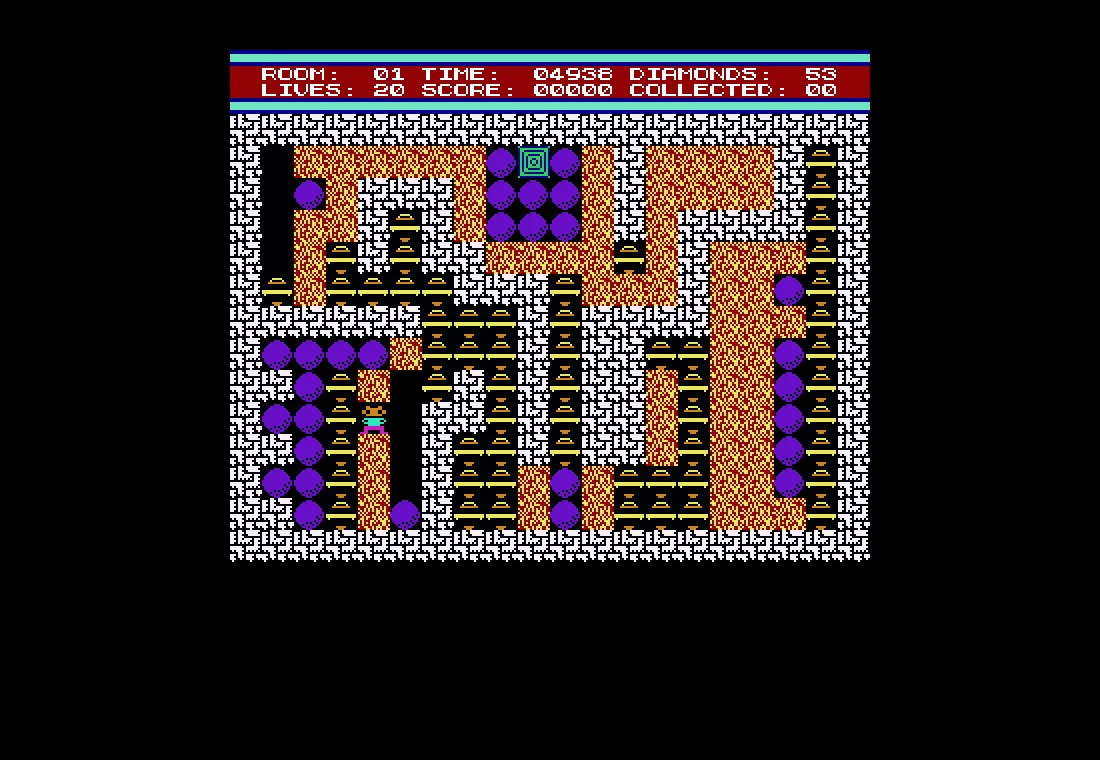
The narrow routes make the next junction more useful than a distant target. As a learning exercise, follow one short loop and notice where you have room to change direction. A route that is easy to enter may be awkward to leave when the board becomes crowded.
Use the practice shortcuts deliberately
Escape restarts and Delete advances to the next level according to the README. Keep those commands separate from ordinary movement. If you want to learn one layout, remain on it for several attempts; if you are exploring the recreation, the skip command lets you inspect another board without claiming a completed run.
A recreation with visible source
The project describes its implementation as JavaScript and HTML5 Canvas. It does not identify a root reuse licence in the material checked for this guide. You can inspect the source and use the maintainer’s play link, but source visibility alone should not be treated as permission to package the game or its artwork.
What happens to your progress?
No campaign save or export is documented in the project README.
Check the save and backup guide ↗A FEW USEFUL ANSWERS
Before the next click.
Is this an emulator?
The project describes a JavaScript implementation. This guide labels it a recreation rather than an emulated DOS executable.
Can I resume a campaign later?
The README documents movement, restart and level skipping. It does not document a persistent campaign save.
A useful next read.
Classic platform controls: learn the action before the gap. ↗Follow the source.
Lutz Roeder; Digger is an existing game design. Licence notice. Public source; no root reuse licence identified.
Latest collected source change: Update dist folder (opens a new tab) . Repository activity does not identify the hosted game version.
All media and source credits ↗