KEEP THIS HANDY
Controls at a glance.
- Direction controls
- Use the host’s visible up, down, left and right controls.
- Keyboard
- Follow the game’s displayed keyboard instructions for movement.
- Pause button
- Use the visible pause control.
- Mode / theme selectors
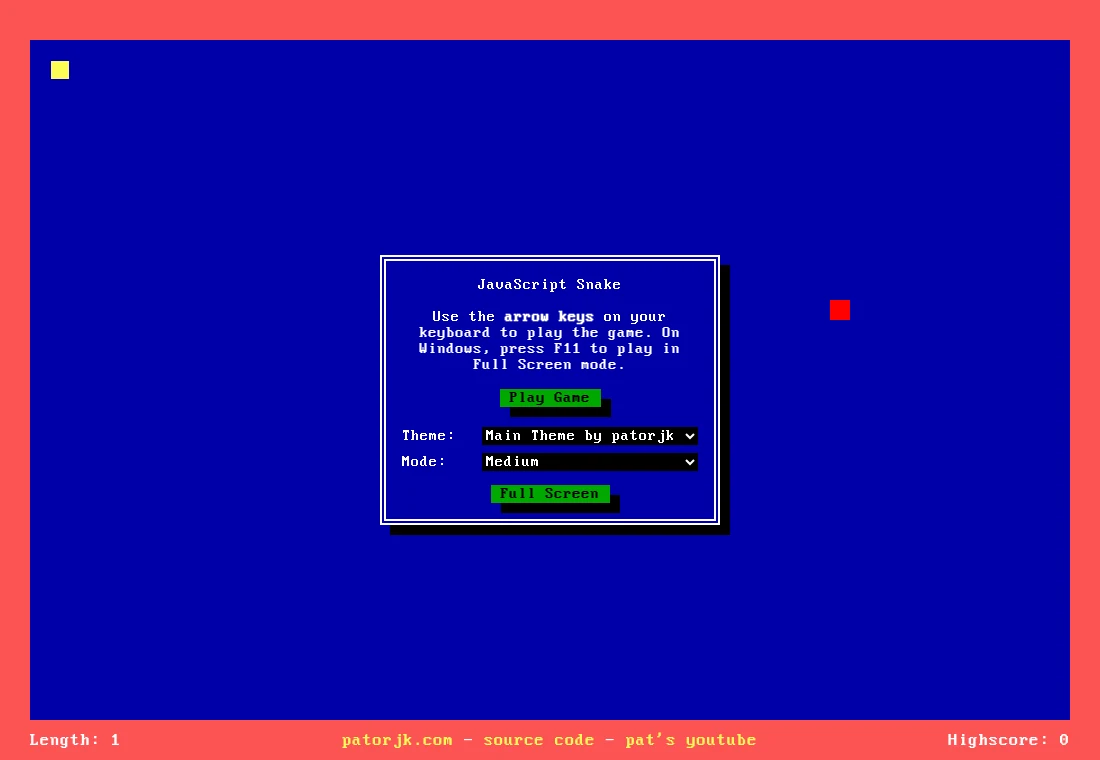
- Choose the game variation and appearance before settling into a run.
Plan beyond the nearest target
As a learning strategy, use the open part of the board for broad routes and avoid entering pockets you cannot leave. The snake’s body changes the available route as it grows. A target that is easy to reach now can still lead to a cramped turn afterward.
Check the mode before trusting a boundary
The original page offers a mode selector alongside its theme control. Variations can change how a familiar grid feels, so read the selected mode and test its basic behavior at the start of a disposable run. A theme is a visual choice; use one in which the head, body and target are easy to distinguish.
The implementation uses the document, not an emulator
The author describes a DOM-based JavaScript game without external gameplay libraries. The repository includes examples for custom initialization and AI movement. Those examples are useful for developers, but an AI example or a screenshot is not a human high-score result and is not presented as one here.
What happens to your progress?
No resumable-run or cross-device save is promised in this guide.
Check the save and backup guide ↗A FEW USEFUL ANSWERS
Before the next click.
Is it running an old phone game ROM?
No. This is a JavaScript and DOM implementation.
Will a new theme change my progress storage?
A visual selector does not establish a save system. This guide does not promise resumable runs.
A useful next read.
Small controls, different timing: choose a short arcade game. ↗Follow the source.
Patrick Gillespie (patorjk) and contributors. Licence notice. MIT.
Latest collected source change: Dos design (#151) (opens a new tab) . Repository activity does not identify the hosted game version.
All media and source credits ↗