KEEP THIS HANDY
Controls at a glance.
- Pointer / interface controls
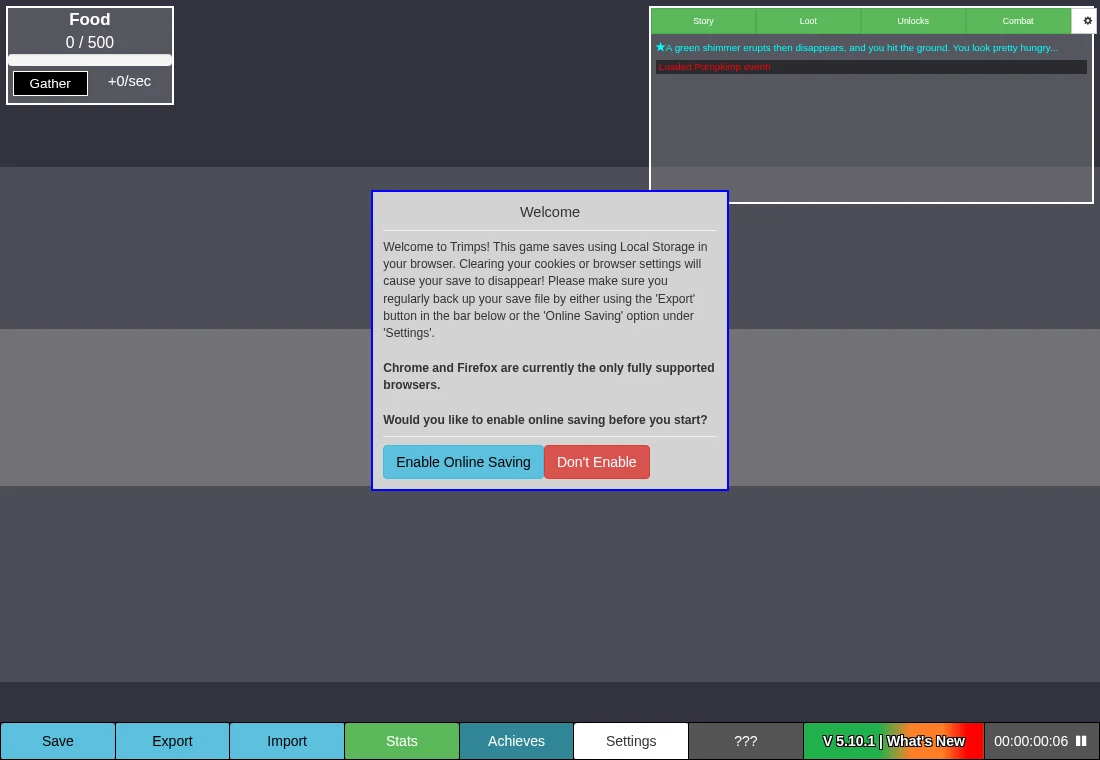
- Select a gathering task, buildings and available actions.
- Tooltips
- Read the displayed costs and effects before committing resources.
- Save / Export / Import
- Use the game’s progress controls; an export is separate from a shortlist bookmark.
Learn one production bottleneck at a time
The opening interface introduces food and later resource and construction controls. Read the cost of your next useful action, then decide which gathering task helps it. Buying every available item immediately can make it harder to see which resource or capacity is limiting the next step.
Population and work create different decisions
As the game opens additional systems, resource production, available population and construction interact. Use the game’s tooltips to understand a new control before changing several systems at once. This guide avoids a fixed-speed opening build order because live balance and the point at which a system appears can change between revisions.
Keep a recoverable copy of the run
The project implements local saving and import/export. Exporting gives you a separate copy that can survive site-data deletion if you keep it somewhere else. Verify a transfer on the destination before replacing the original. Account or cloud features, where offered by the live host, have their own behavior and should not be assumed from a local save.
What happens to your progress?
Local saves and export/import are implemented. Keep an exported backup before clearing data or moving browsers.
Check the save and backup guide ↗A FEW USEFUL ANSWERS
Before the next click.
Can I move to another browser?
Use the game’s export/import controls and verify the imported result before deleting the old copy.
Does saving this entry keep my Trimps run?
No. The guide’s Save button stores only a bookmark. The game’s save controls protect the run.
A useful next read.
Incremental games: find the bottleneck, then protect the save. ↗Follow the source.
GreenSatellite and Trimps contributors. Licence notice. GPL-2.0 project.
Latest collected source change: Merge pull request #308 from Trimps/dev (opens a new tab) . Repository activity does not identify the hosted game version.
All media and source credits ↗