KEEP THIS HANDY
Controls at a glance.
- Pointer movement
- Draw the trail used to surround orbs.
- Start Game
- Begin from the original opening screen.
- Disable grid effects
- The original page offers this option when it reports slow rendering.
Closure is the useful movement
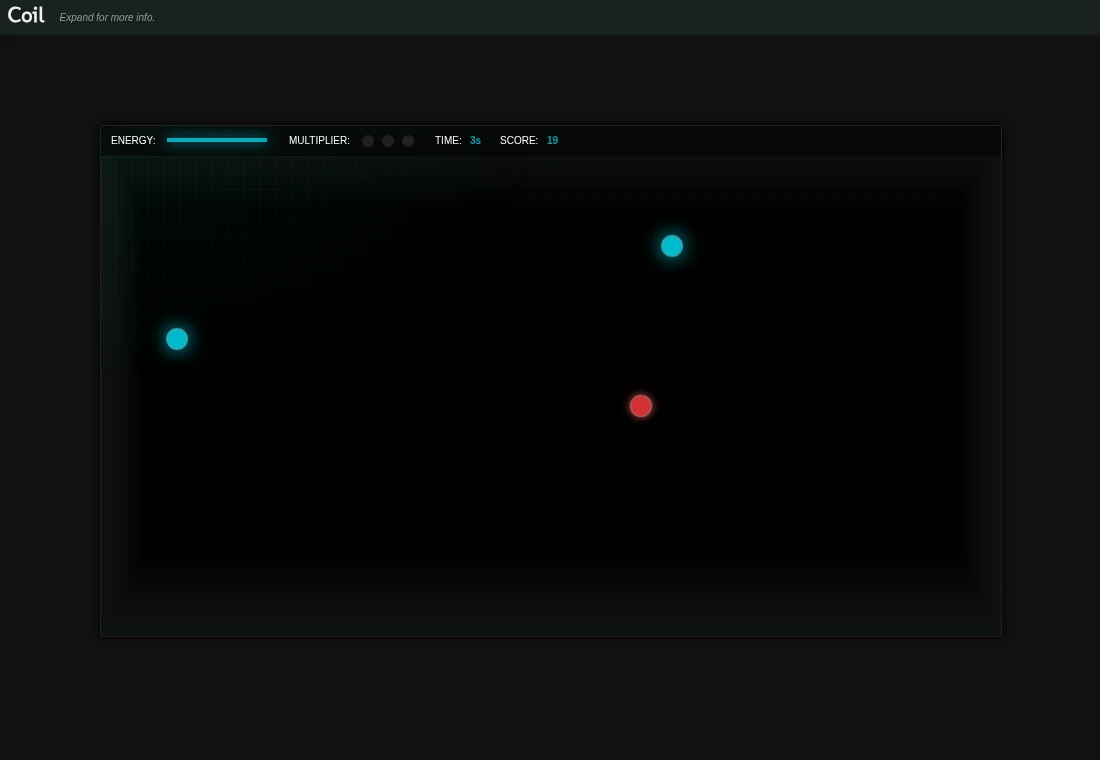
The game responds to an enclosure formed by your trail. As a learning exercise, begin with a compact loop around one orb and return to the trail. Large circles take longer to draw and leave you with more distance to cover before an enclosure is complete.
Group bonuses compete with urgency
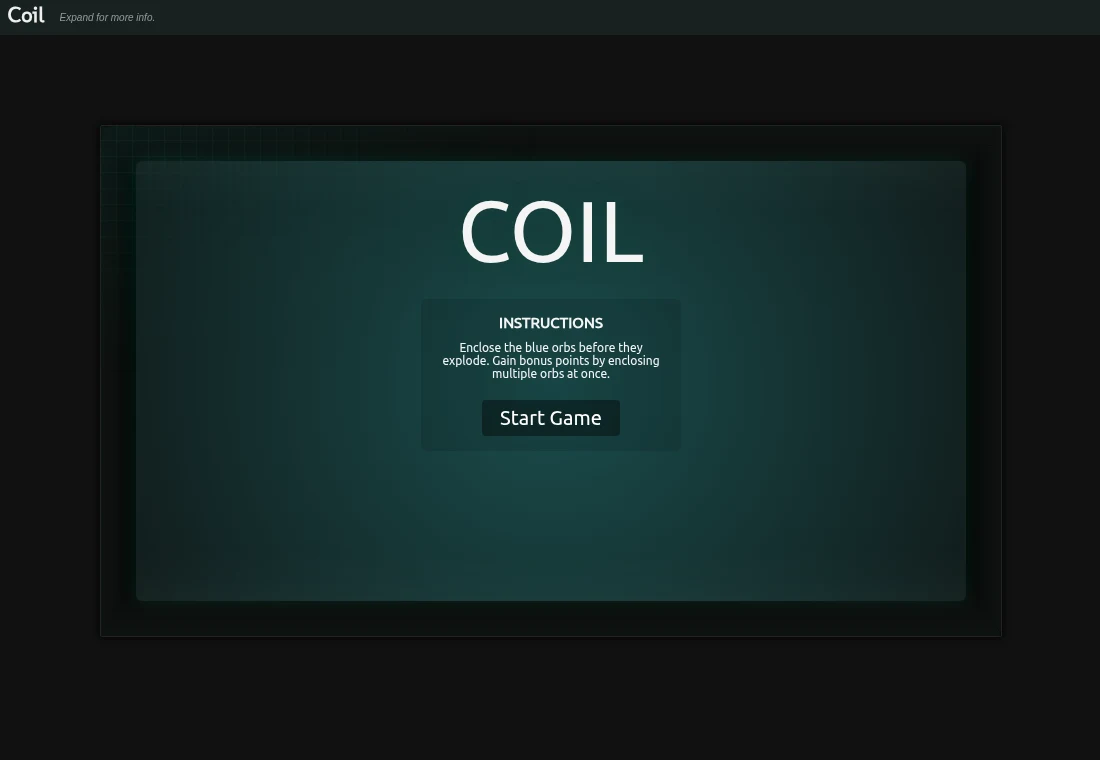
The opening instructions describe a bonus for enclosing several orbs at once. They also explain that blue orbs can explode. Try grouping nearby targets after a reliable single-orb loop feels comfortable. An awkward distant group may cost more time than it saves, so use the changing playfield to choose a manageable route.
Keep visual effects separate from the rules
The source description says most drawing uses Canvas, with extra effects when WebGL is available. The original page includes a grid-effects fallback for slow rendering. Lowering decorative effects can be a useful check if pointer movement feels delayed, while the orb-enclosing objective stays the same.
What happens to your progress?
No campaign save or resume interface is documented by this guide.
Check the save and backup guide ↗A FEW USEFUL ANSWERS
Before the next click.
Do I need to click every orb?
The objective is to surround orbs with the pointer trail and close the enclosure.
Is WebGL the entire game?
The source describes Canvas gameplay with optional additional WebGL effects.
A useful next read.
Small controls, different timing: choose a short arcade game. ↗Follow the source.
Hakim El Hattab; public source archive maintained by Lee Reilly. Licence notice. MIT.
Latest collected source change: remove more unused code (opens a new tab) . Repository activity does not identify the hosted game version.
All media and source credits ↗