KEEP THIS HANDY
Controls at a glance.
- Pointer
- Position the defensive shield around the core.
- Space, held
- Activate the temporary shield described by the start screen.
- Start game
- Begin from the game’s opening panel.
Defending every direction creates a tradeoff
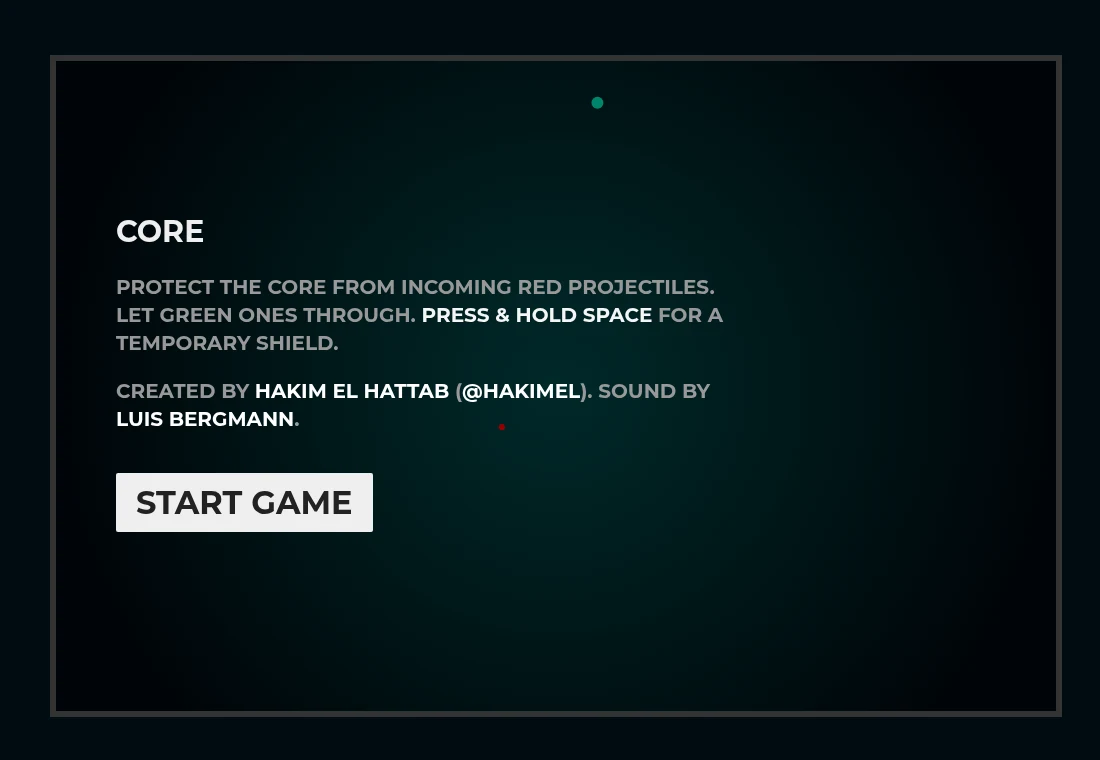
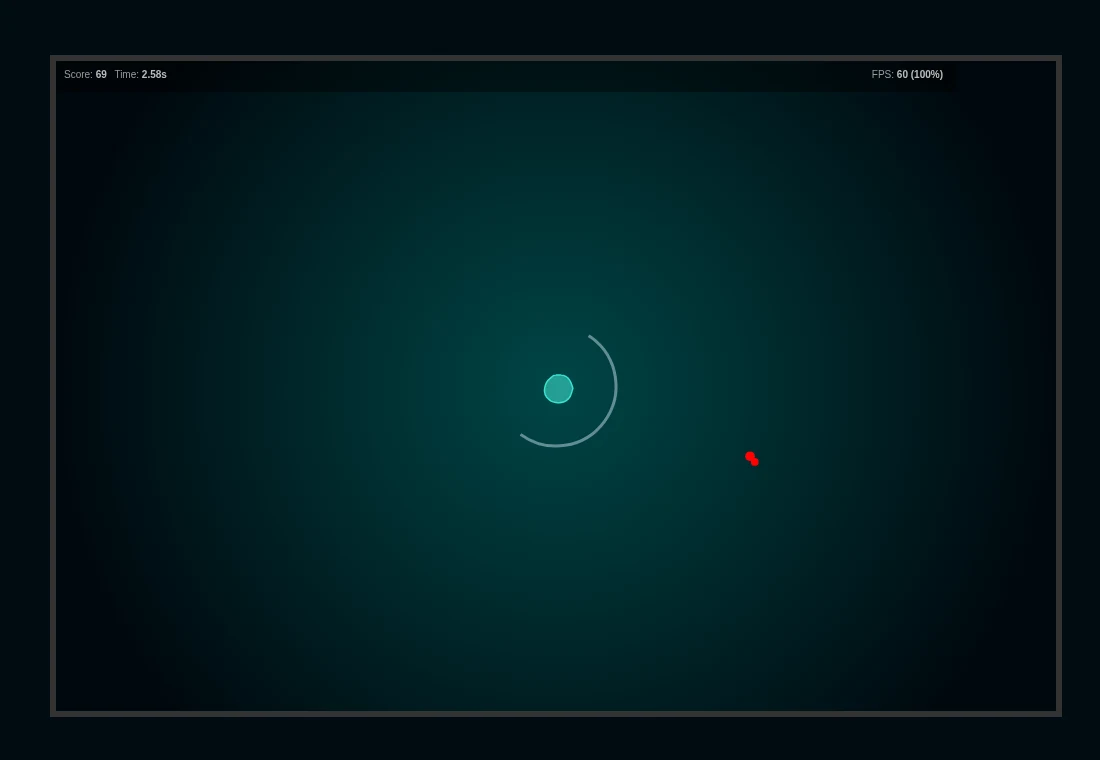
The opening instructions tell you to intercept red projectiles and admit green ones. Watch the path toward the core, then move the shield to cover a red approach. A defensive position can also obstruct something you want to let through, so keep checking the color and route of the next arrival.
Learn the shield’s response before the screen fills
As a first-session exercise, move the pointer around the center and observe how the defensive arc follows it. Try a short, deliberate adjustment rather than sweeping continuously. The important feedback is whether the shield reaches the incoming path in time, not how far you move the mouse.
Space is an additional action
The opening panel documents holding Space for a temporary shield. Give the game keyboard focus before testing it, and use an early attempt to learn the visible feedback. A pointer-only device may reach the ordinary shield control while lacking a convenient way to issue the keyboard action.
What happens to your progress?
No persistent campaign save is documented. Treat the current attempt as temporary.
Check the save and backup guide ↗A FEW USEFUL ANSWERS
Before the next click.
Should I block the green projectiles?
The game’s opening instructions say to let green ones through.
Does it use the same loop gesture as Coil?
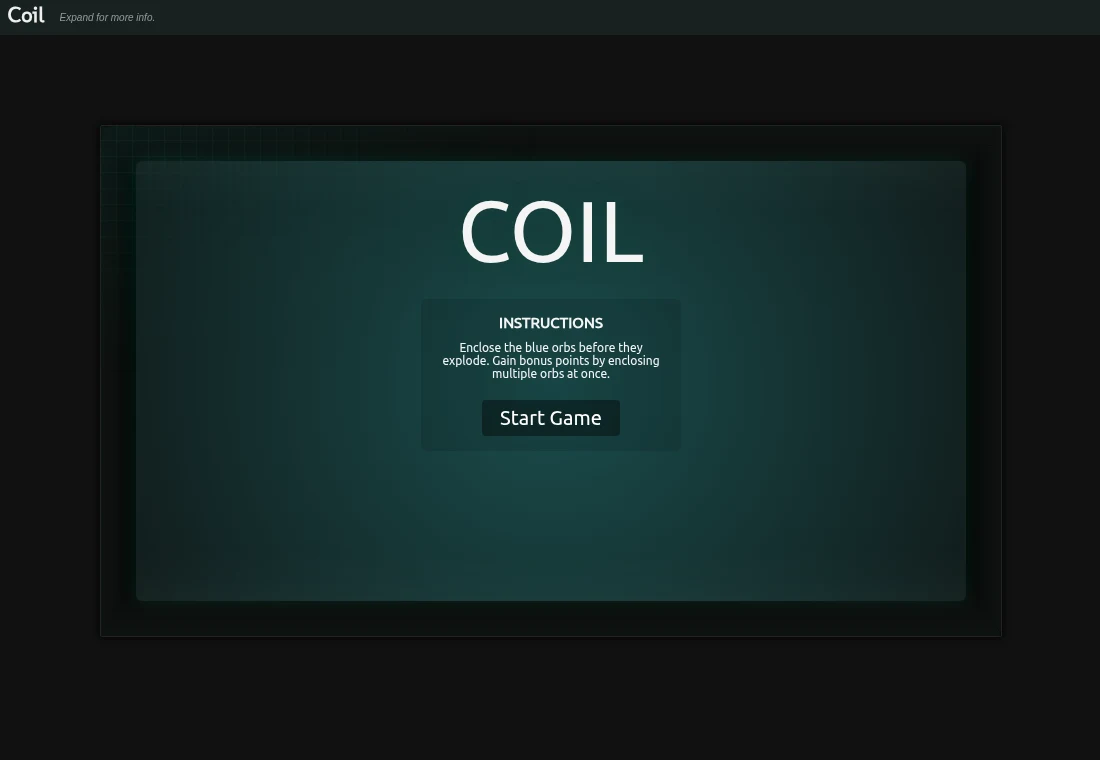
No. Core is a central defense game. Coil asks you to draw a trail around orbs.
A useful next read.
Choose a game for the controls you have. ↗Follow the source.
Hakim El Hattab; sound by Luis Bergmann. Licence notice. MIT.
Latest collected source change: tweak credit (opens a new tab) . Repository activity does not identify the hosted game version.
All media and source credits ↗