KEEP THIS HANDY
Controls at a glance.
- WASD / arrow keys
- Move the ship.
- Mouse + mouse button
- Aim and fire.
- P / Escape
- Pause.
- M
- Mute.
Movement is your first defense
The independent aiming control lets you fire toward enemies while moving away from them. As a starting tactic, travel around the edge of a group instead of driving through its center. Watch the open space ahead of the ship as well as the direction of the weapon.
Learn a power-up before changing your route
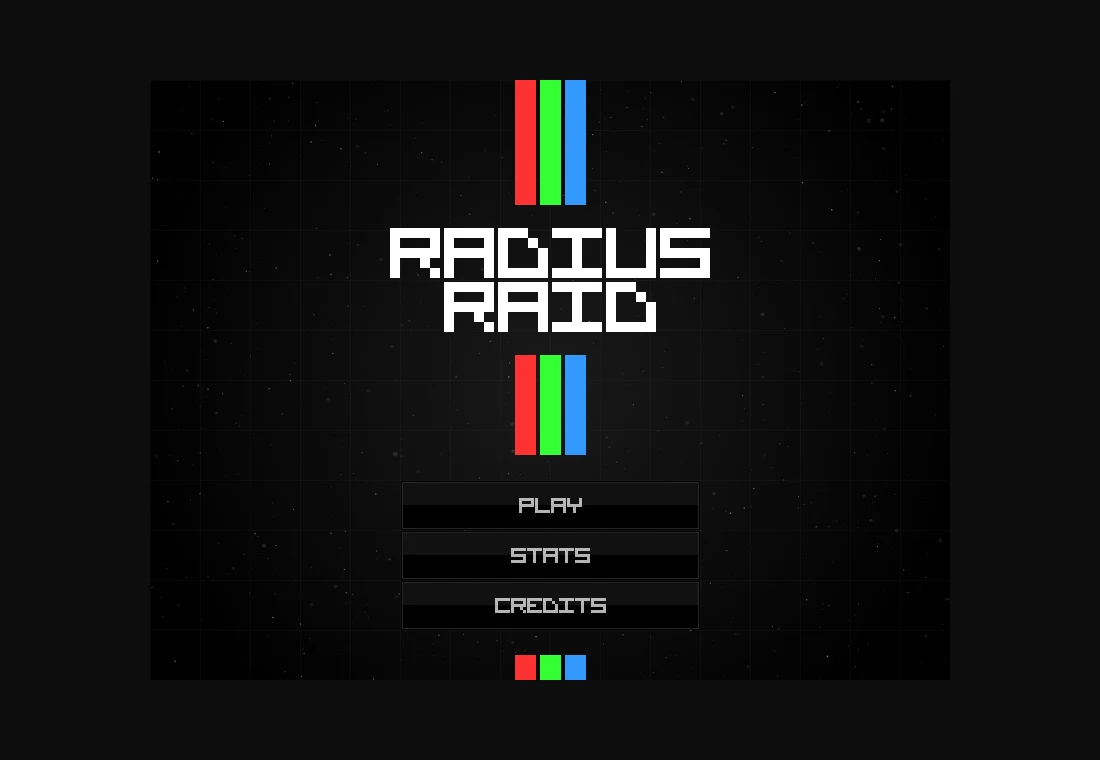
The author lists five power-up types and thirteen enemy types. Their different behavior gives you reasons to move, but chasing every pickup can leave you surrounded. During an early attempt, prioritize an escape path and observe what a collected item changes before planning around it.
Use pause and local records for different purposes
P or Escape pauses; M controls sound. Those commands can make a busy desktop session easier to manage. The repository also describes locally stored statistics. A local record belongs to that browser and host, and does not establish an account, cloud sync or a recoverable in-progress arena.
What happens to your progress?
The project stores statistics locally. This does not promise resuming an unfinished arena run.
Check the save and backup guide ↗A FEW USEFUL ANSWERS
Before the next click.
Do I aim with the same keys that move?
No. Movement uses WASD or arrows, while the mouse aims and fires.
Are my statistics a cloud save?
The project describes local storage. Use the same browser profile and host to return to those records.
A useful next read.
Browser shooters: loading, mouse capture and the first match. ↗Follow the source.
Jack Rugile. Licence notice. MIT.
Latest collected source change: add inner wrap for overflow hidden, was messing up dynamic game scale (opens a new tab) . Repository activity does not identify the hosted game version.
All media and source credits ↗