KEEP IN MIND
- Wait for level and program downloads.
- Read how to release mouse capture.
- Start with the documented bot mode.
- Check focus separately from graphics.
Finish loading the selected world
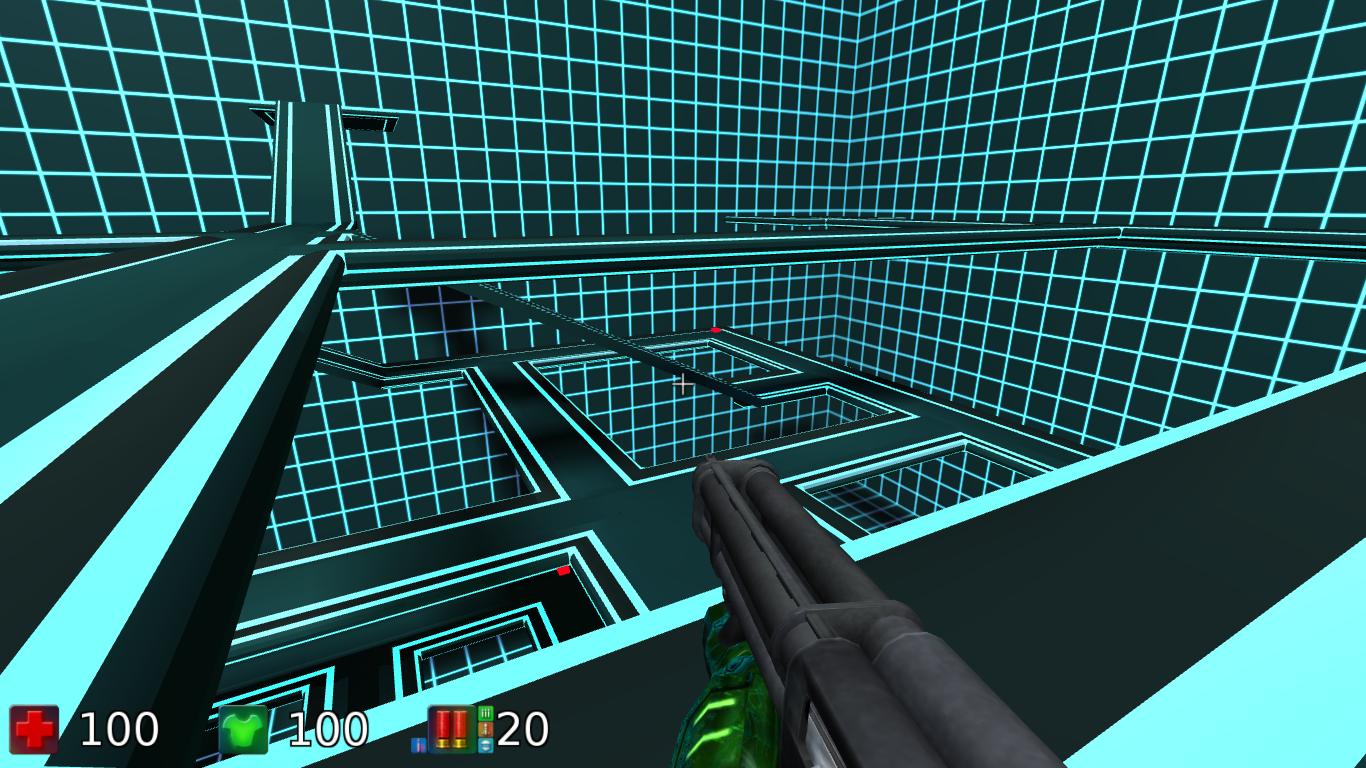
BananaBread is a compiled Cube 2 / Sauerbraten port, and its current demonstration requires WebAssembly. A visible page can precede the executable module and level data. Wait for the selected demo’s own loading feedback. If it stops, keep the exact address and stage; repeatedly switching settings makes it harder to identify the failed part.
Understand mouse capture before entering
A first-person game may ask to capture pointer movement so turning can continue without the cursor reaching an edge. Enter through the game’s visible start control and read the browser’s instructions for releasing capture. If the cursor keeps leaving the scene, check focus and the game’s input help before changing the sensitivity.
Use a bot session as the learning space
BananaBread documents AI bots and adjustable bot difficulty. Begin with a setting that gives you time to learn movement and find exits. Its README says online multiplayer is not enabled in this demonstration. A bot arena therefore describes the available browser experience more accurately than promising a live community match.
Keep aiming and steering distinct
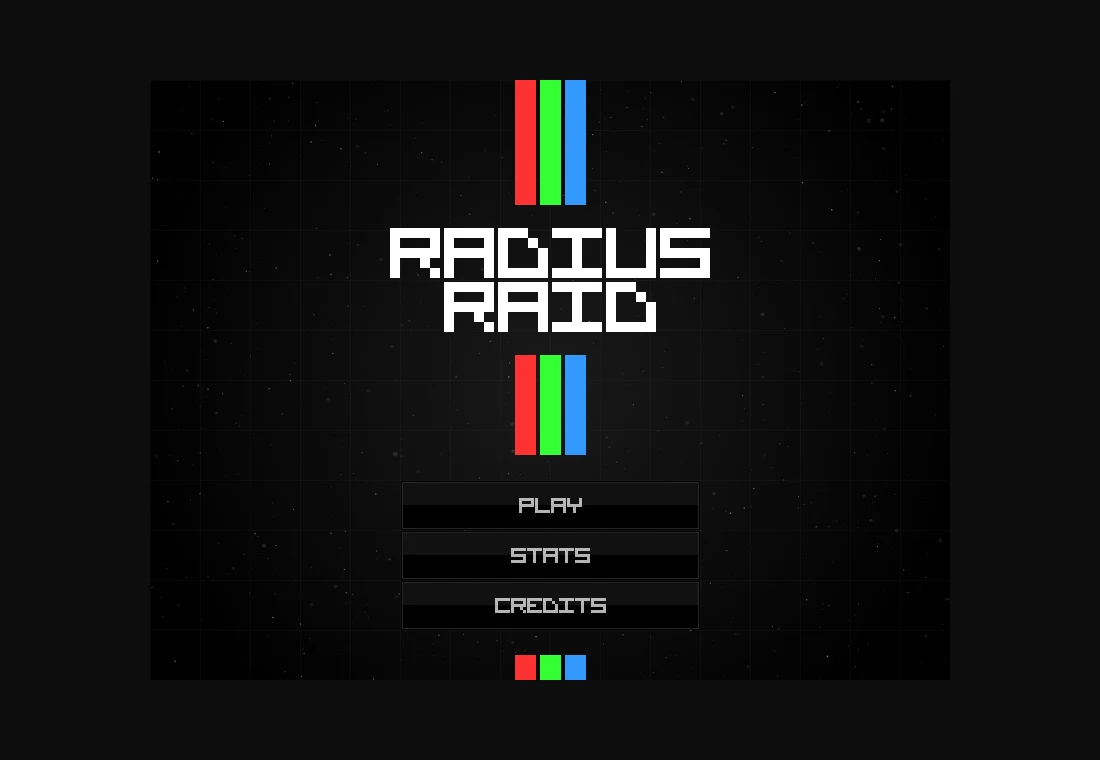
Radius Raid uses a different perspective: WASD or arrows move the ship while the mouse aims and fires. As a practice exercise, move around an open arc while keeping aim toward the center. This separates the two jobs your hands perform. Do not transfer that exact key layout to BananaBread without checking its own help.
Diagnose the symptom you can see
A stuck progress indicator suggests loading; an empty 3D scene after a working menu suggests a graphics or asset problem; responsive animation with ignored keys suggests input. Those are starting checks, not definitive diagnoses. Preserve any exact error text before asking the upstream project for help.