With a keyboard, try directional games
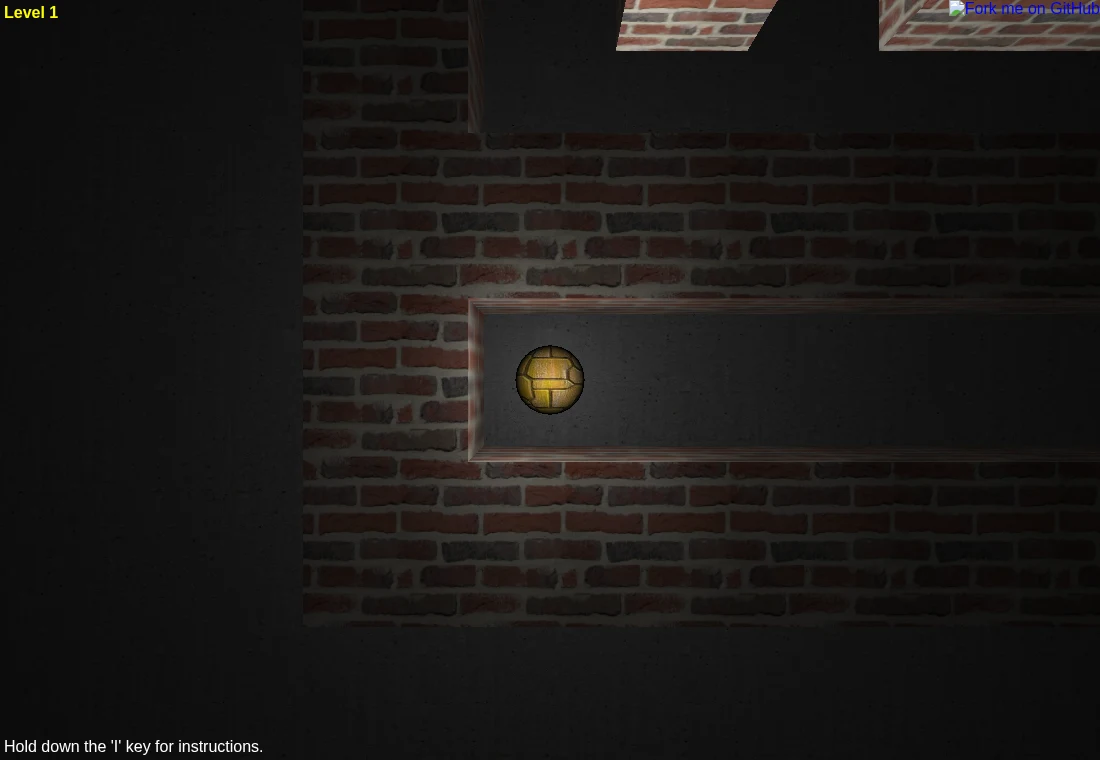
HexGL documents keyboard racing controls. Astray lists arrow keys and H, J, K, L, with I held for instructions. These are practical desktop choices. Give the game focus before testing a key, particularly when it sits inside a frame.
With touch, start with an explicit gesture
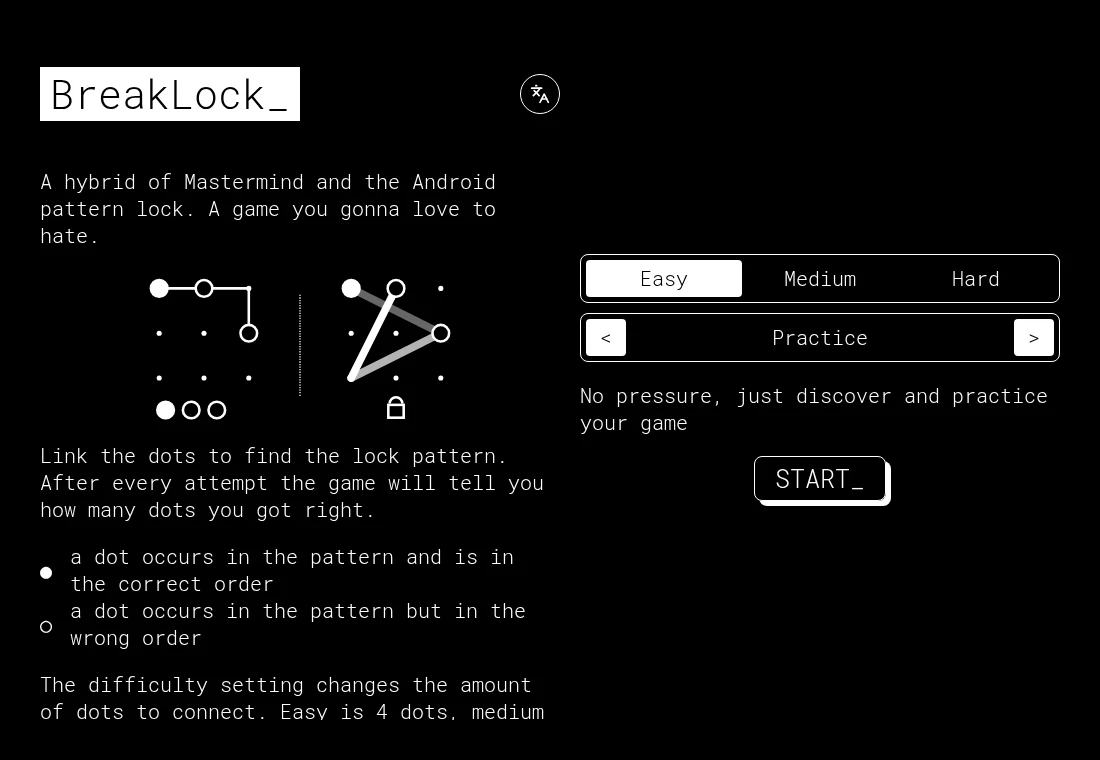
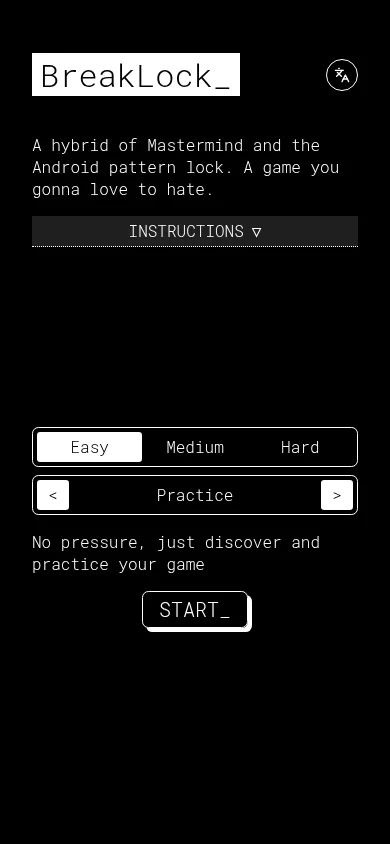
The original 2048 implements directional swipes on the board. BreakLock is described by its developer as mobile first and asks you to draw a dot pattern. Hextris includes touch input, but this guide has not verified a complete phone session. Those statements describe different levels of evidence.

For dense interfaces, consider the screen
Freeciv-web’s city and unit controls and OpenTTD’s construction toolbar need readable labels and accurate selection. OpenTTD’s specific port describes a touch interface, yet that does not guarantee comfortable play on a small phone. A larger display and pointer can reduce mis-taps while learning.
Check focus before changing settings
Click or tap within the actual game and try a single documented command. A page search box, browser shortcut or unfocused frame may be receiving the input instead. Do not assume a connected controller is supported unless the project documents it.
Keep two checks separate
Can the browser render the game, and can you operate it? A successful mobile layout check on this guide answers neither question for an external game host. Use the comparison page to narrow the collection, then test the original host with your device.