KEEP THIS HANDY
Controls at a glance.
- Arrow keys
- Move the ball through the maze.
- H / J / K / L
- Alternative movement keys listed by the game.
- Hold I
- Show the original instructions.
Movement is part of the puzzle
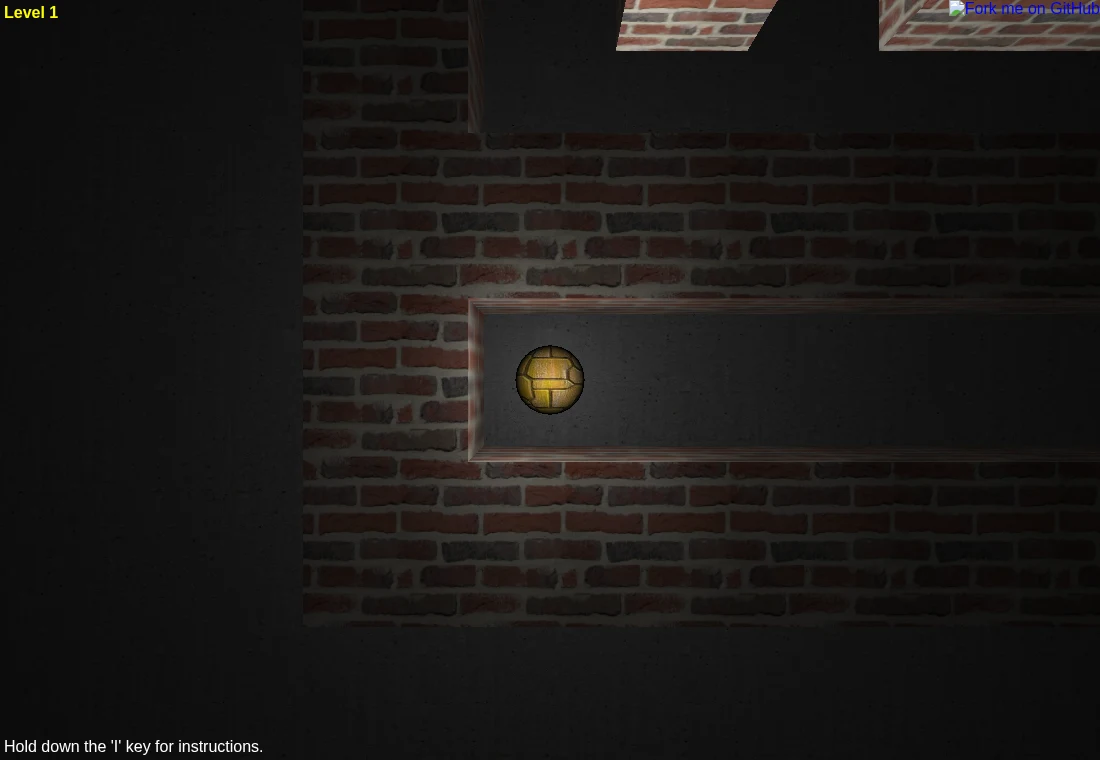
Astray combines a Three.js WebGL view with Box2dWeb physics. The ball has momentum, so a maze route and the movement needed to follow it are separate problems. Short corrections are a useful starting technique.
The next maze gets larger
The game code creates a new maze after reaching the exit and increases the maze dimension. Learn a route by its intersections rather than relying on a fixed picture from a previous attempt.
Keep the keyboard nearby
The game’s own instructions list arrows and Vim-style H, J, K, L. There is no documented phone gesture scheme in this entry. A laptop or desktop is the sensible first device.
What happens to your progress?
No persistent level-save system is exposed by this entry.
Check the save and backup guide ↗A FEW USEFUL ANSWERS
Before the next click.
Can I play with touch controls?
The source instructions document keyboard movement. Touch play has not been verified.
Why is the 3D view blank?
Astray needs WebGL as well as its scripts and textures. Check graphics support and whether game assets finished loading.
Does this guide host the game?
No. The launch button opens the developer’s GitHub Pages version.
A useful next read.
WebGL, WebAssembly and a blank game screen. ↗Follow the source.
wwwtyro and contributors. Licence notice. Unlicense; included third-party libraries retain their own notices.
Latest collected source change: Update README.md (opens a new tab) . Repository activity does not identify the hosted game version.
All media and source credits ↗