KEEP THIS HANDY
Controls at a glance.
- Pointer / buttons
- Choose the actions currently visible.
- Save menu
- Export or import a save code.
- Language selector
- Choose from the translations linked by the project.
Let the opening stay small
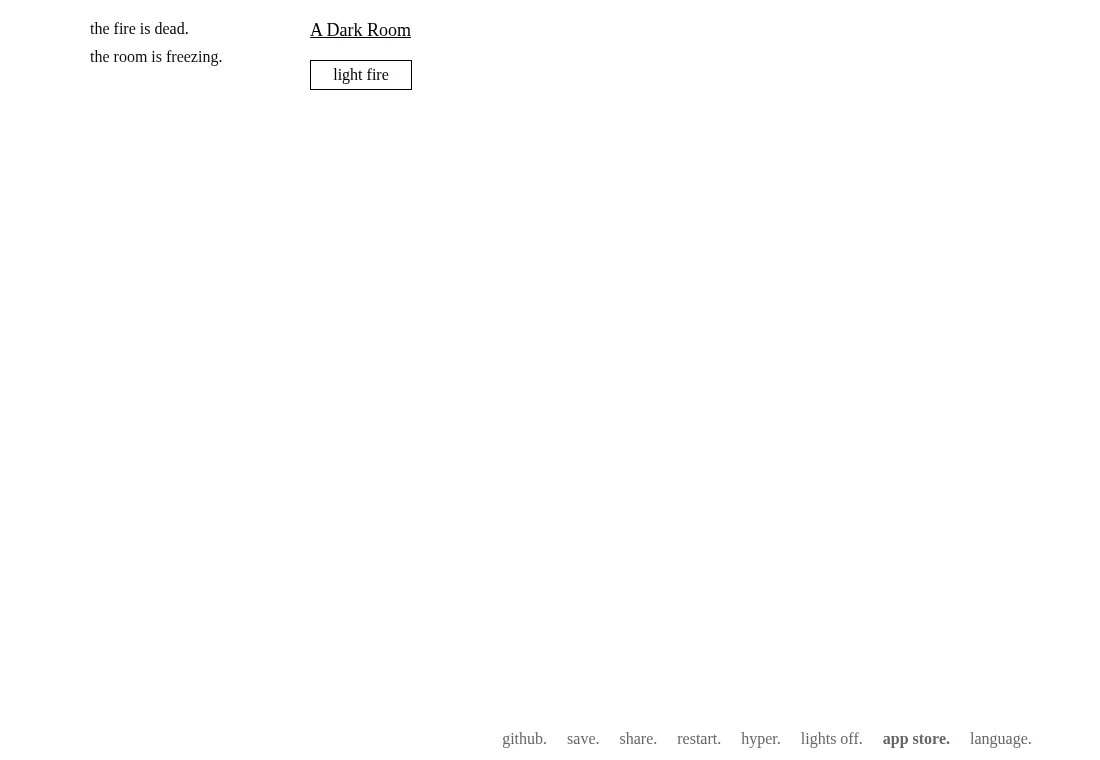
A Dark Room begins with a sparse text interface. Reading the changing messages is part of play. This entry keeps later events out of the description so the opening can unfold without a walkthrough.
Watch what the buttons allow
The available actions change as the game progresses. If an action is temporarily unavailable, look for its cooldown or resource requirement. Repeatedly refreshing is a poor way to find the next step.
Keep a copy of the save code
The engine includes localStorage saving and an export/import dialog. Export gives you a separate code to retain before clearing site data or changing devices. Importing replaces the state on the destination, so keep both copies until you know which is current.
What happens to your progress?
Local save plus an export/import save-code interface.
Check the save and backup guide ↗A FEW USEFUL ANSWERS
Before the next click.
Does it need a 3D graphics card?
It uses a text interface rather than a WebGL game scene. Audio or other resources can still have separate loading requirements.
Can I play in Chinese?
The README links Simplified and Traditional Chinese versions, alongside other translations. Use the project’s language choices.
Is the browser game the same as every app release?
This entry describes the linked web project. Store releases and other editions can differ.
A useful next read.
Keep your browser-game progress. ↗Follow the source.
Doublespeak Games and contributors. Licence notice. MPL-2.0; see repository for individual file notices.
Latest collected source change: Update world.js (#739) (opens a new tab) . Repository activity does not identify the hosted game version.
All media and source credits ↗