KEEP IN MIND
- Find the object or area being defended.
- Read costs and ability indicators.
- Watch enemy approach paths.
- Consult each game’s instructions for its controls.
Arrange the space in Hades Defence
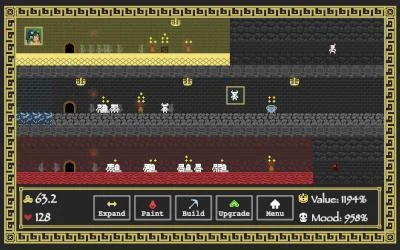
Hades Defence combines automatic attacks with structures including barricades and altars. The creator’s description makes positioning part of the defense: observe where enemies approach and where a structure sits relative to them. The linked author-hosted build may differ from the competition submission.
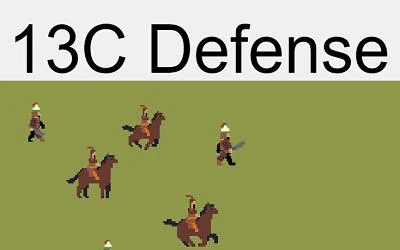
Read abilities in 13C Defense
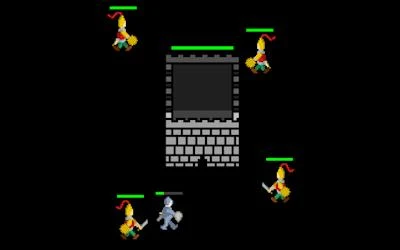
13C Defense asks the player to defend a gate and documents number keys for choosing abilities at level-ups. Watch the approach to the gate and read the choices before selecting one. A key assigned to a choice in this game does not imply the same key does the same thing in another defense game.
Keep tower health visible
The Last Tower fires automatically while enemies threaten it, but its damage falls as its health drops. Defeating invaders heals the tower. Follow both the tower health and the defender’s health while deciding where to move and attack.
Compare units and upgrades in Exilium
Exilium: The Fall of Dominus uses deployed units and upgrades in an automatic real-time strategy setting. Read the cost and role of an option before committing resources. The creator’s documentation is the place to check which actions the player controls and which actions units carry out automatically.
Learn the loss condition first
A gate, a tower and a defended area are not interchangeable objectives. Identify the object or position that must survive, then watch how the interface reports damage or progress. A short first attempt can be useful simply for learning those signals before choosing a longer plan.
Read the originals.
Source documents checked . This records a documentation check, not the version deployed by an external game host.