KEEP THIS HANDY
Controls at a glance.
- Mouse drag
- Move a word into the play area.
- Right click
- Rotate the word while dragging.
- Space
- Alternative rotation input while dragging.
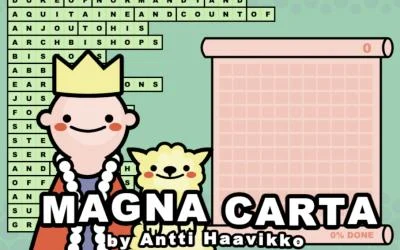
Fit words together like a crossword
Arrange all of the supplied words within the available space. Words may overlap according to the crossing rules familiar from crossword or Scrabble layouts.
How the game works
Drag a word with the mouse to place it. While dragging, right-click rotates it; Space is the documented alternative when a right mouse button is unavailable.
A practical starting point
Look for a useful shared letter before locking in the next placement. A word that fits the boundary can still make the remaining crossings harder to arrange.
What happens to your progress?
A portable save or cross-device synchronization is not established by the reviewed documentation. Check the original game before relying on a later return.
Check the save and backup guide ↗A FEW USEFUL ANSWERS
Before the next click.
How do I rotate without a right mouse button?
The creator lists Space as an alternative while dragging.
Does this site’s Saved button keep my progress?
Saved keeps a link to this profile on your device. Game progress belongs to the game and its host.
A useful next read.
Read the clue before placing the next number. ↗Follow the source.
Antti Haavikko. Licence notice. Source and image rights remain with their creators; see notices.
Latest collected source change: Update genres (opens a new tab) . Repository activity does not identify the hosted game version.
All media and source credits ↗