KEEP THIS HANDY
Controls at a glance.
- WASD / arrows
- Move, as described by the opening tutorial.
- Touch controls
- Use the on-screen movement, jump and grab controls when presented.
- Reset
- The published interface includes a reset control.
Learn a strange set of physics
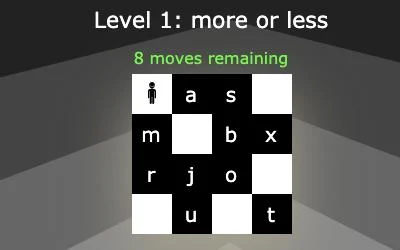
Explore a puzzle world where time and space can be inverted. The creator describes the setting as a place between heaven and hell with unusual physical rules.
How the game works
The opening tutorial says movement works with WASD or the arrow keys. The published build also contains on-screen movement, jump, grab and reset controls for touch.
A practical starting point
Watch the result of an inversion before moving another object. The competition page lists bonus features tied to older services, so their current availability should be checked in the game itself.
What happens to your progress?
A portable save or cross-device synchronization is not established by the reviewed documentation. Check the original game before relying on a later return.
Check the save and backup guide ↗A FEW USEFUL ANSWERS
Before the next click.
Are arrow keys supported?
The opening tutorial says you can use the arrow keys as well as WASD.
Does this site’s Saved button keep my progress?
Saved keeps a link to this profile on your device. Game progress belongs to the game and its host.
A useful next read.
Plan a route when you cannot see everything. ↗Follow the source.
xem. Licence notice. Source and image rights remain with their creators; see notices.
Latest collected source change: Update genres (opens a new tab) . Repository activity does not identify the hosted game version.
All media and source credits ↗