KEEP THIS HANDY
Controls at a glance.
- Click / tap
- Move, look at or interact with a target.
- Lyre icon
- Turn the music on or off.
- Landscape
- The creator recommends this orientation on a phone.
Help Sir Bruno leave the dungeon
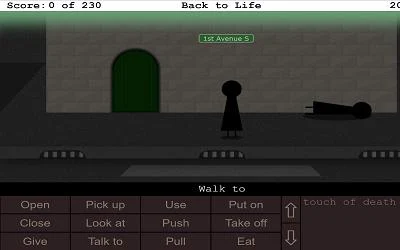
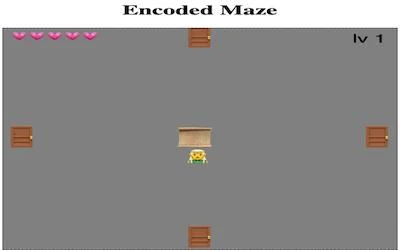
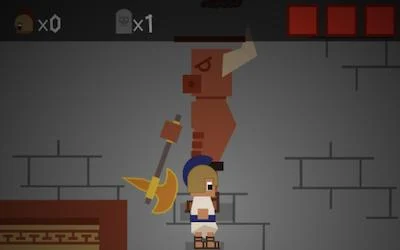
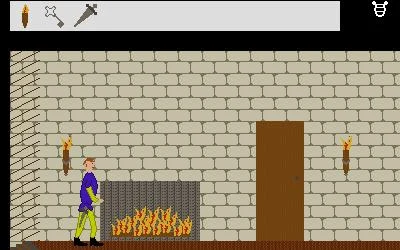
Sir Bruno sets out to sing for Lady Sylvie but ends up in a dungeon. Explore the scene and its objects to continue the medieval-themed adventure.
How the game works
Clicking or tapping can move, examine, pick up or interact depending on the target. The lyre icon controls music derived from historical and later melodies named by the creator.
A practical starting point
Inspect an unfamiliar object before assuming it is merely decoration. The author suggests landscape orientation and fullscreen for smartphone users.
What happens to your progress?
A portable save or cross-device synchronization is not established by the reviewed documentation. Check the original game before relying on a later return.
Check the save and backup guide ↗A FEW USEFUL ANSWERS
Before the next click.
Can I turn off the music?
Yes. The creator identifies the lyre icon as the music control.
Does this site’s Saved button keep my progress?
Saved keeps a link to this profile on your device. Game progress belongs to the game and its host.
A useful next read.
Plan a route when you cannot see everything. ↗Follow the source.
Michael M.. Licence notice. Source and image rights remain with their creators; see notices.
- Creator’s competition entry and rules
- Published game source
- Creator’s project repository
- Creator’s original game host
Latest collected source change: Update genres (opens a new tab) . Repository activity does not identify the hosted game version.
All media and source credits ↗