KEEP THIS HANDY
Controls at a glance.
- Component keys
- Press the key associated with the component you want to activate.
- Caps Lock
- Check its state if a labeled key does not respond.
- Levels
- The creator describes eight levels in the competition build.
Bring a damaged ship back to life
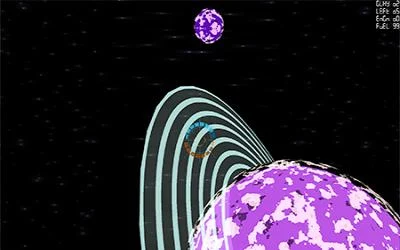
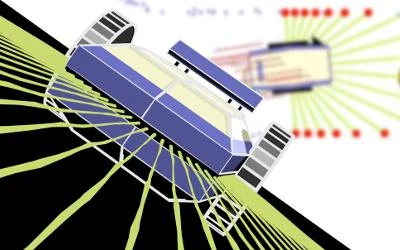
A ship has crashed on a barren planet and must be repaired well enough to escape. The creator describes eight levels and components that do not last forever.
How the game works
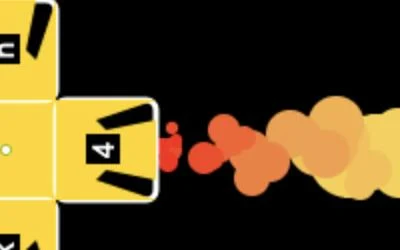
Each part has an associated keyboard key. Read the label before activating a component, and check the keyboard’s Caps Lock state as the instructions recommend.
A practical starting point
The available parts are the constraints of the current level. Learn what one component changes before pressing several keys together, especially when time is limited.
What happens to your progress?
A portable save or cross-device synchronization is not established by the reviewed documentation. Check the original game before relying on a later return.
Check the save and backup guide ↗A FEW USEFUL ANSWERS
Before the next click.
Why should I check Caps Lock?
The creator warns that the component keys depend on the appropriate Caps Lock state.
Does this site’s Saved button keep my progress?
Saved keeps a link to this profile on your device. Game progress belongs to the game and its host.
A useful next read.
Plan a route when you cannot see everything. ↗Follow the source.
Thomas Brown. Licence notice. Source and image rights remain with their creators; see notices.
- Creator’s competition entry and rules
- Published game source
- Creator’s project repository
- Creator’s original game host
Latest collected source change: Update genres (opens a new tab) . Repository activity does not identify the hosted game version.
All media and source credits ↗