KEEP IN MIND
- Read the movement keys for the current vehicle.
- Watch fuel or oxygen when the game provides it.
- Practice rotation and thrust as separate actions.
- Read the next-planet choice before skipping.
Follow the oxygen in Moon Buggy Racing
Moon Buggy Racing combines driving with an oxygen constraint. Its creator documents arrow-key controls. Watch the track while keeping the oxygen display in view; moving through a section quickly is only useful if the vehicle can continue along the route.
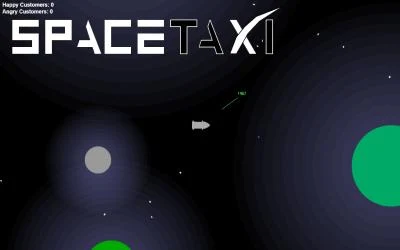
Use the SpaceTaxi thrust deliberately
SpaceTaxi uses arrow keys, including upward thrust. Observe the vehicle’s movement after a short thrust and allow room to correct it. Landing or collecting a passenger requires attention to the position of the taxi, not merely to the direction of the next destination.
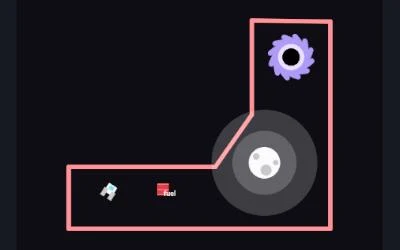
Separate rotation from thrust in Orbit Jump
Orbit Jump documents A and D for rotation and W for thrust, with fuel as a constraint. Rotate toward a visible destination before applying thrust, then observe the result. A control that changes orientation is not the same as a control that accelerates the craft.
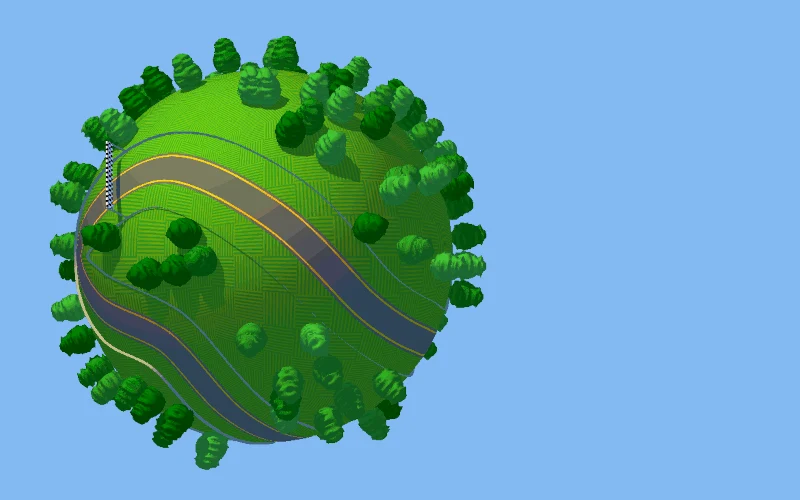
Choose the next planet in Planet XIII
Escape from Planet XIII lets the player choose whether to skip planets after a race. The creator says a skip adds a random element that can change the next planet’s difficulty. The source maps arrow keys or WASD and also supports Z, Enter or Space for confirmation.
Expect different handling in different builds
A competition entry and an author-hosted version may not be identical. Orbit Jump links to the creator’s own hosted build; the competition entry remains listed on its profile. Check the specific instructions on the build you opened, and do not assume an observed record transfers between hosts.
Read the originals.
Source documents checked . This records a documentation check, not the version deployed by an external game host.