KEEP THIS HANDY
Controls at a glance.
- Arrow keys / WASD
- Use the directional inputs.
- Enter / Space / Z
- Use the source-documented confirmation input.
- Vehicle choice
- Compare Easy Rider and Tofu Drifter before racing.
How the game works
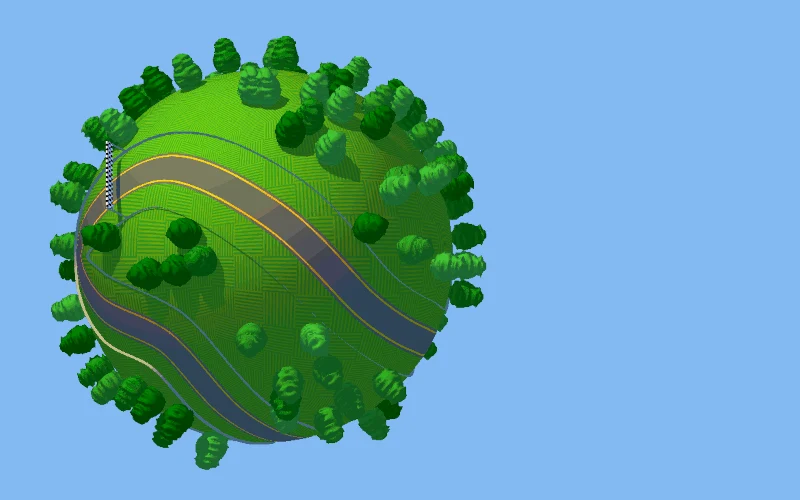
Skipping one or two planets advances the journey faster but adds a random element that may change the next planet’s difficulty. Read the next race before assuming the shortcut is beneficial.
A decision to watch
The Easy Rider trades speed for more grip, while the Tofu Drifter is faster and less stable. Choose a vehicle for the kind of steering you want to practice.
Try a first session
The published input code maps arrow keys and WASD as directions, with Enter, Space or Z for confirmation. The repository description distinguishes the two cars and the planet-skipping choice.
What happens to your progress?
A portable save or mid-run resume is not established by the reviewed instructions. Check the game’s own menu before clearing its browser data.
Check the save and backup guide ↗A FEW USEFUL ANSWERS
Before the next click.
What happens if I skip planets after a race?
Skipping one or two advances the journey faster but introduces a random element that can change the next planet’s difficulty.
How do the two cars differ?
The creator describes Easy Rider as grippier and Tofu Drifter as faster but less stable.
A useful next read.
Browser vehicles: steering, fuel and routes ↗Follow the source.
Miguel Ángel. Licence notice. No code licence was identified by GitHub; consult the creator’s repository; original media rights are separate.
Latest collected source change: Updated readme and images (opens a new tab) . Repository activity does not identify the hosted game version.
All media and source credits ↗