KEEP IN MIND
- Inspect the target and nearby obstacles.
- Watch the entire shot or moving ball.
- Read the current ammunition or tool.
- Change one part of a line or shot at a time.
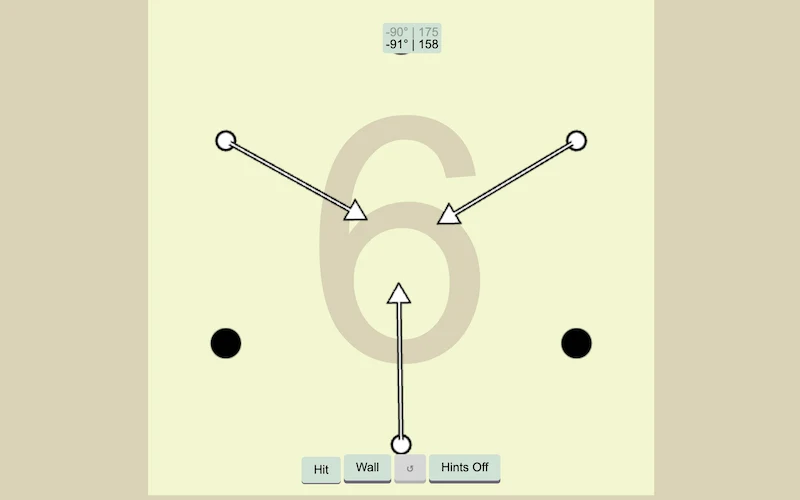
Read the hole in Entangolf
Entangolf combines a ball, walls and a target. Study the geometry of the hole before choosing an input, and use the game’s hints when available. The result of a shot depends on the layout around the ball, not only on the apparent direction of the target.
Follow Cannonbolf’s moving ball
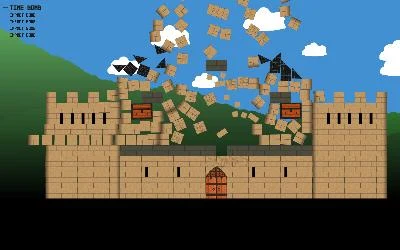
Cannonbolf asks you to destroy castles in as few shots as possible. Hold the mouse while a ball is moving to turn it into a cannon, then release to fire again. Watch its path before choosing when to make that conversion: the current position becomes the starting point for the next shot.
Check the ammunition in Castle Attack
Castle Attack uses arrow controls and Space in a game about attacking a castle. Its creator describes different ammunition. Look at the current selection and the obstacle before firing; the visible path and the available ammunition are both part of a shot.
Draw a track in O HIII Bad Skatepark
O HIII Bad Skatepark centers on drawing a track for an automated skater. The editor can add fixed lines and mobile balls. Draw one short line and observe the skater’s response before adding a more complicated shape; the objects remain part of the environment.
Change one feature on the next try
After a shot or a drawn segment, name what you intend to change: the starting point, direction or shape. Changing several things at once makes the result harder to interpret. The four games have different success conditions, so follow each creator’s own instructions rather than assuming one scoring rule.
Read the originals.
Source documents checked . This records a documentation check, not the version deployed by an external game host.