KEEP THIS HANDY
Controls at a glance.
- Mouse
- Draw the track.
- Right click
- Erase an item.
- Keyboard / mouse wheel
- Move the camera.
How the game works
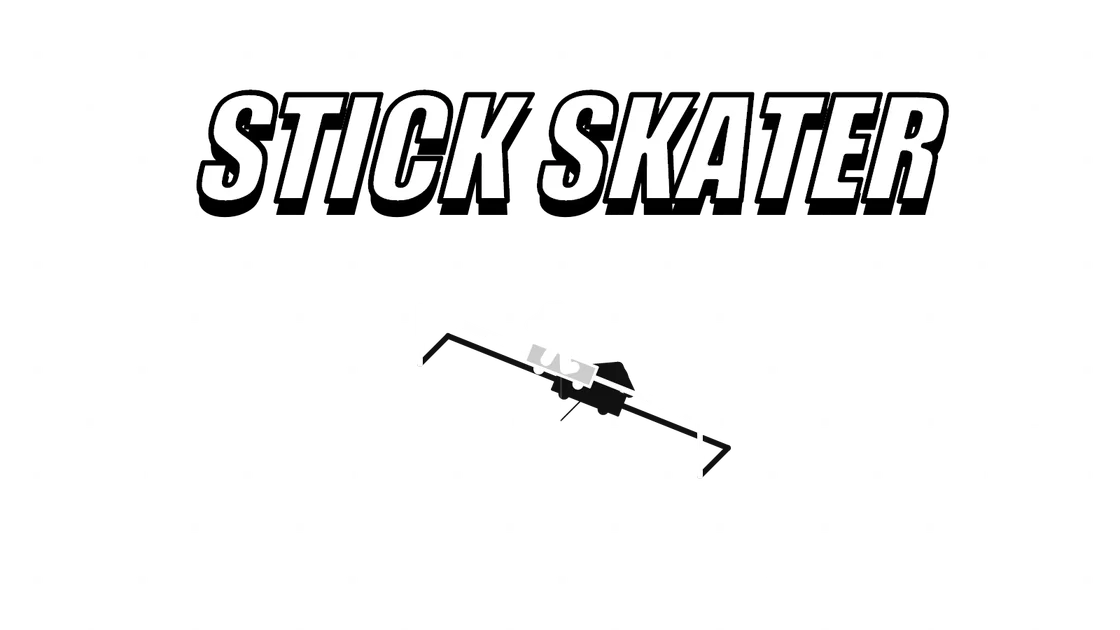
The editor can place fixed lines and mobile balls. The creator says a ball turns blue when the skater touches it, making that interaction visible in the scene.
A decision to watch
Use the mouse to draw and right-click to erase an item. Keyboard input and the mouse wheel can move the camera when you need another view of the park.
Try a first session
Levels are described as shareable by the creator. Try a short track and observe one landing before adding many moving objects; a sharing feature is not proof that a particular saved level has been restored.
What happens to your progress?
A portable save or mid-run resume is not established by the reviewed instructions. Check the game’s own menu before clearing its browser data.
Check the save and backup guide ↗A FEW USEFUL ANSWERS
Before the next click.
What can I add to the park?
The editor places fixed lines and mobile balls. A ball turns blue when the skater touches it, according to the creator.
Can I share a level?
The creator describes shareable levels. A successful save or restoration has not been independently verified.
A useful next read.
Drawing and aiming games: follow the full path ↗Follow the source.
xem. Licence notice. No code licence was identified by GitHub; consult the creator’s repository; original media rights are separate.
Latest collected source change: rc8 (opens a new tab) . Repository activity does not identify the hosted game version.
All media and source credits ↗