KEEP THIS HANDY
Controls at a glance.
- Mouse
- Aim the cannon.
- Click
- Fire a shot.
- Hold and release
- Turn the moving ball into a cannon and shoot again.
How the game works
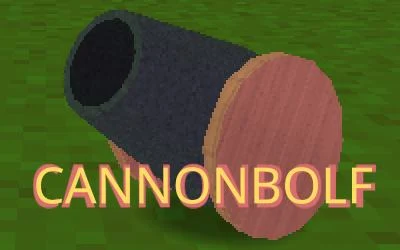
Aim with the mouse and click to shoot. While the ball is moving, hold the mouse button to turn it back into a cannon and release to fire again.
A decision to watch
The creator presents the levels as short holes and suggests returning to improve the shot count. The position of the moving ball determines the starting point of the next shot.
Try a first session
Watch a first shot settle into its route before deciding when to hold the button. A well-timed conversion gives you another angle on the remaining castle.
What happens to your progress?
A portable save or mid-run resume is not established by the reviewed instructions. Check the game’s own menu before clearing its browser data.
Check the save and backup guide ↗A FEW USEFUL ANSWERS
Before the next click.
Can a moving ball fire again?
Yes. Hold the mouse while the ball is moving to turn it back into a cannon, then release to shoot.
What should I improve on a return visit?
The creator presents the levels as short holes and suggests trying to destroy the castles in fewer shots.
A useful next read.
Drawing and aiming games: follow the full path ↗Follow the source.
Jeremy Burns. Licence notice. No code licence was identified by GitHub; consult the creator’s repository; original media rights are separate.
Latest collected source change: Final levels, add final build zip (opens a new tab) . Repository activity does not identify the hosted game version.
All media and source credits ↗