KEEP IN MIND
- Read a complete target before beginning a trace.
- Check alternative starts before using Not found.
- Follow every connection around a proposed cycle.
- Wait for the golf ball to rest before aiming.
- Keep documented touch input separate from untested phone compatibility.
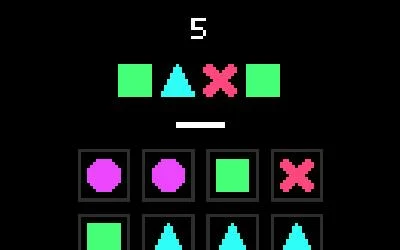
Connection: compare the complete target
The creator asks you to connect tiles with a mouse or finger to reproduce a displayed combination. Read the whole combination before tracing a route. If one attempt fails, inspect whether the starting tile was wrong or whether the continuation became impossible. Those observations lead to different second attempts. Seeing the right symbols somewhere on the board is only the start of finding a connected route through them.
Treat Not found as a positive decision
Connection offers a Not found button. Use it after inspecting alternative starting points and continuations, rather than as a label for a route you have not spotted yet. The game’s level sequence leads toward an arcade mode, so the early levels provide a place to learn the accepted gestures and result feedback. This guide does not claim a complete search algorithm or a tested route through every level.
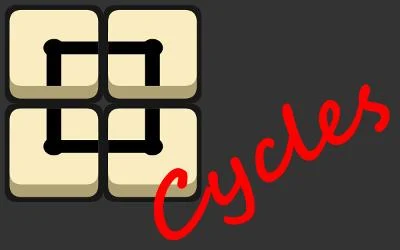
Cycles: inspect the entire boundary
Cycles asks you to drag tiles into cycles, then surround other tiles to remove them. Trace a proposed boundary all the way around before judging the region inside it. A missing connection can invalidate an otherwise convincing shape. After one drag, check which links actually changed. When a loop resolves, compare the intended enclosed area with the tiles the game removed; that result informs the next arrangement.
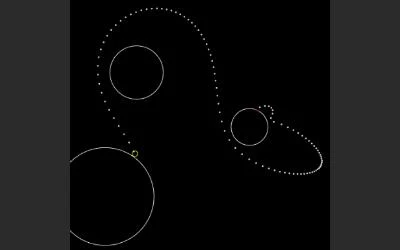
Gravity Golf: watch the journey and the resting place
Wait for the ball to rest, then click and hold to aim and release to shoot. Gravity wells can curve the trajectory. Follow the entire shot instead of looking only at where the ball finishes: passing near the hole and being pulled toward a different region suggest different adjustments. The creator’s objective is fewer strokes, but a first stroke can also give you useful information about the field.
Use the correct gesture for the correct game
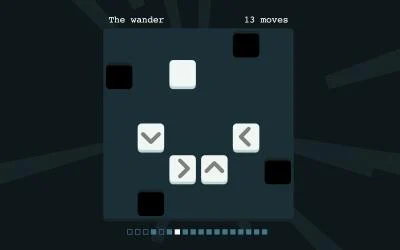
Pointer input does not establish a universal mobile control scheme. Connection and Cycles explicitly document fingers or touch. Gravity Golf documents click-hold-release shooting. Black Hole Square adds swipes for level navigation, which are separate from tapping its board. Open the original game when a surrounding page competes for a gesture, and read its own help before changing settings. Physical-phone sessions have not been independently tested for this guide.
Read the originals.
Source documents checked . This records a documentation check, not the version deployed by an external game host.