KEEP THIS HANDY
Controls at a glance.
- Mouse / touch drag
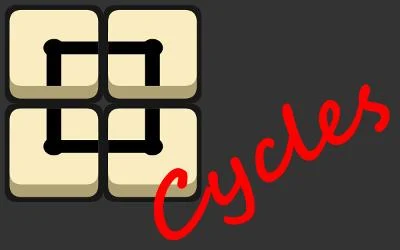
- Move tiles to construct cycles.
- Loop boundary
- Follow the connection all the way back to its start.
- Board feedback
- Inspect which enclosed tiles disappear after completing a loop.
Follow the boundary before the center
The creator’s instructions link dragging to cycles and surrounding to removal. First trace whether the boundary really closes. A nearly complete shape can look persuasive while still leaving an opening; the region inside it only becomes meaningful once the loop’s connections are correct.
Choose a removal with the next board in mind
An enclosing cycle removes tiles. Before pursuing the biggest-looking shape, consider which removal leaves a useful arrangement afterward. This is a planning habit drawn from the stated rule, not a verified scoring exploit or a promise that one shape is always best.
Let a single drag explain the controls
Mouse and touch are both documented. Try one deliberate drag and watch how the affected tiles move before attempting a long sequence. If your gesture scrolls the surrounding page, open the original playable host directly and keep the gesture inside the game’s interaction area.
What happens to your progress?
A portable campaign export is not established by the reviewed entry. Check the running game before relying on a later resume.
Check the save and backup guide ↗A FEW USEFUL ANSWERS
Before the next click.
Does the creator document touch?
Yes. The original entry lists mouse and touch controls.
What removes tiles?
The instructions say to surround tiles with a cycle.
A useful next read.
Read the feedback before making the next gesture. ↗Follow the source.
Piotr Szlachciak. Licence notice. Creator/source notices; see attribution.
Latest collected source change: Update genres (opens a new tab) . Repository activity does not identify the hosted game version.
All media and source credits ↗