KEEP THIS HANDY
Controls at a glance.
- Mouse / touch
- Select a blue tool icon, then place it in the play area.
- Select an installed trap
- Move it; return it to the icon line to remove it.
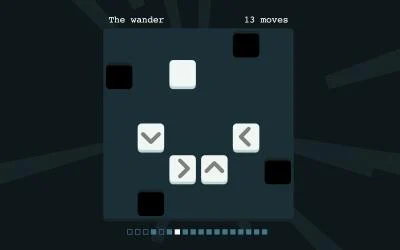
- Fans / flamethrowers
- Click to reverse their direction.
Observe the route before filling it
The creator describes weasels that evade traps and find paths around them. Watch their approach before placing several hazards. A tool’s position matters only in relation to that behavior. Use the first placement to learn whether it blocks, redirects or actually catches the intended route.
Treat placement as adjustable
An installed trap can be selected and moved, and returning it to the icon line removes it. Those controls make rearrangement part of the puzzle. If a tool is ineffective, inspect its position and orientation before assuming that you need to add another type.
Read the tool-specific rules
Landmines and weights obey gravity. Fans and flamethrowers can be reversed by clicking them. These details affect where a placed tool ends up and which direction it acts. The creator documents mouse and touchscreen play and recommends fullscreen for iPhones; that is an upstream recommendation, not a phone test performed here.
What happens to your progress?
A portable campaign export is not established by the reviewed entry. Check the running game before relying on a later resume.
Check the save and backup guide ↗A FEW USEFUL ANSWERS
Before the next click.
Can an installed trap be moved?
Yes. The entry says to click an installed trap to move it, or return it to the icon line to remove it.
How do fans change direction?
Click a fan or flamethrower to turn it in the opposite direction.
A useful next read.
Plan a puzzle move, then use undo to test it. ↗Follow the source.
Siorki; SoundBox music and sound synthesis by Marcus Geelnard. Licence notice. Creator/source notices; see attribution.
Latest collected source change: Update genres (opens a new tab) . Repository activity does not identify the hosted game version.
All media and source credits ↗