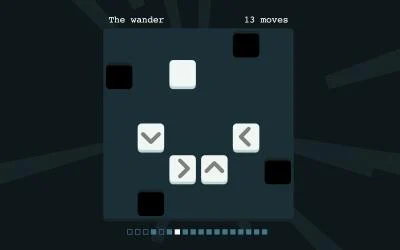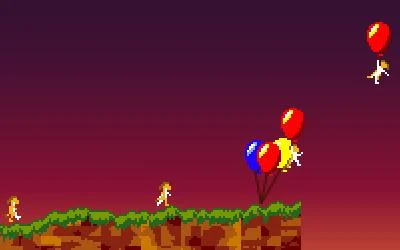
KEEP THIS HANDY
Controls at a glance.
- Mouse / finger drag
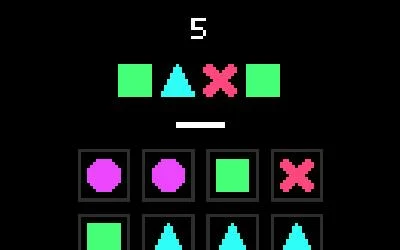
- Connect tiles to reproduce the displayed combination.
- Not found button
- Submit that the requested combination cannot be found.
- Level / arcade interface
- Read the active mode and its objective.
Read the target as an ordered task
The competition description asks you to replicate a given combination by connecting tiles. Begin with the whole combination in view. When a route fails, distinguish choosing the wrong starting cell from finding the right symbols in an unusable arrangement; those errors suggest different next attempts.
Use absence as a deliberate answer
The Not found button is part of the documented rules. It asks for a different judgment from merely failing to notice a route immediately. Before using it, inspect other possible starting points and compare the required continuation. This profile does not provide an algorithm that guarantees every board’s solution.
Learn the level sequence before arcade
The creator says playing through levels unlocks arcade mode. Use that sequence to learn what the game accepts as a connection and how it reports a result. A later arcade session can have a different rhythm; read its visible instructions when it becomes available rather than assuming all modes share the same conditions.
What happens to your progress?
A portable campaign export is not established by the reviewed entry. Check the running game before relying on a later resume.
Check the save and backup guide ↗A FEW USEFUL ANSWERS
Before the next click.
Does a touchscreen work according to the creator?
The original instructions explicitly describe a finger or mouse.
What if the requested pattern is absent?
The game provides a Not found answer for that case.
A useful next read.
Read the feedback before making the next gesture. ↗Follow the source.
Federico Tibaldo. Licence notice. GPL-3.0 source; individual asset notices apply.
Latest collected source change: Update genres (opens a new tab) . Repository activity does not identify the hosted game version.
All media and source credits ↗