KEEP IN MIND
- Read the offline-system objective.
- Use either WASD or arrows consistently.
- Learn movement and aiming separately, then combine them.
- A loaded briefing does not prove a working WebGL level.
Read the terminal before deployment
The opening briefing identifies offline systems and explains the movement and shooting controls. Let that instruction sequence finish. It gives the combat a task beyond remaining alive in one place. The original source records rebooted and total CPUs; those counters provide context for deciding when to explore farther.
Choose a comfortable directional layout
Both WASD and arrow keys reach the directional movement variables in the reviewed code. Choose one layout for the first attempt and leave the other alone. Keeping a consistent arrangement makes it easier to connect the input with the resulting movement while the pointer continues to aim independently.
Practice a small movement with a fixed aim
As an opening exercise, keep the pointer on one clear location while making a short directional move. Observe how the character’s position and aim relate. Then reverse those roles: pause the movement input and reposition the aim. This is a control-learning method, not a verified safe route or an assurance that every room begins without pressure.
Read the next opening before entering it
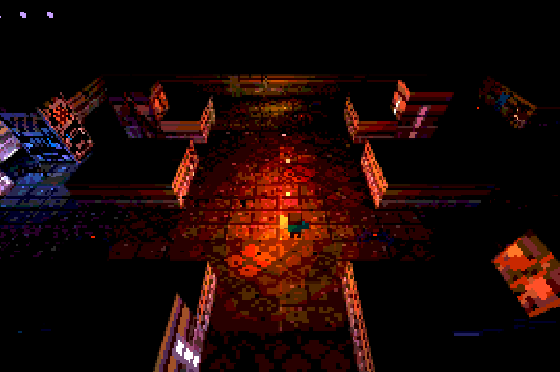
Dim rooms and low-resolution sprites make the path and nearby threats worth inspecting. Avoid repeatedly moving into a corner while trying to aim. Leave yourself room for another directional choice. The creator’s article explains the game’s compact rendering design; its small download does not remove the need for a working WebGL scene.
Distinguish a terminal from a rendered level
Our opening capture records the terminal, while input and objective details come from the source. If the terminal works and the level does not appear, report that transition specifically. A full combat session and persistent campaign export are not established by this observation. Keep the exact host and browser details when describing a graphics problem.