KEEP THIS HANDY
Controls at a glance.
- Arrow keys / WASD
- Move every tile in the selected direction.
- Swipe the board
- Directional touch input is implemented by the original game.
- R / New Game
- Restarts and clears the current board.
A move acts on the whole board
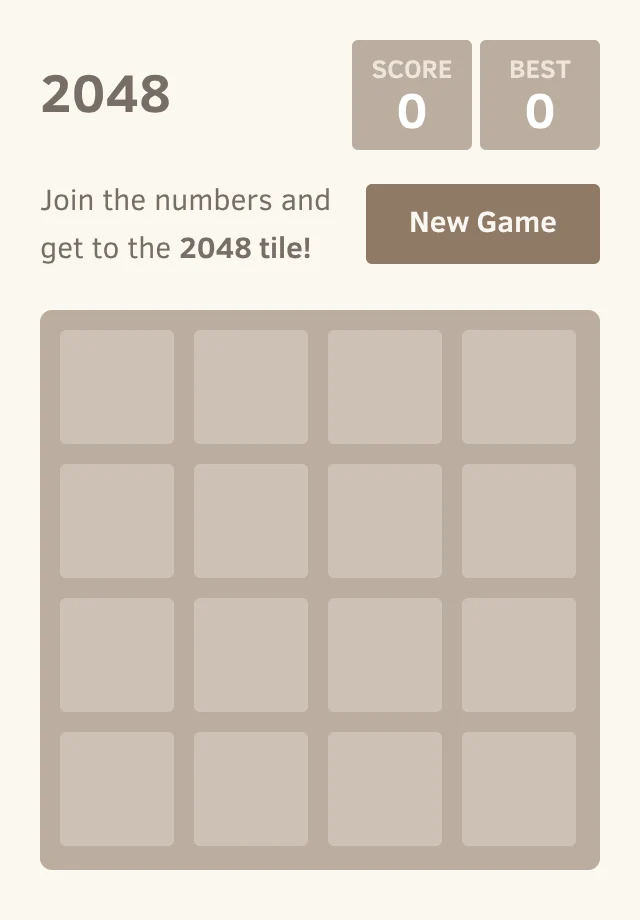
The original game begins with two tiles. A valid move shifts the tiles, merges compatible neighbors and adds a new tile. Pressing a direction that changes nothing does not add a tile. Planning one pair alone can leave the rest of the board trapped.
A new tile cannot merge twice in one move
The source marks newly merged tiles so they do not merge again during that move. For example, a row of four 2 tiles moving left produces two 4 tiles, not an 8. The merged value is added to the score.
Winning does not have to end the board
Making a 2048 tile opens the winning state, with a Keep playing option in the original implementation. The game ends when no spaces or adjacent matching pairs remain. A full board can still have a legal move.
What happens to your progress?
Board and best score use localStorage when available.
Check the save and backup guide ↗A FEW USEFUL ANSWERS
Before the next click.
Is there an undo button in the original?
The linked original does not provide undo. Forks may add one, so advice about a clone may not apply here.
Does a refresh keep my board?
The source restores saved gameState from localStorage when it is available. If storage is unavailable, its fallback lives only in memory.
Can I move the save to another browser?
The original does not provide a cloud account or a normal save-export control. Browser-local progress does not automatically move between profiles or hosts.
A useful next read.
2048: make room for the next move. ↗Follow the source.
Gabriele Cirulli and contributors. Licence notice. MIT.
Latest collected source change: Update README.md (opens a new tab) . Repository activity does not identify the hosted game version.
All media and source credits ↗