KEEP THIS HANDY
Controls at a glance.
- Space
- Lift the UFO on desktop.
- Touch
- Use the creator’s documented mobile action.
- Automatic movement
- Watch the ship’s forward movement between inputs.
How the game works
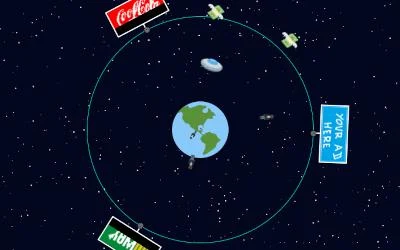
Press Space to lift the UFO on desktop. The creator also documents touching the screen on mobile, while noting that the small-screen experience was not optimized.
A decision to watch
Because the ship moves on its own, the timing of the lift matters more than a directional steering layout. Watch the next obstacle before holding the action.
Try a first session
A touch interface is documented, but the developer recommends desktop play. Treat that as a source note rather than a performance guarantee for any current browser.
What happens to your progress?
A portable save or mid-run resume is not established by the reviewed instructions. Check the game’s own menu before clearing its browser data.
Check the save and backup guide ↗A FEW USEFUL ANSWERS
Before the next click.
Do I have to steer the UFO forward?
The craft moves automatically. Space on desktop or a documented touch input lifts it.
Is a phone the recommended device?
The creator documents touch but notes that the small-screen experience was not optimized and recommends desktop play.
A useful next read.
Action games: find the threat before pressing fire ↗Follow the source.
Adrien Guéret. Licence notice. No code licence was identified by GitHub; consult the creator’s repository; original media rights are separate.
Latest collected source change: refactor(min): move zip into root project (opens a new tab) . Repository activity does not identify the hosted game version.
All media and source credits ↗