KEEP IN MIND
- Read the current game’s control mapping.
- Practice steering and braking separately.
- Check which build and mode you opened.
- Treat high-score storage separately from a live-run save.
Choose the input before choosing a route
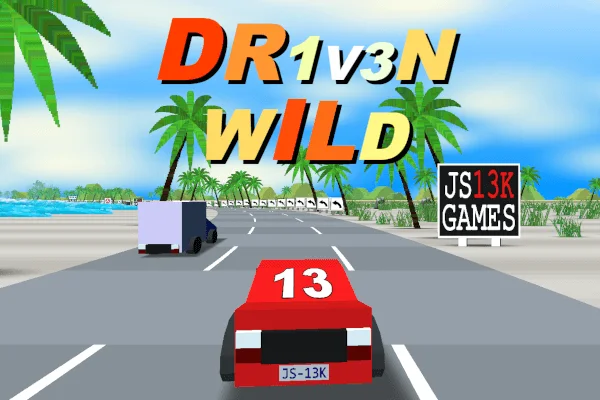
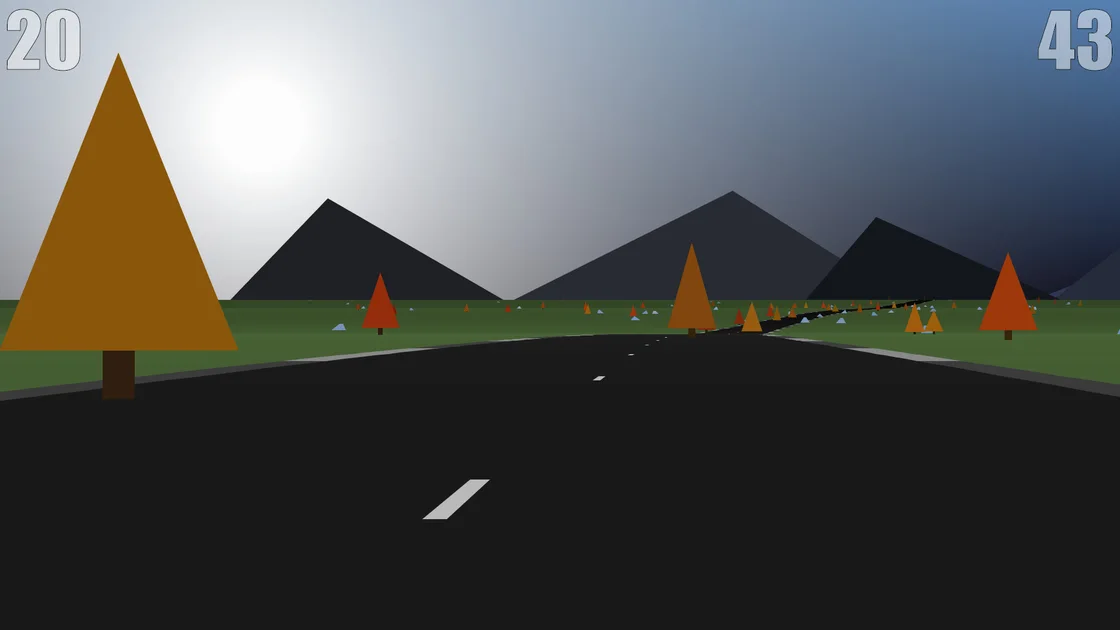
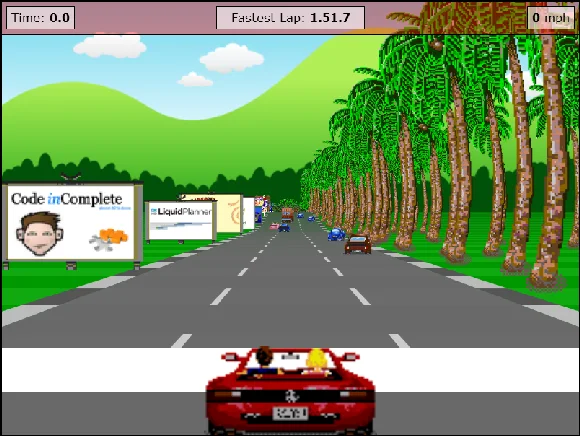
Javascript Racer documents arrow-key driving. Dr1v3n Wild allows arrows or mouse and uses Space for braking. Hue Jumper uses mouse steering, a click to brake and a double click to jump. These are three separate games with different control models. Read the selected game’s instructions before carrying a familiar gesture from one into another.
Use an open stretch for one correction
Begin by steering a little, then returning toward the center of the road. Watch the road boundary and the car’s response. Next, try the documented brake separately. Changing direction, braking and jumping together can hide which action caused a collision. A short, readable attempt gives you something concrete to adjust on the next run.
Give Hue Jumper’s click gestures separate practice
The creator’s README lists click for brake and double click for jump. Start with enough clear road to observe each action on its own. The enhanced version adds pointer lock and touch support, while the tiny competition file has a smaller feature set. This guide links the enhanced original build and does not assume every archived version behaves identically.
Lower one graphics setting when diagnosing Racer
Javascript Racer offers resolution and draw-distance settings. If rendering is difficult to follow, change one and compare the same type of road section. The creator warns that performance depends on the machine and graphics setup. Old supported-browser version numbers in a tutorial are historical documentation, not a present-day performance benchmark.
Separate a record, a mode and a live position
Dr1v3n Wild documents best distance and fastest-time storage, plus a separately named Free Ride mode. A retained record does not prove that a car’s exact mid-stage position will survive closing the tab. Keep the original host for local records, inspect the active mode before comparing times and read any pause or resume prompt before leaving a long attempt.
Read the originals.
Source documents checked . This records a documentation check, not the version deployed by an external game host.