KEEP IN MIND
- Read newly available actions before using a walkthrough.
- Select a slot and check whether autosave is enabled.
- Preserve the whole generated save text separately.
- Keep the same host and protocol for local progress.
Let the small opening develop
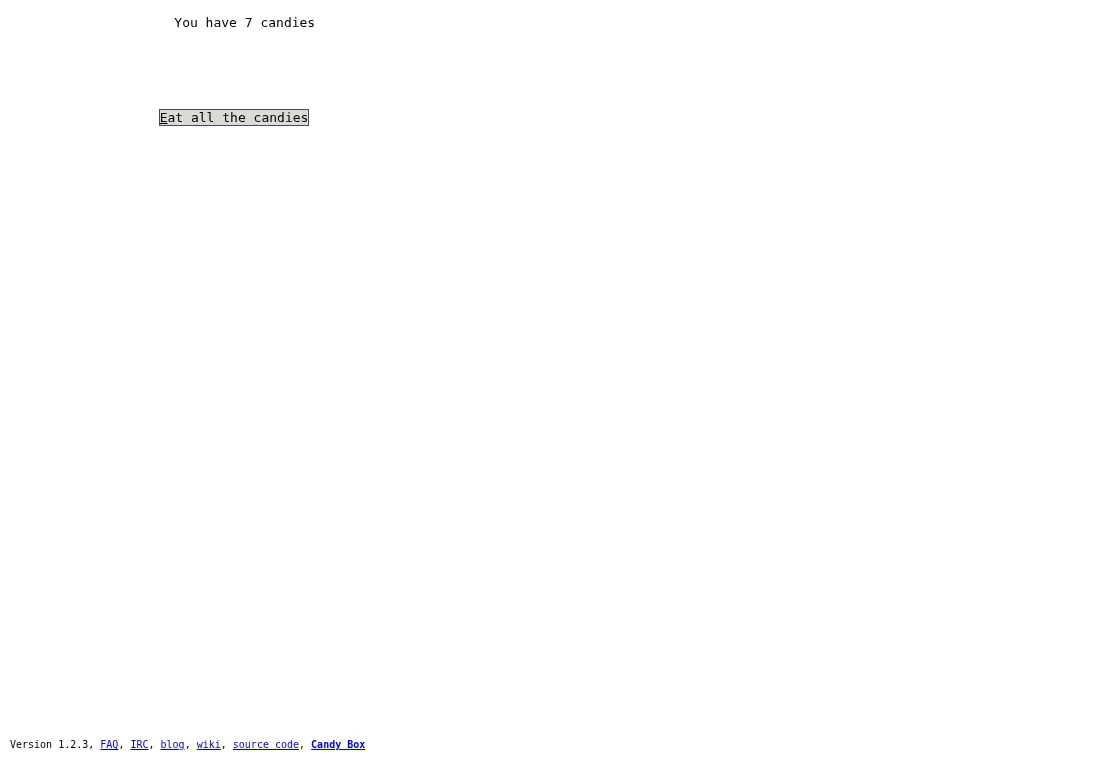
The initial screen shows a candy counter and a limited action list. Wait and inspect new choices as they appear. A guide that lists every later area can remove much of the discovery, so this note stops at a general habit: read the current screen and its costs before searching for a complete route through the adventure.
Consider the next useful action
Resources spent on one action are no longer available for another. Compare a possible purchase with the requirement of the next action you want. If you are unsure what changed, return to the screen that offered it and read its new state. Changing one thing at a time helps you connect a choice with its effect.
Choose a local save slot
The Save source creates five slots. Its manual action writes the chosen slot, while its autosave action first writes that slot and then enables local autosaving. Check the state of the option in your game. The presence of an autosave button alone does not show that it is already protecting progress.
Copy the generated backup text
The file-save interface produces text in a field. Preserve the entire text in a separate document together with the date and current game address. File load takes pasted text and reloads the game from it. Do not assume that clicking the save interface has downloaded a file or copied the field into your clipboard.
Stay on the same origin when returning
LocalSaving writes values to the browser’s localStorage. A different browser profile or host has separate storage, and switching HTTP/HTTPS can change the origin. Return to the same HTTPS address for the same local slot. Keep a separate known-good text backup before trying an import that may replace your current state.