KEEP IN MIND
- Use Space or Up consistently while learning.
- Compare takeoff distance and landing position.
- Down can change airborne descent in this version.
- An offline origin does not prove offline hosting.
Use a consistent first input
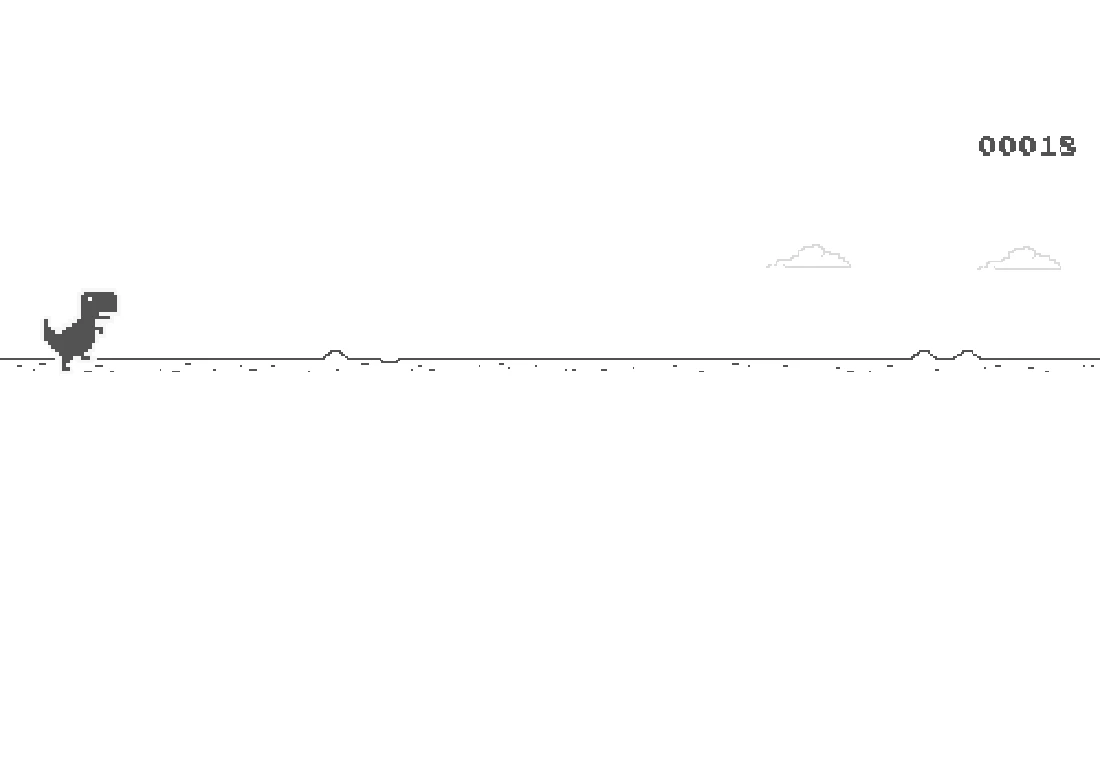
The extracted runner maps Space and Up to jump. Start with one of them and compare a few attempts using the same control. Look at the obstacle’s distance when you press, then at the dinosaur’s landing point. Changing controls and timing together can make a small improvement difficult to recognize.
Compare a brief press with a held jump
The implementation handles key-down and key-up during jumping. Use an early attempt to see how releasing changes the motion. Avoid assuming that every jump has the same arc regardless of your input. This note gives a practice method; it does not supply an exact number of milliseconds that will clear every obstacle sequence.
Read the landing area
After clearing one obstacle, look toward the next available ground. A jump taken too early can leave the dinosaur returning toward another obstruction. Keep the next decision in view instead of celebrating the first clearance with another immediate input. The runner’s changing approach makes observation more useful than repeating a single rhythm indefinitely.
Learn Down separately
Down ducks on the ground and is also used for a faster descent during a jump in the reviewed source. Try that behavior deliberately before making it part of an ordinary attempt. Enter is the mapped restart key after a crash when the restart state permits it. Touch handling is present in this extraction, but this guide does not claim a completed phone run.
Keep the host’s offline behavior in context
The repository extracts a game originally used on Chromium’s offline screen. Its published GitHub Pages copy is delivered by a website. Loading it successfully once does not prove it will reopen without a network. A bookmark to this guide, a score record and an active runner attempt also have different storage requirements.