KEEP IN MIND
- Read amount, cap and rate separately.
- Use a small change to identify its effect.
- Locate export before a long campaign.
- Read the exact reset warning.
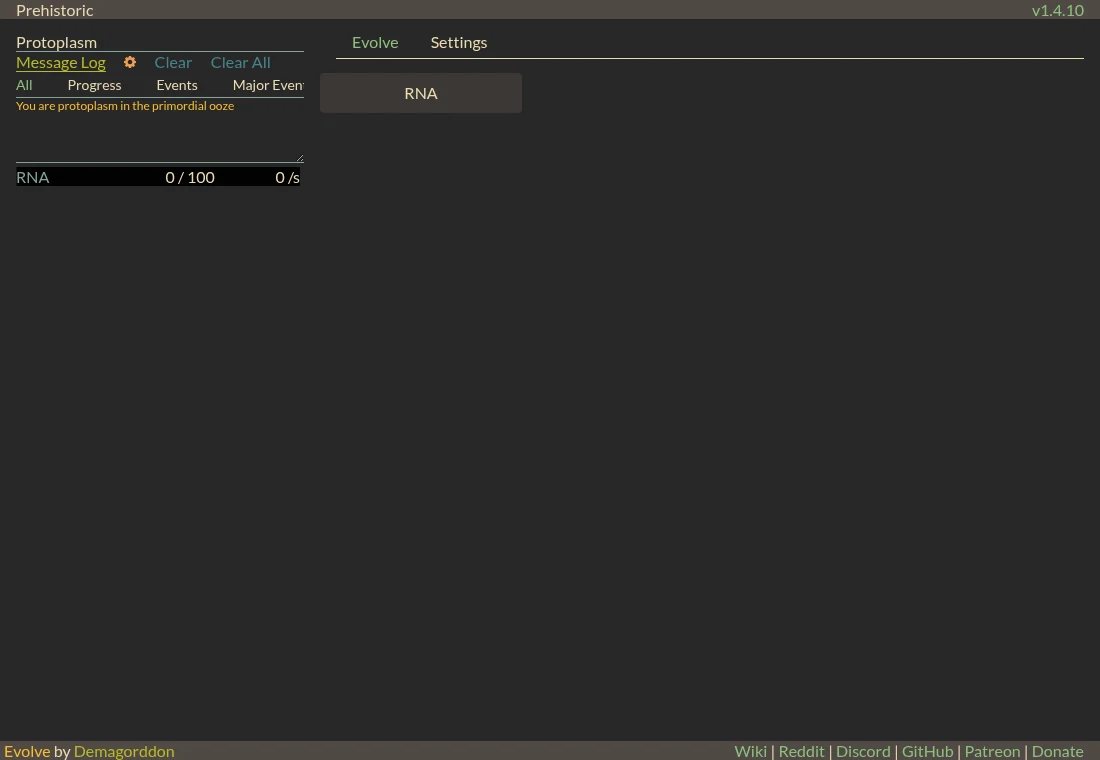
Begin with the visible RNA action
The captured opening identifies the player as protoplasm and offers an RNA action next to a resource panel. Use that small interface to learn where an action’s result appears. You do not need a late-game route before understanding the first counter. Keep the message log in view as new choices become available.
Ask which number is stopping you
An insufficient amount can call for more production or time. A full store points toward a capacity problem instead. A missing prerequisite asks for another action entirely. This is an editorial way to inspect a resource economy, not a claim that every Evolve purchase follows the same solution. Apply it to the specific row and requirement currently shown.
Change one allocation before several
The project describes substantial micromanagement alongside idle production. As systems open, make a small change you can observe before changing several jobs or upgrades together. Compare the panel before and after. If the result is surprising, you can identify the decision responsible instead of trying to untangle several simultaneous changes.
Learn the controls in Settings
The current Settings interface includes saving and import/export along with other options. Find them before the game becomes a long investment. A copied export needs a separate storage location to protect against a browser-data reset. Do not assume a development copy, another fork or a different device already holds the same campaign.
Keep resets separate from routine recovery
A destructive reset is not a loading fix or an ordinary save action. The visible warning distinguishes wiping progress from prestige. When you are stuck, first read the active requirement and resource limits. If you choose to explore a reset later, read its own retained-progress description and keep the earlier export.