KEEP IN MIND
- Begin with a small connected settlement.
- Arrows and WASD move the view.
- Pause before a detailed inspection.
- Save/Load uses one local game record.
Choose terrain you can inspect
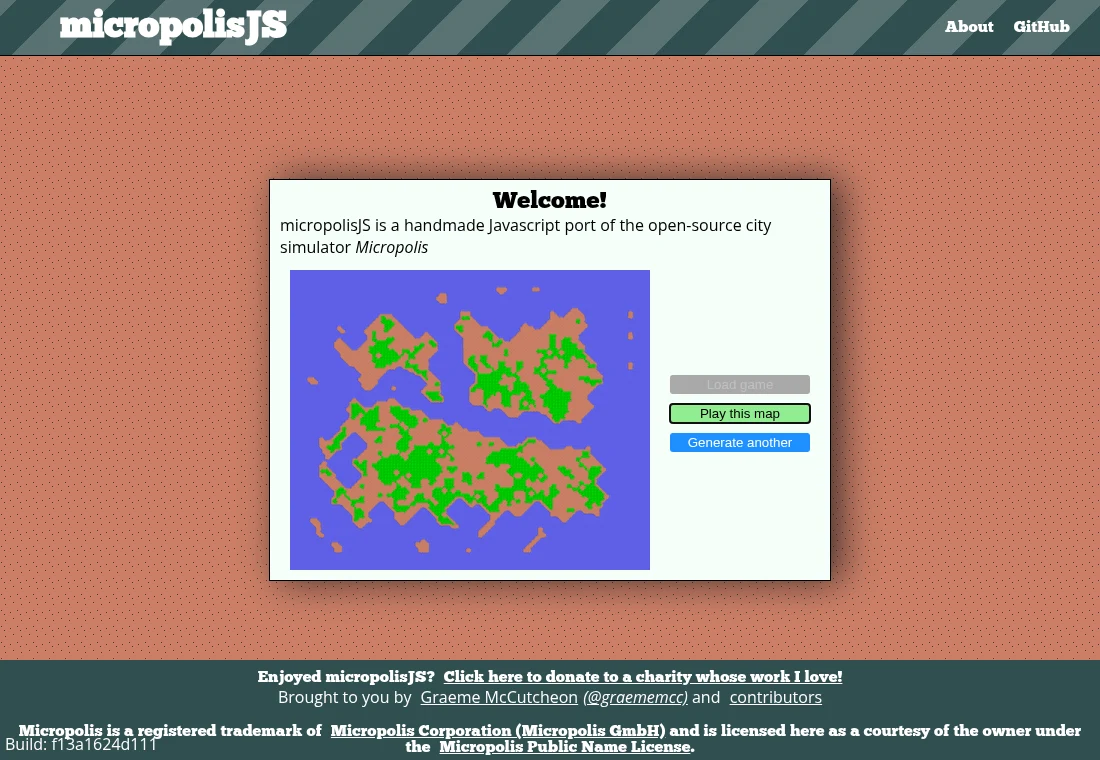
The opening interface lets you play the generated map or generate another. Begin with a layout whose buildable areas and water are easy to see. You are learning the simulation’s tools, so a first map does not need to support an ambitious finished city. The preview alone is a terrain screen, not evidence of a populated settlement.
Build a small connected area
Start with one part of the city and inspect the relationship between zones, roads and power. If growth stalls, check the nearby infrastructure before adding a distant district. Use the available inspection and budget views to learn what the simulation reports. A larger construction plan can multiply the same missing connection across several areas.
Separate panning from applying a tool
The source maps arrows and WASD to the map view. Pointer interaction applies the selected tool, including dragging where supported. After choosing a new tool, confirm what is active before clicking on an area you want to keep. Pause the simulation when you need to read the map and budget without continued changes.
Test the actual local save
The Save action writes one record under the micropolisJSGame localStorage key; the opening screen has Load game. Use a disposable city to check this path in your browser before relying on a long project. Keep the same HTTPS host and browser profile. A file-export or multi-slot system is not established in the reviewed implementation.
Respect the port’s identity
Graeme McCutcheon describes this as a handmade JavaScript/HTML5 port of Micropolis. Its GPL terms include additional notices, and the name has a separate licence. Micropolis is a registered trademark of Micropolis Corporation (Micropolis GmbH), used courtesy of the owner under the Micropolis Public Name License. The project links that licence and the owner in its own credits.