KEEP IN MIND
- Observe a barrier’s rotation before a large movement.
- Leave physical pointer room for a correction.
- Use a collision to identify one timing problem.
Read rotation as well as shape
Watch one nearby barrier long enough to identify which way its opening travels. The gap’s current location is only a starting point because the barrier continues moving toward you. Following the dark edge can be distracting; use the open region as your reference while keeping the next correction modest.
Begin with a neutral pointer position
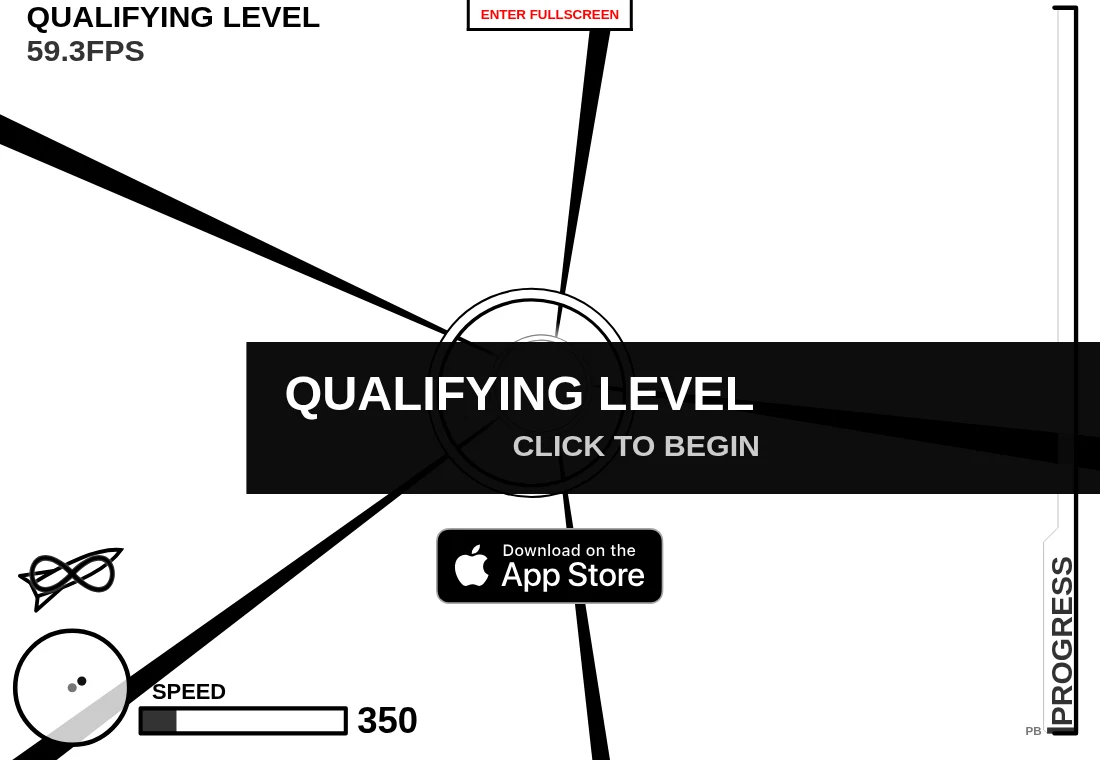
The qualifying prompt gives you a moment before play. Start with room to move across the playfield. A pointer already near a screen edge leaves less physical space for a correction. If the scene feels cramped, the host exposes a fullscreen button; learn the browser’s exit path before beginning a longer attempt.
Classify one collision
After a failed flight, ask whether the pointer moved too late, overshot the intended opening or followed a gap that rotated away. Change one habit on the next attempt. This cannot prescribe an exact path through every sequence, but it gives the restart a purpose and makes the game’s response easier to interpret.
Know which rewrite you opened
B. W. H. Mather describes a complete rewrite of Damien Clarke’s Flash game using SVG and JavaScript. A reference to the older Flash version explains the design’s lineage. It does not establish that the current SVG host needs Flash or uses the original program. The geometry library inside lib also has terms separate from the main AGPL project.
Set an interruption expectation
The reviewed project information does not document a persistent flight save. Treat a run as a continuous attempt and check the active interface before assuming it can be resumed after a refresh. Our captured qualifying screen confirms the initial interface, not completion of a level or performance on a particular device.