KEEP IN MIND
- Choose human, CPU or tutorial deliberately.
- Click the board, drag the piece, then confirm it.
- Keep secret placement private until the reveal.
- Check interruption behavior instead of assuming cloud resume.
Choose the session on the opening menu
The original menu offers vs. human, vs. CPU and tutorial. Use the tutorial to learn the input first. The human mode is local pass-and-play, so decide how to hand over the device privately. The CPU option provides a solo alternative; remote invitations and network matchmaking are not established by the reviewed project.
Read the tutorial’s purpose
The opening tutorial calls Radüm a game about distance and explains that players place pieces secretly, with positions determining the score. Read those instructions before interpreting the circular board through another game’s rules. A shared explanation is useful during practice; competitive choices should remain private when the game asks for them.
Complete all three placement actions
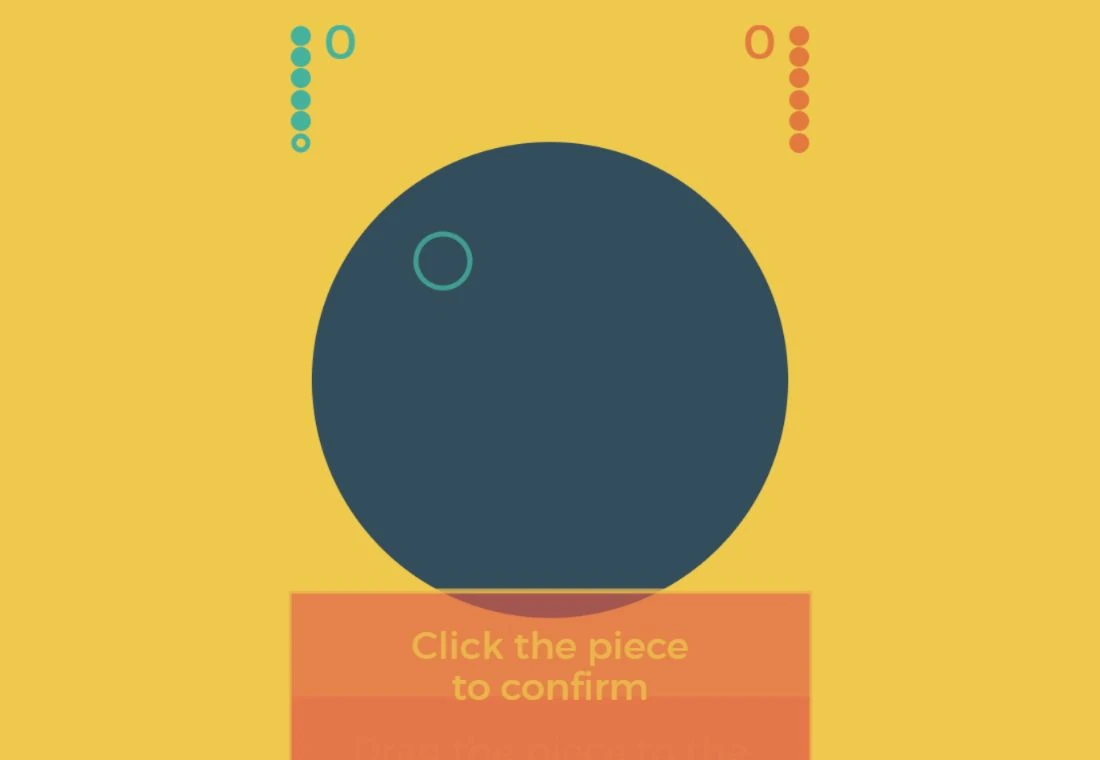
The checked tutorial first asks you to click the board, then drag the new piece into a highlighted zone, then click the piece to confirm. Follow the feedback at each step. A piece appearing on the board does not yet mean the confirmation stage has been completed. One placement and drag were exercised in our local preview of the unchanged original browser assets.
Separate private choices from shared results
Read the active player and current stage before handing over. Give the next player room to make a secret choice, and inspect the common score when it is revealed. Avoid simultaneous inputs on a shared screen. Touch handling is present in source, while a complete physical-phone round remains untested here.
Plan interruptions before the match grows
A long-lived portable match save is not established in the reviewed project information. Inspect the actual menu if an interruption matters. Until you have verified its behavior, plan a session both players can finish together. Saving this guide’s profile keeps the link, not the current arrangement of pieces.