KEEP IN MIND
- Begin with a compact scene and one question.
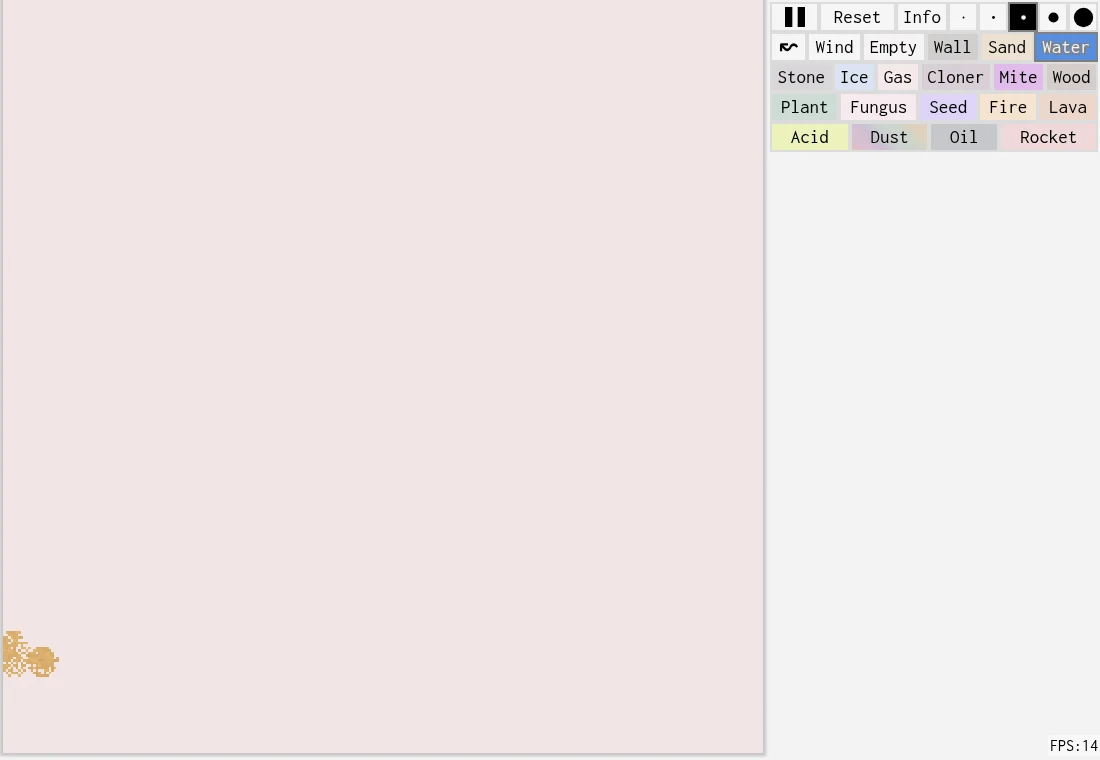
- Record the selected material and brush placement.
- Change one condition before comparing the result.
Ask one visible question
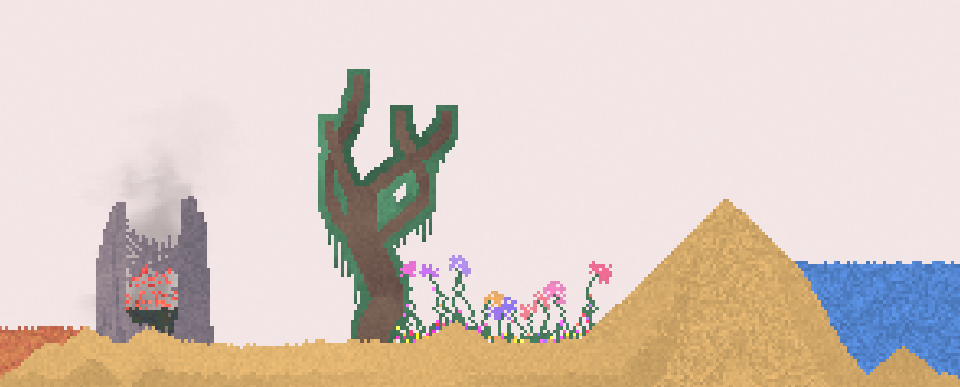
For a first exercise, choose a material from the active palette and observe how a small brush mark behaves. Keep the surrounding scene sparse. The goal is to recognize that material’s behavior in this implementation, rather than to infer a real-world law from a colorful animation. Sandspiel is a falling-sand cellular simulation.
Keep the starting arrangement readable
Use a small brush and a simple area so you can identify the initial placement. Pause through the workspace controls when you need to inspect it. Before changing the scene, note where the material began and what you expect to observe. These are suggested experiment steps, not a claim that we ran a measured trial.
Add the second condition deliberately
Introduce one other selected material or change one boundary, then observe the interaction. If you change both material and geometry at once, a different outcome has several possible causes. Repeat the simpler arrangement before adding a large decorative scene around it.
Distinguish a scene from its picture
A screenshot records appearance at one moment. A shared creation may provide a starting point another person can open and continue. The project describes sharing and forking as goals, but you should use and check the active host’s actual controls before relying on either. A picture alone does not retain the running simulation state.
Write a useful comparison
Record the host, materials, approximate placement and what changed between the two attempts. Describe what you saw without inventing temperatures, chemical identities or exact timings the interface did not measure. A brief, reproducible description is more useful than calling a scene realistic.
If the workspace does not render
The README identifies Rust compiled to WebAssembly, WebGL and JavaScript. A loaded page shell can therefore coexist with a failed simulation or graphics initialization. Keep the exact URL and error when reporting it. Avoid resetting a valuable scene while testing whether the drawing surface is working.
Read the originals.
Source documents checked . This records a documentation check, not the version deployed by an external game host.