KEEP THIS HANDY
Controls at a glance.
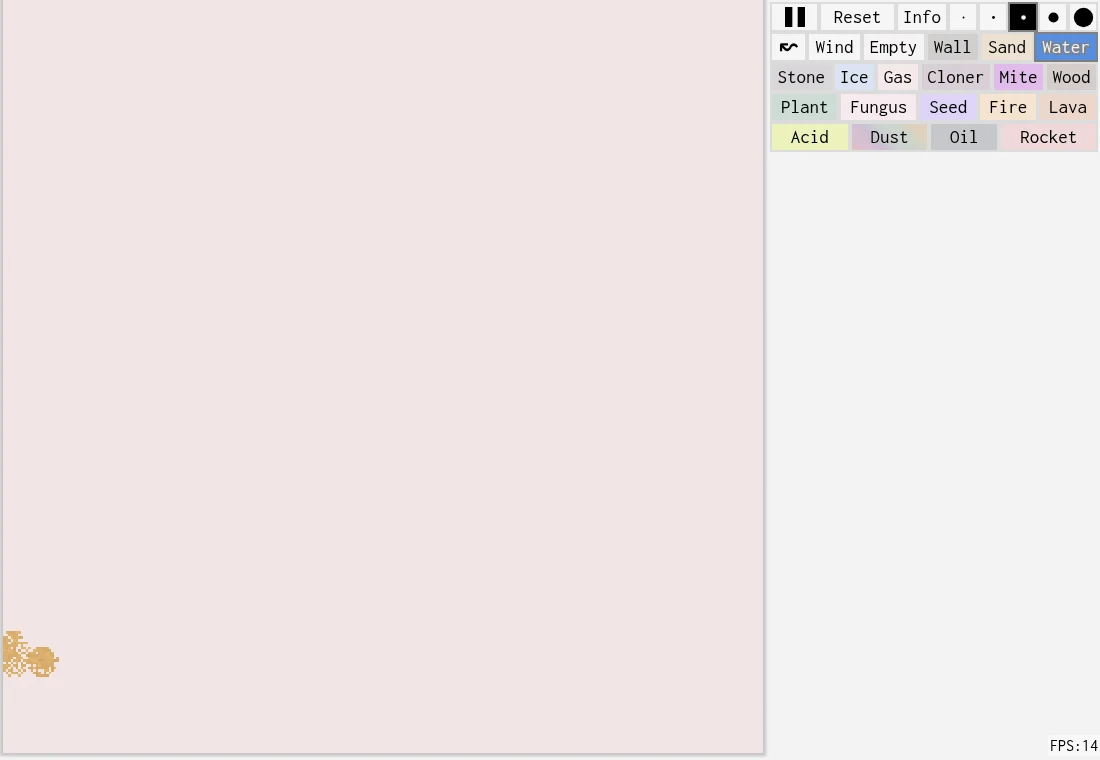
- Material palette
- Choose the substance you want to paint.
- Pointer / brush size
- Paint in the canvas and select a smaller or larger brush.
- Pause / Reset
- Pause the simulation to inspect a scene; Reset clears the workspace.
Keep the first experiment small
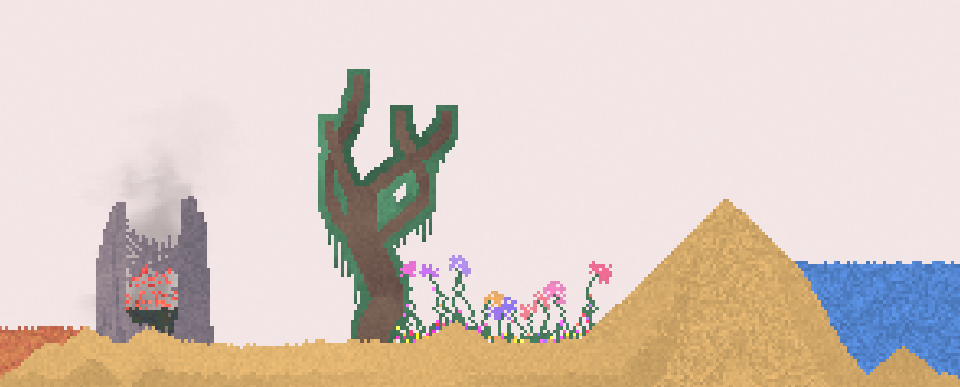
A container and a little sand are enough to begin. Watch how the material settles, then add a separate patch of water. A small scene makes it easier to see what changed. Filling the whole canvas immediately can hide the boundary between ordinary falling motion and a reaction between different materials.
Change one condition
Try the same pair of materials with a different position or amount. You are exploring the rules of a cellular simulation; the author describes sharing and forking creations as part of the platform. A repeatable little setup can be more informative than a large composition whose behavior is difficult to trace.
Separate the canvas from the community
The live host combines an interactive workspace with a platform for creations. Browsing a published scene, editing your own canvas and publishing work are different actions. Check the current interface before assuming a scene was saved or uploaded. The creator’s linked article explains the technical development for readers interested in how the pixels are simulated.
What happens to your progress?
The project supports sharing creations. A local autosave or offline guarantee is not established here; keep work through the host’s actual available controls.
Check the save and backup guide ↗A FEW USEFUL ANSWERS
Before the next click.
What counts as winning?
The project describes an environment for experiments and creations, with no fixed winning board documented here.
Is this just a video?
The linked host runs an interactive simulation. The images here are credited still illustrations.
A useful next read.
Sandspiel: build a small experiment you can read. ↗Follow the source.
Max Bittker and contributors; fluid simulation derived from Pavel Dobryakov’s work. Licence notice. MIT project; dependency notices apply.
Latest collected source change: Load admin allowlist from optional local module (opens a new tab) . Repository activity does not identify the hosted game version.
All media and source credits ↗