KEEP THIS HANDY
Controls at a glance.
- Pointer and building toolbar
- Choose a building and place it on the map.
- Conveyor direction
- Check the belt’s orientation and its connection to the receiving building.
- Settings / key bindings
- Read the active build’s shortcuts; demo customization can be restricted.
Start with a complete line
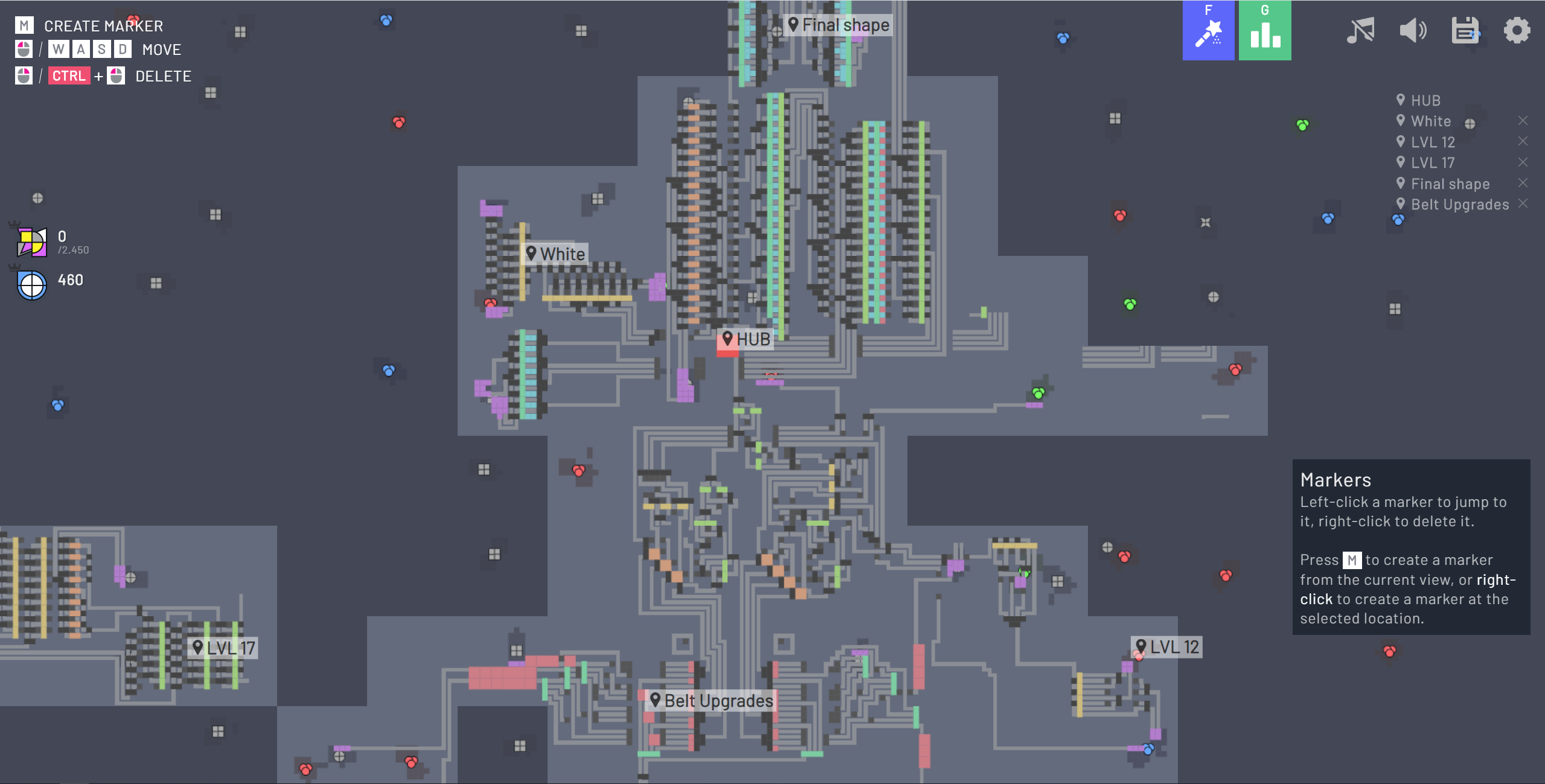
The original tutorial introduces extraction, conveying and expansion in that order. Follow one shape from its source into the hub. If the delivery does not register, inspect where the moving pieces stop. An empty belt near the extractor and a full belt at the hub suggest different problems. Adding another source will not repair a disconnected final segment.
Add a processor when the requested shape needs one
The project’s core transformations include cutting, rotation, merging and painting. Learn what a single processor outputs before combining several. When cutting is introduced, its outputs and unwanted pieces affect the rest of the line. Trace each branch separately so a blockage does not look like a slow extractor.
Keep the demo and later games distinct
The README labels this host an Online Demo. The full original game, its community edition and shapez 2 are separate releases. The newer game’s trains, fluids and multi-layer factory features should not be assumed to exist in this browser demo. The original repository also states that active development has moved elsewhere.
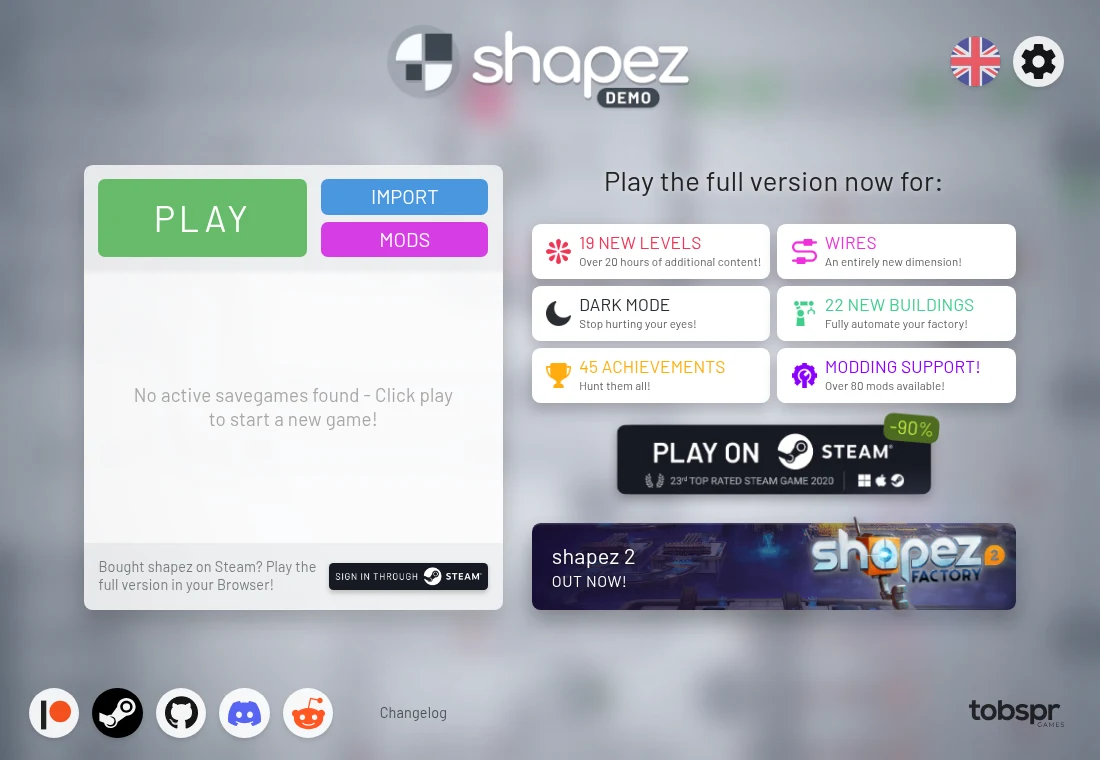
What happens to your progress?
The menu exposes save/import functions, but demo restrictions apply. Verify the active build’s options before relying on transfer.
Check the save and backup guide ↗A FEW USEFUL ANSWERS
Before the next click.
Is the whole paid game free here?
The project calls the linked browser page a demo, and its title screen advertises the full version separately.
Why is a conveyor full but deliveries have stopped?
As a diagnostic step, trace the final connection and the receiving building’s requirements. A blocked destination can back up a working upstream line.
A useful next read.
shapez: make one extractor reach the hub. ↗Follow the source.
Tobias Springer / tobspr Games and shapez contributors. Licence notice. GPL-3.0 code; artwork and dependencies have separate notices.
Latest collected source change: Improve build process on macOS (opens a new tab) . Repository activity does not identify the hosted game version.
All media and source credits ↗