KEEP IN MIND
- Check the exact requested shape.
- Follow one piece from extractor to hub.
- Repair the stopped connection before increasing production.
- Read demo restrictions before planning a long factory.
Read the hub’s request
Start with the shape the hub currently asks for. Locate a matching resource patch and use the opening tutorial’s extractor. A factory with several busy belts can still produce the wrong thing, so keep the requested shape visible as the reference for your first small line. This guide concerns the original shapez browser demo.
Connect the output to its destination
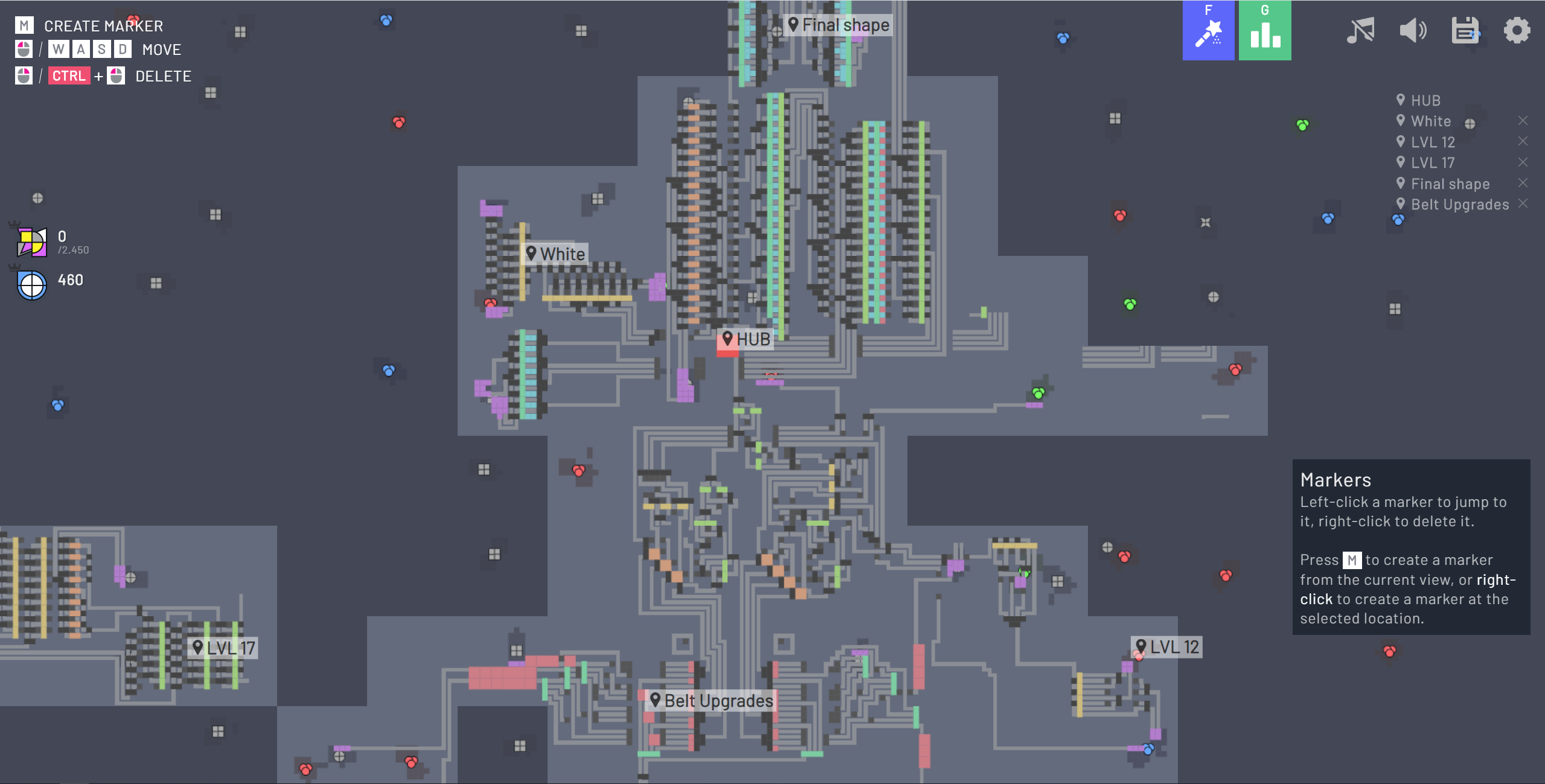
The original interactive tutorial introduces an extractor, then detects a conveyor path connected to the hub, and only afterward asks for expansion. Follow that order. Inspect the direction of every belt, especially the final segment. Watch a shape leave the extractor and arrive at the hub instead of assuming that two nearby buildings are connected.
Diagnose the place where flow stops
If the first belt stays empty, inspect the extractor’s placement and output. If pieces move and collect at a later point, inspect the next connection and receiver. A full upstream line can be the result of a blocked destination. Adding more extractors at that moment increases the queue without repairing the break.
Learn cutting with one branch at a time
Later processing requests introduce cutting and other transformations. Examine what a processor accepts and what leaves each output. Unwanted pieces can need their own route, and a blocked output can affect the rest of a line. Build a small example whose flow you can follow before duplicating a large production arrangement.
Check the demo’s actual save options
The title screen labels this host a demo and offers the full original game separately. Save/import controls exist in the interface, while demo restrictions apply to features such as game slots and key-binding customization. Keep a backup through the controls actually available to your build. Features advertised for shapez 2 belong to a separate game.