KEEP THIS HANDY
Controls at a glance.
- Pointer / tool buttons
- Select a construction or inspection tool and apply it to the map.
- Arrow keys / WASD
- Move the map view; these keys do not move a player character.
- Pause button
- Pause the city simulation.
- Save / opening Load game
- Store and reopen this host’s local game when browser storage is available.
Keep the first city legible
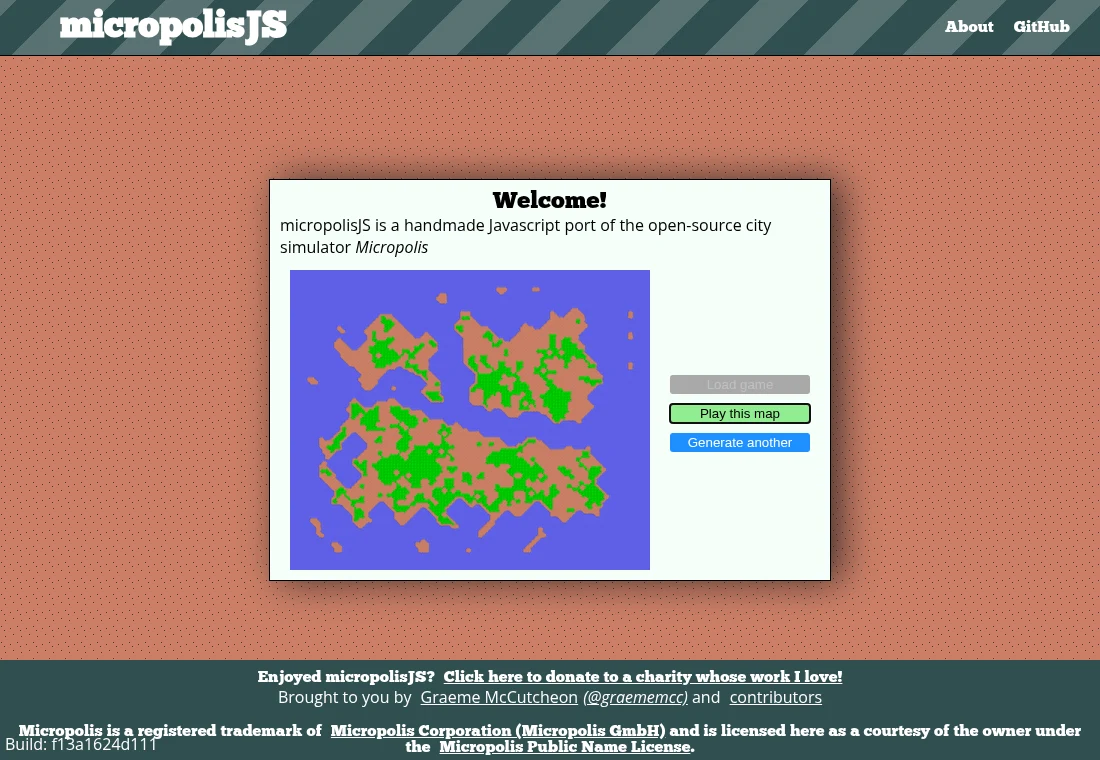
A small settlement gives you fewer connections to inspect when growth stalls. Use the map’s tools to understand zoning and the infrastructure around it. Before building a distant district, check whether the existing area has the connections it needs. Treat the first city as a practice map where construction and inspection tools can be learned together.
Navigate the map and use tools separately
The source binds arrow keys and WASD to view movement. Pointer clicks and dragging apply the selected tool. That distinction matters when a key appears to move the scene while a tool remains active. Pause lets you inspect the city without the same pressure from a running simulation.
Understand the local save and the project name
The implementation saves a single game record under its local browser-storage key. Keep the same host and browser profile when returning. The source combines GPL terms with additional notices and the Micropolis Public Name License. Micropolis is a registered trademark of Micropolis Corporation (Micropolis GmbH), used courtesy of the owner under that name licence; this guide is independent of the owner.
What happens to your progress?
Save writes one localStorage game record; Load is available from the opening interface. No file-export menu is established here.
Check the save and backup guide ↗A FEW USEFUL ANSWERS
Before the next click.
Is this a current commercial SimCity release?
It is the specific open-source Micropolis JavaScript port described by its maintainer.
Can I download several city save files?
The reviewed storage code writes one local game record. A multi-slot file-export feature is not established by this guide.
A useful next read.
micropolisJS: inspect one small city before expanding. ↗Follow the source.
Graeme McCutcheon and contributors; Micropolis is a registered trademark of Micropolis Corporation (Micropolis GmbH), used courtesy of the owner under the Micropolis Public Name License. Licence notice. GPL-3.0 with additional terms and the Micropolis Public Name License.
- Project lineage and licences
- Map navigation and tool input
- Local game storage
- Micropolis Public Name License
- Trademark owner
Latest collected source change: Ensure Microplis Public Name License link works on Github pages (opens a new tab) . Repository activity does not identify the hosted game version.
All media and source credits ↗