KEEP IN MIND
- Check the requested shape before expanding.
- Trace extractor, belt and receiving connection in order.
- Confirm delivery at the hub before copying the line.
Begin with the current goal
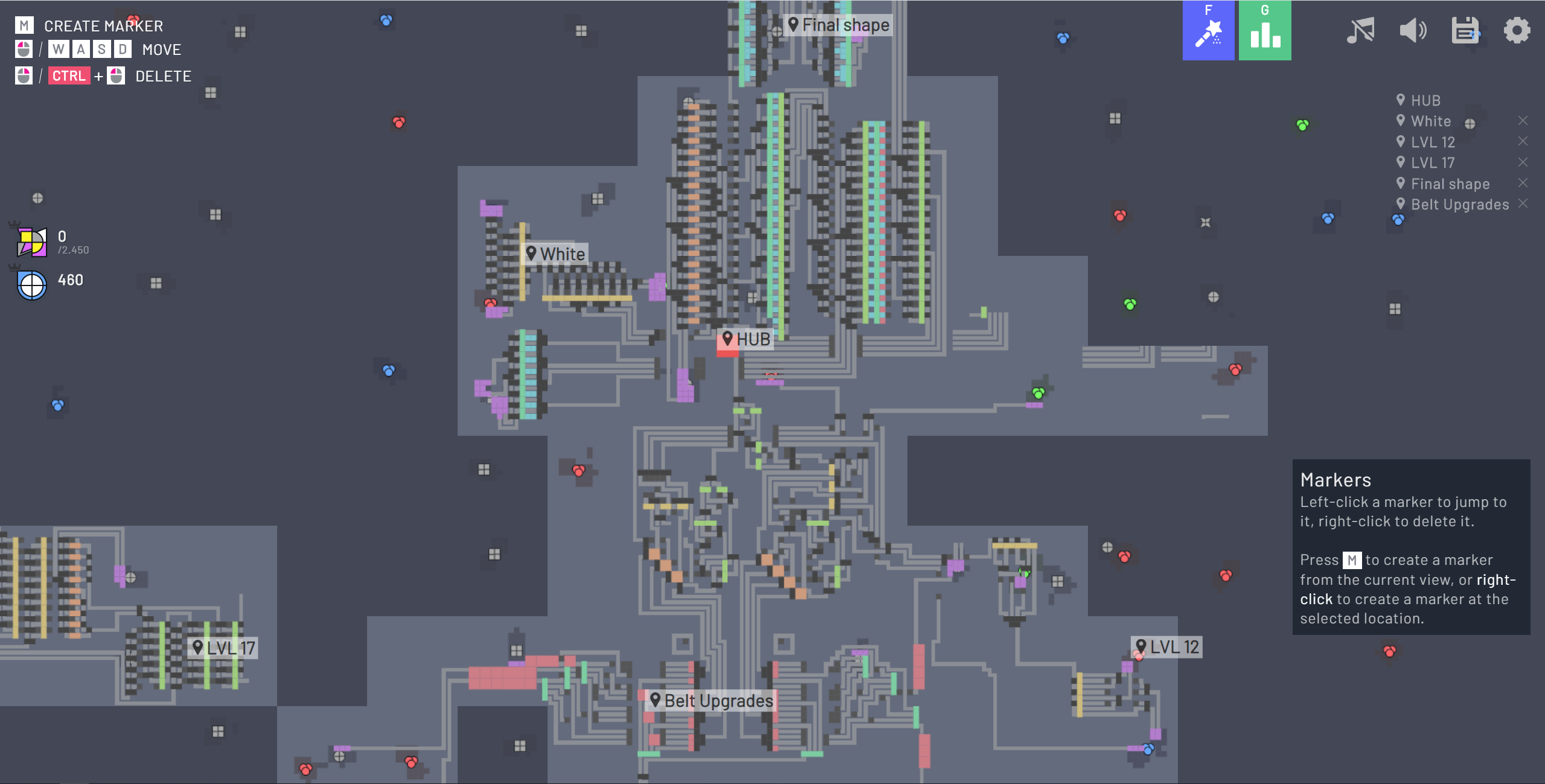
Read the hub’s requested item and inspect the item you are producing. A moving belt proves movement, while the goal counter tells you whether the delivered item contributes to the active request. Start with the first tutorial task before applying advice about later machinery; the demo may not expose the same features as another edition.
No items leave the extractor
Inspect the building’s position on the resource patch, then the output and first belt. Keep the rest of the line still while checking this small segment. The upstream opening tutorial checks for a miner and then for its connection to a belt path reaching the hub. A decorative-looking line alongside a building is not necessarily a connected output.
Items move, then stop at a junction
Follow the last moving item to the first stationary one. Check the direction and receiving connection immediately ahead. Rebuild that short segment before adding more extractors. This is an editorial troubleshooting order: adding supply upstream cannot by itself repair a missing receiving connection downstream.
A cutter changes the routing problem
The reviewed tutorial introduces a cutter and a trash building at the next stage. Follow both outputs and decide where each stream belongs. If the next building needs only one output, inspect what happens to the other. Do not copy a later factory blueprint before understanding this small split.
Only scale a line that delivers
Wait for the intended delivery to register, then duplicate the functioning route if the active build permits it. Watch the shared receiving path after the expansion. This guide makes no items-per-second promise: a rate needs the actual building level, connections and observed running build, which a source tutorial alone does not establish.
Keep demo limits separate from a broken factory
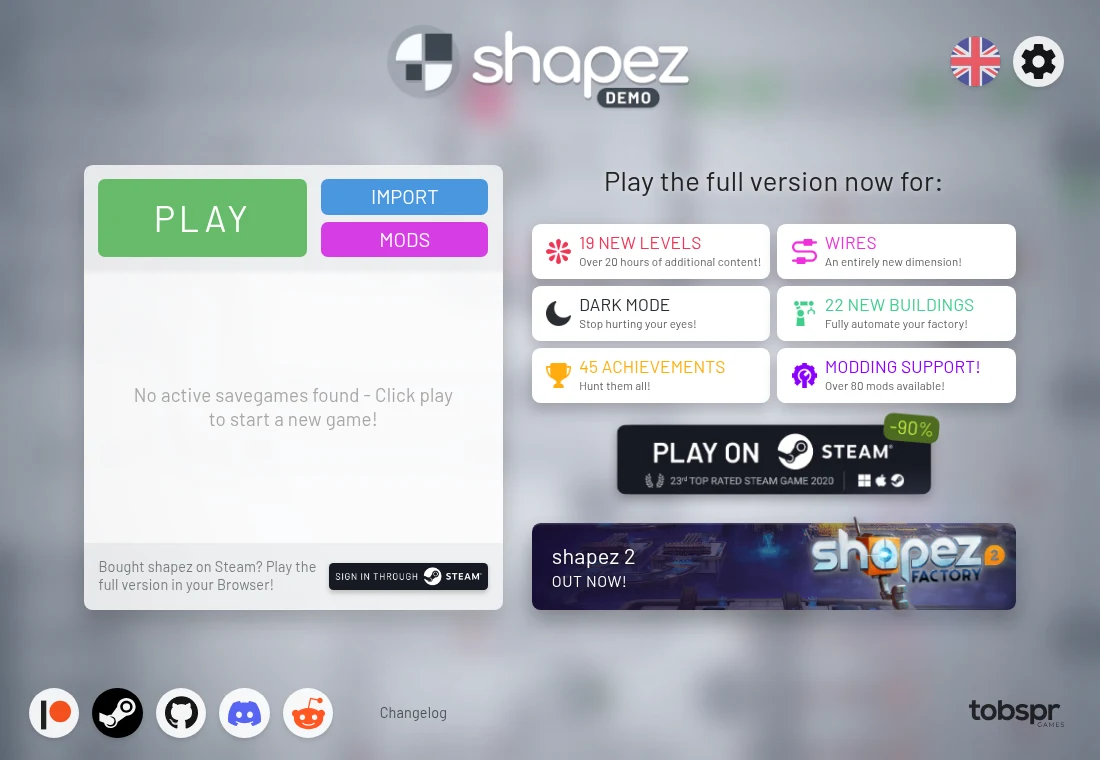
Read the active menu and its save/import options before making a large investment. A restricted shortcut or unavailable feature can belong to the demo edition. Record that edition and the exact host when comparing instructions, rather than assuming the desktop game and web demo are identical.
Read the originals.
Source documents checked . This records a documentation check, not the version deployed by an external game host.