KEEP IN MIND
- Check the player’s standing square for the final push.
- Avoid unmarked wall corners.
- Keep shared corridors open until they are no longer needed.
- Optimize moves after finding an understandable solution.
Start from the last push
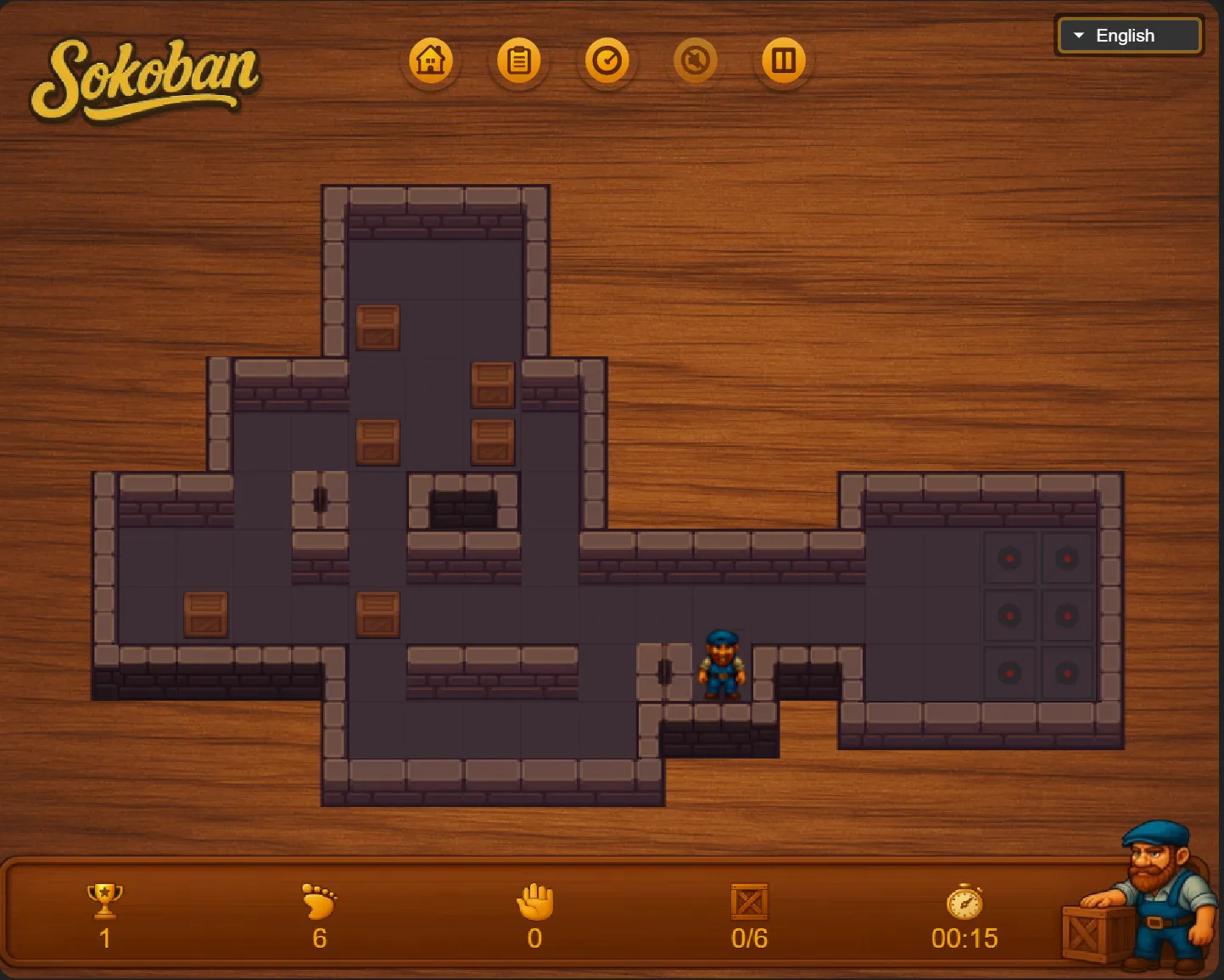
Choose a goal and imagine a box one square away. To make the final push, the player must stand one square farther behind it. Check both squares before planning the earlier route. If the player’s standing square is a wall or cannot be reached, that approach will not work even when the box’s path looks clear.
Recognize an ordinary corner deadlock
A box against two perpendicular walls cannot be moved away by pushing. If the corner is not a goal, committing the box there blocks a solution under the ordinary rules. Mark such positions mentally before making the first push. A goal in a corner is different: the box can finish there, but only after everything that needs the surrounding route has passed.
Keep a shared passage available
Imagine two boxes that both need the same narrow corridor. Placing the first one on a convenient goal may block the second one’s approach. Ask which box must go farther through the passage, and whether the player can still get around it afterward. This is an editorial planning technique; the particular order depends on the board.
Separate walking from pushing
Walking changes the player’s location; pushing changes the puzzle’s constraints. Before each push, take time to walk around and inspect the other side if the layout allows it. A few extra walking moves can reveal that a box is about to obstruct an essential standing square. Once you understand a solution, return to reduce unnecessary movement.
Use this implementation’s level controls
The linked project documents 50 levels, level selection and automatic progress saving. Its arrow keys and virtual directional buttons offer two documented ways to move. Begin with a small layout rather than treating the whole level list as a required sequence. Keep the same host and browser profile for stored progress; this guide does not establish save export.