KEEP IN MIND
- Space starts and fires.
- Arrows move; the host also documents touch controls.
- P pauses and resumes the current run.
- Keep an escape lane while choosing where to fire.
Learn the movement in the opening wave
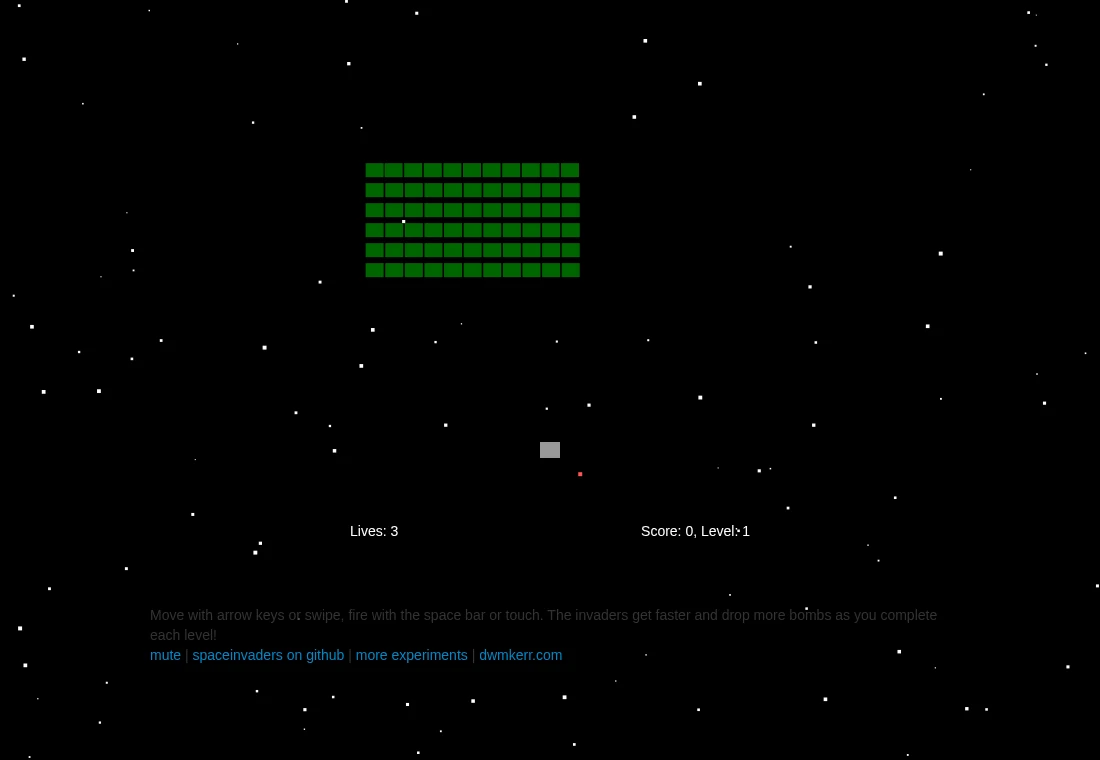
Use Space to start and the arrow keys to move horizontally. Make a short movement first so you can see how quickly the ship responds. The host also documents swipe movement and touch firing. Those documented controls establish an input path, while comfort and reliability on a specific phone still need a real device check.
Choose a lane with an escape
As a beginner’s exercise, choose a firing position with open space on at least one side. Watch the nearest falling bomb as well as the invaders above. A good shot is less useful if you remain under incoming fire while waiting for it. Move into a new lane early enough to avoid a hurried correction near the edge.
Observe the next wave before repeating a habit
The host explains that later levels increase invader speed and bomb activity. A long stationary firing position can become less comfortable as the scene changes. Use each restart to learn one part of the movement: leaving an edge, crossing an open lane or recognizing a bomb’s approach. No single route through all waves is prescribed here.
Use P when you need to stop
The source implements P by entering a pause state; P again leaves it. Learn this while the opening is manageable. Pausing keeps the current tab in a paused game state, but does not establish that a refresh, browser restart or cleared storage will restore the run. There is no documented campaign-export promise in this guide.
Identify the recreation when asking for help
This is Dave Kerr’s JavaScript and Canvas version. Include its exact host when reporting a problem because other Space Invaders games use different inputs and rules. The project’s MIT implementation and separately credited sound effects should also be distinguished when reading its source or considering reuse.