KEEP IN MIND
- Locate the editable region first.
- Predict what one change should do.
- Execute and compare the result.
- Toggle focus when keys reach the wrong panel.
Find what the level lets you edit
The project describes levels that are initially unbeatable, with most of the generating code locked. Locate an editable region and read the surrounding code before changing it. The restriction is part of the challenge: you need to work with the tools left available by that level. Later solutions are deliberately left out of this note.
Connect a line to the playfield
Choose one editable statement and predict which object, route or behavior it influences. Make a small change and use Execute. Then compare the generated result with your prediction. If several unrelated values change at once, it can be harder to understand why a path opened or why the level rejected the edit.
Open the local API reference
The interface labels an API button and Ctrl+1. Use that reference when you need to understand a command available to the level. The game’s own methods belong to its puzzle environment. Familiarity with ordinary JavaScript helps, but a guessed method from another game will not necessarily exist here.
Check focus before debugging movement
Ctrl+2 or Toggle Focus switches between the editor and the playfield. If arrow keys move a text cursor, that is a focus clue rather than proof that the level’s character is broken. Execute and Reset also have visible buttons, with Ctrl+5 and Ctrl+4 labelled as shortcuts. Browser shortcut conflicts can make the visible buttons the clearer option.
Preserve the discovery and the credits
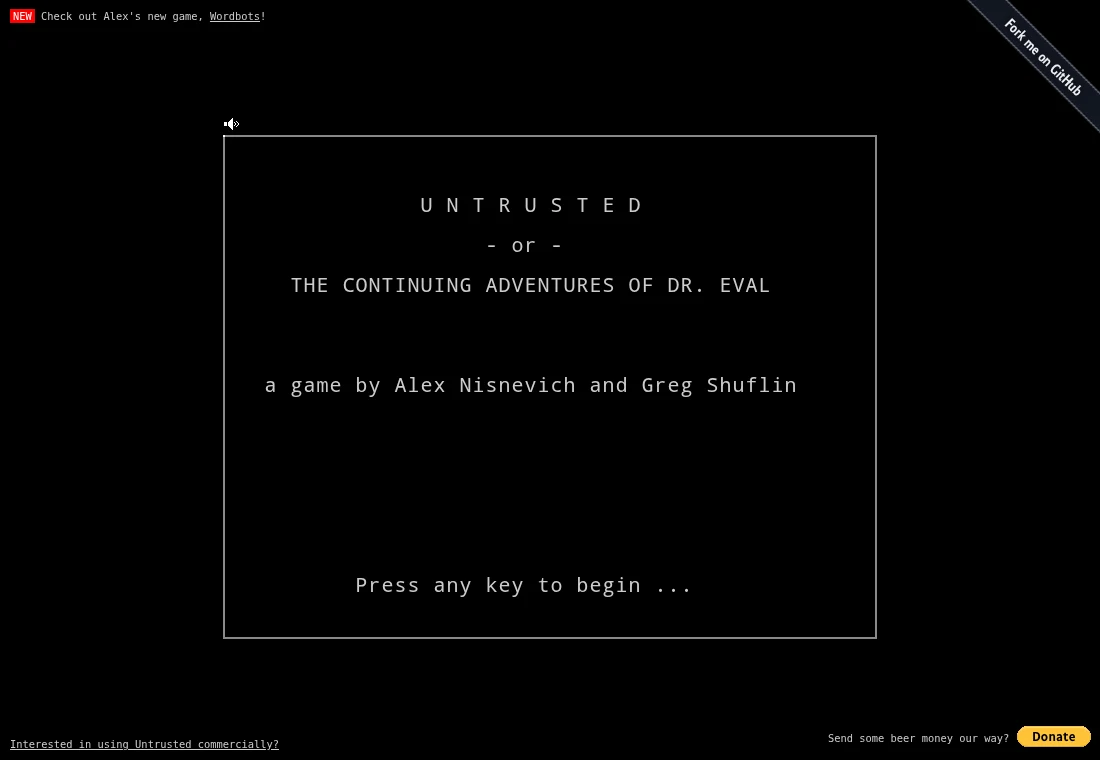
The game is by Alex Nisnevich and Greg Shuflin. Its code records browser-local progress, so keep the same host and profile when returning. The README applies non-commercial share-alike terms to the game, with separate commercial code arrangements and individual soundtrack notices. This guide links the authors’ host and does not redistribute their music.