KEEP THIS HANDY
Controls at a glance.
- Left / Right or A / D
- Rotate the rocket.
- Up / W
- Accelerate.
- Space / Control / Enter
- Fire the lasers.
How the game works
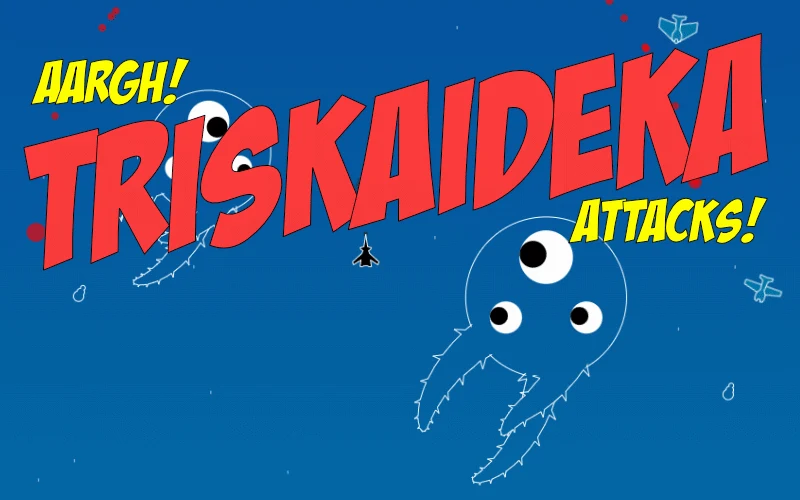
On a keyboard, turn with left and right or A and D, accelerate with Up or W, and fire with Space, Control or Enter. Rotation and thrust are separate actions.
A decision to watch
The horde mode has a displayed score and can be entered from the story controls. The creator describes returning to the story at the point where it was left.
Try a first session
A standard gamepad is also documented, with different steering behavior for the analog stick and directional buttons. Learn one steering method before comparing them.
What happens to your progress?
A portable save or mid-run resume is not established by the reviewed instructions. Check the game’s own menu before clearing its browser data.
Check the save and backup guide ↗A FEW USEFUL ANSWERS
Before the next click.
Is there a mode beyond the story?
The game also has an endless horde mode with a displayed score. The creator describes returning to the story where it was left.
Can I use a gamepad?
A standard gamepad is documented. Analog-stick steering and directional-button steering behave differently.
A useful next read.
Action games: find the threat before pressing fire ↗Follow the source.
Christoph Schansky. Licence notice. MIT code licence as reported by GitHub; original media rights are separate.
Latest collected source change: Update README.md (opens a new tab) . Repository activity does not identify the hosted game version.
All media and source credits ↗