KEEP THIS HANDY
Controls at a glance.
- WASD / arrows
- Move through the room.
- J
- Attack at close range.
- Space
- Dash; allow for its refresh.
How the game works
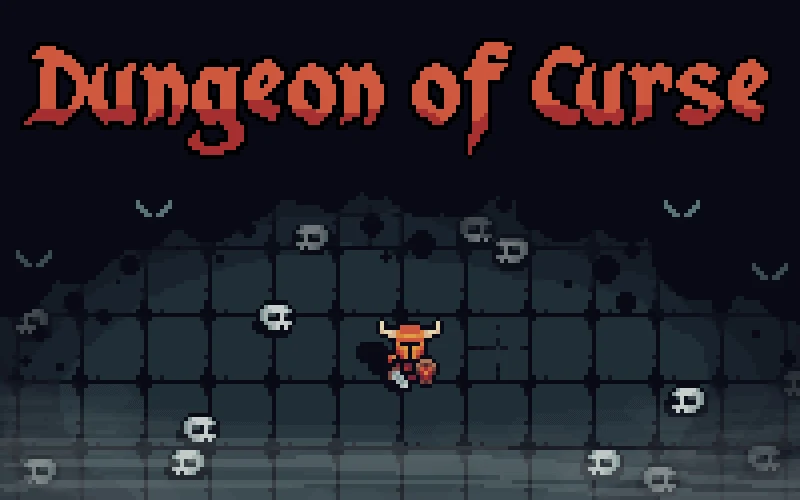
Each room gives the player a short time to defeat enemies and find a way out. The visible countdown makes a room’s exit a useful thing to locate early.
A decision to watch
The creator documents a dash that takes time to refresh. Keep an eye on that indicator rather than assuming it will be available again immediately after use.
Try a first session
Use WASD or the arrows to move, J to attack and Space to dash. Enter starts the game and Escape returns to the main menu in the submitted build.
What happens to your progress?
A portable save or mid-run resume is not established by the reviewed instructions. Check the game’s own menu before clearing its browser data.
Check the save and backup guide ↗A FEW USEFUL ANSWERS
Before the next click.
How long do I have in a room?
The room challenge uses a thirteen-second countdown while you fight enemies and look for the exit.
Can I dash repeatedly without waiting?
The creator documents a refresh period for the dash, so check its indicator after using it.
A useful next read.
Action games: find the threat before pressing fire ↗Follow the source.
Himanshu Bisht. Licence notice. No code licence was identified by GitHub; consult the creator’s repository; original media rights are separate.
Latest collected source change: Controller fix (opens a new tab) . Repository activity does not identify the hosted game version.
All media and source credits ↗